
AWS 011: Virtual machines and containers
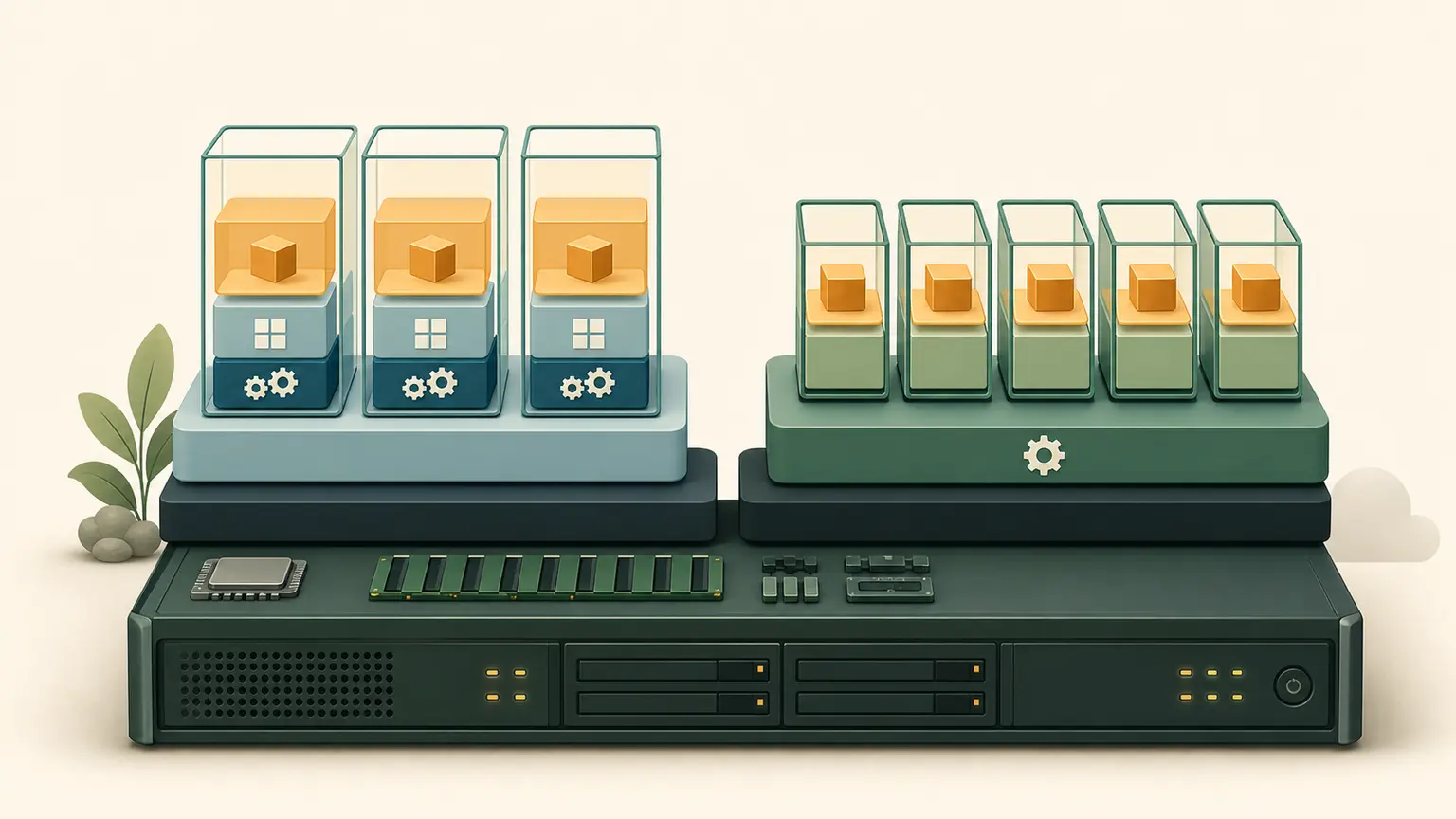
The problem
A team packages a web application in a container and concludes that it no longer needs compute capacity, operating-system security, networking, storage, monitoring, or patching. Another team creates a separate virtual machine for every small process and accepts slow deployment and poor utilization.
Virtual machines and containers solve different isolation and packaging problems. Neither removes the underlying infrastructure or the customer's workload responsibilities.
Learning outcomes
You will be able to:
- distinguish a physical host, virtual machine, container, image, and running workload;
- explain the isolation boundary of a VM and a typical Linux container;
- compare startup, density, portability, security, and operations;
- explain how EC2, ECS, and Fargate change responsibilities;
- select a compute model from workload requirements.
Virtual machines
A hypervisor presents virtual hardware to a guest operating system.
Physical host
└── Hypervisor
    ├── VM A
    │   ├── Guest operating system
    │   └── Applications
    └── VM B
        ├── Guest operating system
        └── Applications
Each VM normally has its own guest kernel, virtual CPU, memory allocation, network interfaces, and virtual block devices. This provides a strong and familiar machine boundary, but every guest OS requires configuration, patching, monitoring, and capacity.
An Amazon EC2 instance is a virtual server. The selected instance type determines its compute, memory, storage, and network capability. The customer controls the guest OS and installed applications.
Containers
A container packages an application and its user-space dependencies while using operating-system isolation mechanisms. On a typical Linux container host, containers share the host kernel.
Physical or virtual host
└── Host operating system and kernel
    └── Container runtime
        ├── Container A: app plus dependencies
        └── Container B: app plus dependencies
Containers are processes, not tiny virtual machines. Namespaces can isolate views of processes, networking, mounts, users, and other resources. Control groups can account for and limit CPU, memory, and other use.
A container image is an immutable package used to start containers. A running container adds runtime state. Important data should use an intentional persistent-storage design rather than relying on an ephemeral writable layer.
The boundary depends on the platform
Do not apply "all containers share one kernel" blindly to every managed platform. AWS Fargate runs ECS tasks in hardware-virtualized isolation and AWS manages the compute infrastructure. Customers still manage the container image, application, task permissions, network configuration, data protection, logging, and other workload settings.
With ECS on customer-managed EC2 capacity:
- AWS manages the ECS control plane and underlying AWS infrastructure;
- the customer also manages the EC2 guest OS, container agent, capacity, patching, and host configuration.
With ECS on Fargate:
- AWS provisions and patches the task compute infrastructure;
- the customer does not administer the host OS;
- the customer retains application and workload responsibilities.
Comparison
| Consideration | Virtual machine | Container |
|---|---|---|
| Packaged boundary | Guest OS plus applications | Application plus user-space dependencies |
| Kernel | Per VM | Commonly shared with host; platform isolation varies |
| Startup | Commonly slower | Commonly faster |
| Density | Lower because every VM includes an OS | Often higher |
| OS control | High | Host control depends on platform |
| Portability | VM image and platform compatibility | Image format helps, but runtime, CPU, kernel, storage, and network still matter |
| Isolation | Hardware-virtualized VM boundary | OS or platform-specific isolation |
| Persistent data | Attached or network storage | Explicit volume or external service |
| Orchestration | VM scaling and management | Scheduler handles placement, health, scaling, and deployment |
Measure your workload. These are tendencies, not performance guarantees.
Local inspection
This activity changes nothing.
mkdir -p "$HOME/nitwings-aws/evidence/aws-011"
uname -srm
ps -p 1 -o pid,comm,args
uname -srm displays kernel name, release, and architecture. ps inspects process 1, which often identifies the init system or container entry process.
If available:
command -v systemd-detect-virt
systemd-detect-virt
command -v checks whether the tool exists. systemd-detect-virt reports known virtualization or container environments, but none is not proof of physical hardware and detection is not a security boundary.
Save evidence:
{
  uname -srm
  ps -p 1 -o pid,comm,args
  command -v systemd-detect-virt || true
} > "$HOME/nitwings-aws/evidence/aws-011/runtime-inspection.txt"
|| true prevents an absent optional command from making this read-only evidence collection fail.
Decision exercise
Create compute-model-decisions.md and evaluate:
- A legacy licensed application requires a supported full OS, kernel setting, and vendor agent.
- Fifty small stateless APIs need fast, repeatable deployment and independent scaling.
- A security appliance requires a vendor VM image.
- A batch worker has no host requirement and should run without operating a server fleet.
For each, record:
- VM, container, or requirements insufficient;
- required isolation;
- host or OS control;
- state and storage;
- startup and scaling;
- patch owner;
- rejected alternative.
Expected direction: 1 and 3 favor VMs; 2 favors containers; 4 favors managed container or serverless compute. Exact AWS service selection comes later.
Common failures
| Mistake | Correction |
|---|---|
| Treating an image as a running workload | An image is the start package; a VM or container is a runtime instance |
| Storing important data only in a container layer | Design persistent storage and recovery |
| Assuming container means secure | Harden image, runtime, identity, network, secrets, and supply chain |
| Assuming container means portable everywhere | Validate architecture, runtime, kernel, storage, and service dependencies |
| Choosing orchestration before understanding the application | Define process, health, state, network, deployment, and scaling first |
Knowledge check
- What major component does every VM normally have that typical containers share with a host?
- Is a container image the running container?
- Who patches an ordinary EC2 guest OS?
- Does Fargate remove customer responsibility for the application?
- Why should state be externalized for replaceable containers?
Expected answers: a guest kernel; no; the customer; no; replacement and horizontal scaling must not destroy required data.
Completion gate
Pass when runtime-inspection.txt and compute-model-decisions.md exist, all four decisions are defended, and you can explain the responsibility difference between ECS on EC2 and ECS on Fargate.
No AWS resources were created.