
AWS 017: Linux processes, services, logs, permissions, and package-management refresher
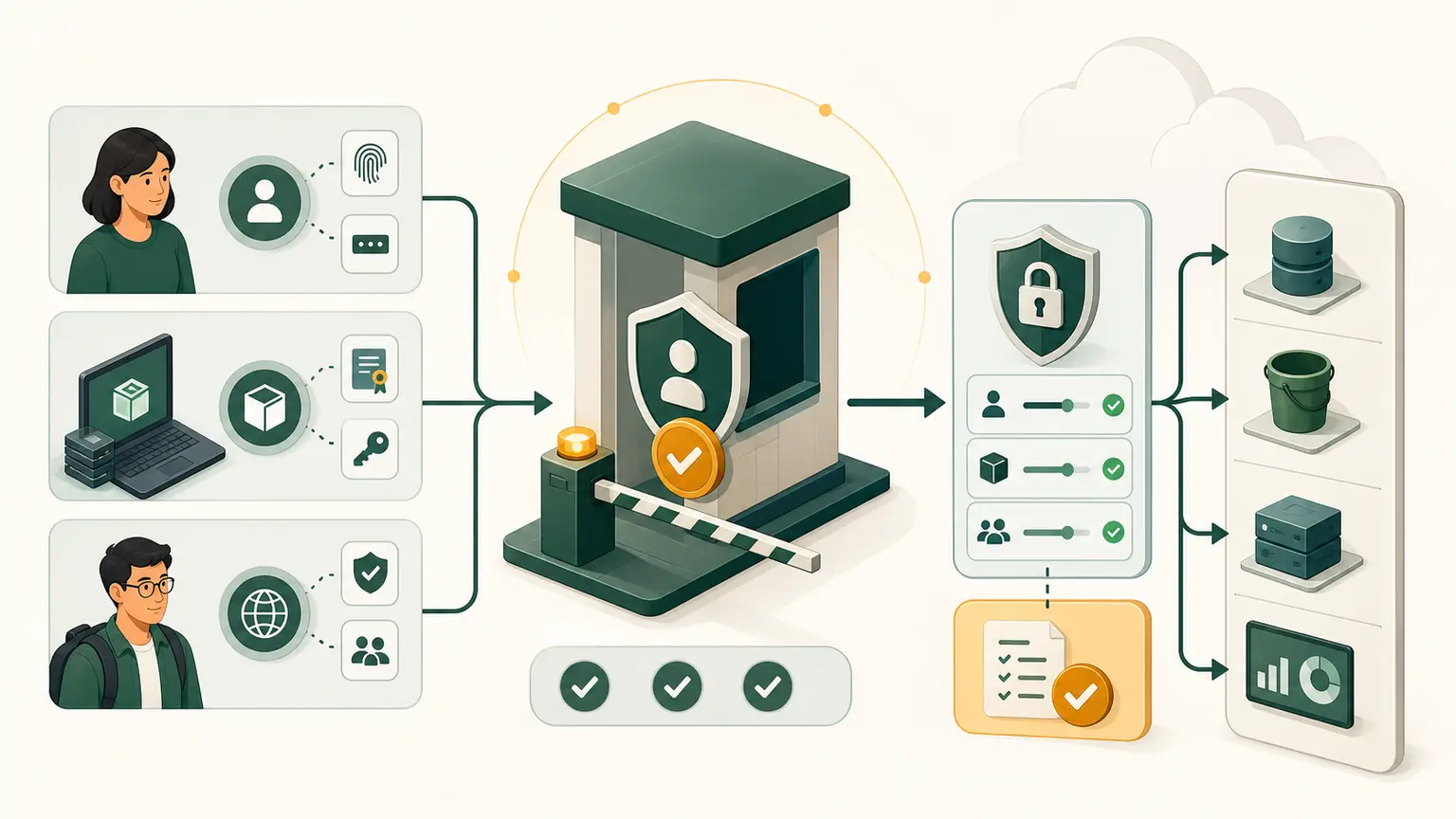
The problem
An EC2 status check can pass while the application process is stopped. A learner restarts the instance without reading logs, changes permissions to 777, and installs packages with no record.
Cloud operations still require operating-system evidence.
Learning outcomes
You will be able to inspect processes, signal a test process, distinguish process from service, read accessible logs, interpret Linux permissions, and inspect package state without making uncontrolled changes.
Process and service
A process is a running program with a process ID. A service is a managed long-running capability with start, stop, dependency, restart, and logging behavior.
On many current Linux distributions, systemd runs as process 1 and manages units. Some systems use another init system or container entry process, so check before assuming.
Safe local lab
Create evidence:
mkdir -p "$HOME/nitwings-aws/evidence/aws-017"Start a harmless process
sleep 300 &
LAB_PID=$!
printf 'lab_pid=%s\n' "$LAB_PID"
& starts the command in the background. $! is the PID of the most recently started background process in this shell.
Inspect it:
ps -p "$LAB_PID" -o pid,ppid,user,stat,etime,comm,argsFields show PID, parent PID, user, state, elapsed time, command, and arguments.
Stop it gracefully:
kill -TERM "$LAB_PID"
wait "$LAB_PID"
printf 'wait_exit=%s\n' "$?"
TERM requests graceful termination. Use KILL only when a process cannot handle ordinary termination and you understand the consequences.
Inspect service management
ps -p 1 -o pid,comm,args
command -v systemctl
If systemctl exists:
systemctl --no-pager --type=service --state=running | sed -n '1,15p'This is read-only. Service names vary.
If permitted:
journalctl --no-pager -n 20The journal available to a normal user can be limited. Do not add your user to a privileged group merely for this lesson.
Permissions lab
mkdir -p "$HOME/nitwings-aws/evidence/aws-017/permissions"
printf '%s\n' 'training-data' \
  > "$HOME/nitwings-aws/evidence/aws-017/permissions/data.txt"
chmod 640 "$HOME/nitwings-aws/evidence/aws-017/permissions/data.txt"
ls -l "$HOME/nitwings-aws/evidence/aws-017/permissions/data.txt"
640 means:
- owner: read and write;
- group: read;
- others: no access.
777 grants read, write, and execute to everyone represented by those classes. It is not a normal troubleshooting fix.
Inspect identity:
idAccess depends on user, groups, ownership, mode bits, ACLs, and security systems such as SELinux or AppArmor where present.
Inspect package manager
command -v dnf
command -v yum
command -v apt
command -v rpm
command -v dpkg
Use the installed family only. Read-only examples:
rpm -q bashor:
dpkg -s bash | sed -n '1,15p'Do not run an installation or full upgrade in this lesson. Production changes need repository trust, testing, maintenance windows, rollback, and evidence.
Evidence-first troubleshooting
Use this order:
- define expected service;
- inspect process and service state;
- read recent logs with timestamps;
- inspect listening ports and dependencies;
- inspect user and permissions;
- inspect package and configuration change history;
- make one correction;
- retest.
Restarting first can erase transient evidence and hide the cause.
Exit status, standard output, and standard error
Linux commands return an exit status. Zero commonly means success; a nonzero value describes a failure or special condition defined by that command.
test -f "$HOME/nitwings-aws/evidence/aws-017/permissions/data.txt"
printf 'file_test_exit=%s\n' "$?"
$? contains the previous command's exit status. Read it immediately, because the next command replaces it.
Applications normally have separate standard output and standard error streams. A service manager can capture both in a journal. A shell can capture them in a file:
ls "$HOME/nitwings-aws/evidence/aws-017/permissions/data.txt" \
  > "$HOME/nitwings-aws/evidence/aws-017/ls-output.txt" \
  2> "$HOME/nitwings-aws/evidence/aws-017/ls-error.txt"
> redirects standard output. 2> redirects standard error. Empty error output plus exit status zero is expected here.
When reviewing logs, preserve timestamps and the failing request or process identity. Do not copy an entire system journal into student evidence because it can contain hostnames, usernames, addresses, tokens, or application data.
Package-change discipline
Before a future package change, record:
- distribution and version;
- package name, version, and repository;
- reason for the change;
- dependencies affected;
- maintenance window;
- configuration backup;
- rollback method;
- service verification after change.
Installing a package is a state change. Repeating an install command until it works can mix repositories or hide an unsupported operating-system version.
Save the report
{
  date -u
  id
  ps -p 1 -o pid,comm,args
  ls -l "$HOME/nitwings-aws/evidence/aws-017/permissions/data.txt"
  command -v systemctl || true
  command -v journalctl || true
  command -v dnf || command -v apt || true
} > "$HOME/nitwings-aws/evidence/aws-017/linux-baseline.txt"
Common failures
| Symptom | Evidence | Safe direction |
|---|---|---|
| Process exits immediately | exit status and application log | correct configuration or dependency |
| Service active but app fails | port, health endpoint, app log | test actual function |
| Permission denied | id, ownership, mode, ACL, security log | grant minimum correct access |
| Package not found | distribution and enabled repositories | use supported repository and exact name |
| Disk full | df, logs, large files, deleted-open files | find cause before deleting |
Knowledge check
- What does PID identify?
- Why use
TERMbeforeKILL? - Does
systemctl activeprove the application works? - What does mode
640allow? - Why avoid a blind package upgrade?
Expected answers: a process; graceful cleanup; no; owner read/write, group read, others none; it can introduce untested changes.
Completion gate
Pass when linux-baseline.txt exists, the test process was terminated, permission output is explained, and package state was inspected without sudo or installation.
Local evidence is retained. No AWS cleanup is required.