
AWS 037: Tags, resource groups and naming standards
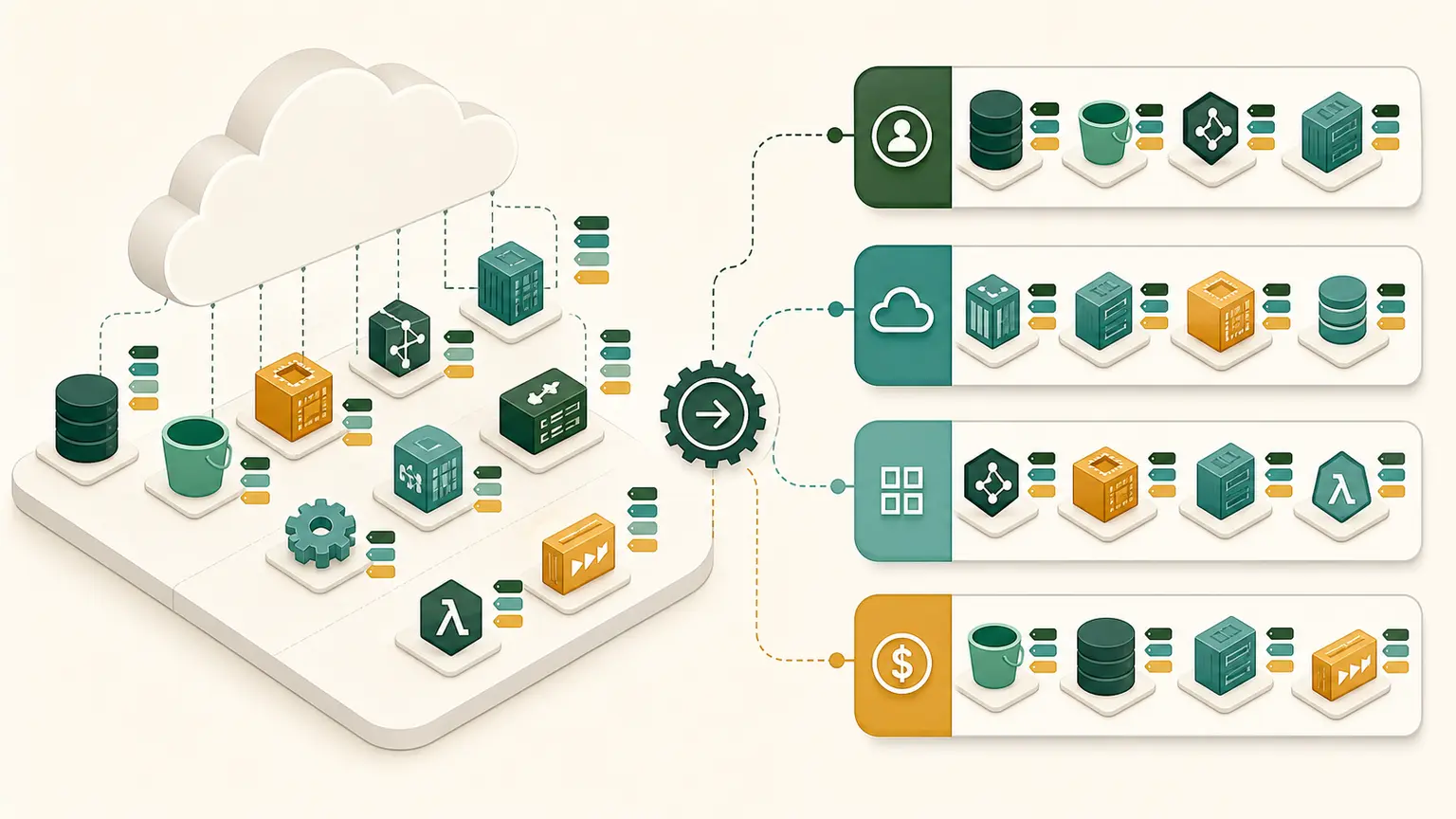
The problem
An account contains resources called test, new-test, and final. Nobody knows the owner, environment, cost center, data class, expiry, or whether automation may stop them. Inconsistent tag case makes reports incomplete.
Tags are governed metadata. Names are human identifiers. Resource groups are views. They do not replace an inventory, CMDB, or authorization design.
Final outcome
You will create a naming and tagging standard, inspect existing tag coverage without changing resources, define a tag-based resource group, and document enforcement and exception handling.
Names, tags, and resource groups
| Mechanism | Purpose | Important limit |
|---|---|---|
| resource name | human recognition within service rules | not every service uses names the same way |
| tag | key and optional value metadata | support and propagation vary by resource |
| resource group | query-backed logical collection | does not move or isolate resources |
| ARN | AWS resource identifier | format and resource granularity vary |
Two resources can share a displayed Name tag. A name is not automatically globally unique or a stable integration key.
Tag properties
Tag keys and values are case-sensitive. Environment, environment, and ENVIRONMENT are different keys.
AWS reserves the aws: prefix for AWS-generated tags. User-created tags do not use that prefix. Many resources support up to 50 user-created tags, but verify service-specific support and restrictions.
Do not put personally identifiable, confidential, secret, or regulated data in tags. Tags can appear in billing, APIs, logs, and broad administrative views.
Course standard
Use lowercase organization-prefixed keys:
| Key | Example | Purpose |
|---|---|---|
nitwings:project | aws-course | project allocation |
nitwings:environment | lab | lifecycle/environment |
nitwings:owner | student-alias | accountable role or alias |
nitwings:cost-center | learning | cost grouping |
nitwings:data-class | internal | governance classification |
nitwings:managed-by | manual-lab | lifecycle tool |
nitwings:expires-on | 2026-08-31 | review signal |
Never place an email address, full name, customer name, account ID, password, key, or assessment answer in a tag.
Naming standard
A useful name communicates purpose without encoding every property:
<project>-<environment>-<component>-<region>-<sequence>
aws-course-lab-web-aps1-01
Document abbreviations. Avoid embedding details that will become false, such as an IP address or instance size. Do not depend on a display name as the resource's unique key.
Account for service-specific length and character rules. A globally unique S3 bucket name follows different rules from an EC2 Name tag.
Tagging purposes
Organization
Find related resources across services and Regions.
Cost allocation
Eligible user-defined tags must be activated for cost allocation before they appear as cost dimensions. Activation does not backfill every historical record immediately.
Automation
Automation may select resources using tags, for example lab expiry. Control who can change automation tags and fail safely when tags are absent.
Attribute-based access control
IAM policies can compare principal, request, and resource tags for supported actions. ABAC scales permissions, but ungoverned tag editing becomes privilege editing.
Governance
Organizations tag policies can standardize capitalization and allowed values. They do not automatically apply missing tags to every resource, and enforcement support is resource-specific.
Read-only Console inventory
- Open Resource Groups & Tag Editor.
- Open Tag Editor.
- Select the fixed course Region and one comparison Region.
- Search supported resource types without changing tags.
- Review resources with missing or inconsistent keys.
- Record unsupported or untaggable resource types separately.
- Do not select Manage tags in this lesson.
An empty result can mean no resources, wrong Region, unsupported resource types, filters, or missing permission.
Read-only CLI inventory
Run preflight, then:
aws resourcegroupstaggingapi get-resources \
  --profile course \
  --region ap-south-1 \
  --resources-per-page 50 \
  --query 'ResourceTagMappingList[].{Arn:ResourceARN,Tags:Tags}' \
  --output json \
  --no-cli-pager
This API returns supported tagged resources visible to the caller. It is not guaranteed to be a complete inventory of every AWS resource. Untagged-resource visibility and service support require careful interpretation.
Do not share complete ARNs. Record counts and resource types with identifiers redacted.
Design a resource group
Do not create the group yet. Define a proposed query:
Region: ap-south-1
Resource types: supported course lab resources
Tags:
  nitwings:project = aws-course
  nitwings:environment = lab
Name: aws-course-lab-resources
Explain:
- why each filter is needed;
- who owns the group;
- how new matching resources appear;
- what resources can be missed;
- whether the group grants access (it does not by itself);
- cleanup after the course.
Governance artifact
Create tagging-standard.md with:
- scope and purpose;
- required and optional keys;
- allowed values and case;
- naming pattern;
- prohibited data;
- cost-allocation activation;
- automation safeguards;
- ABAC change-control rule;
- exception owner and expiry;
- compliance query and review interval;
- resource-group definition;
- migration plan for noncompliant resources.
Common failures
| Failure | Impact | Correction |
|---|---|---|
| inconsistent case | queries and cost reports split | controlled vocabulary |
| sensitive value in tag | data exposure | remove and treat according to data policy |
| Name tag treated as unique ID | automation targets wrong item | use ARN/resource ID |
| tag selected for ABAC is freely editable | privilege escalation | restrict tag-on-create and tag-change |
| group assumed to contain everything | incomplete operations | reconcile with service inventory |
| expiry tag triggers deletion automatically | destructive accident | approval, dependency check, dry run, quarantine |
Architecture and certification decisions
Tagging is part of account governance, cost allocation, automation, and access design. Apply tags at creation through infrastructure as code where supported. Audit reactively with Tag Editor, Resource Groups Tagging API, AWS Config, or governed tooling.
Tag policies standardize tags across an organization. Service control policies restrict API actions. IAM policies grant or deny principal actions. These controls are related but not interchangeable.
Completion gate
Pass when the standard has controlled keys and values, prohibits sensitive data, separates names from identifiers, defines the read-only compliance method, handles ABAC tag mutation, and produces a resource-group query with limitations.
No resource tags or groups were changed.