
AWS 361: CodeBuild projects, service roles, networks, environments, and compute
Why this lesson matters
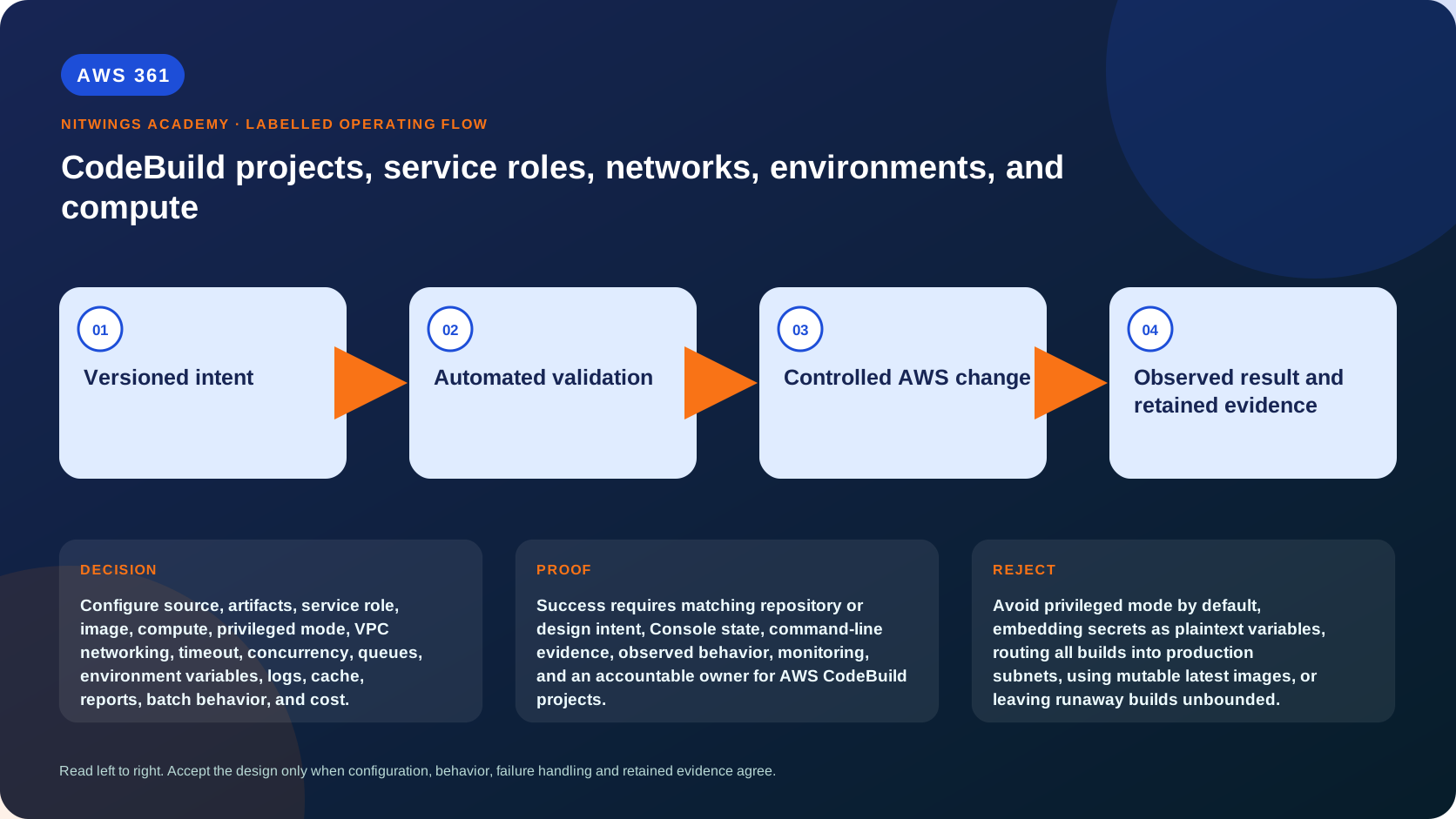
A CodeBuild project is a security and capacity boundary, not just a place to paste commands. Source trust, service-role permissions, build image, compute mode, privileged mode, VPC networking, concurrency, cache, logs, reports, and artifacts determine both safety and reliability.
Project request flow
trigger/pipeline -> StartBuild overrides -> queued build
 -> compute allocation -> image + source + role credentials
 -> dependency/network access -> buildspec commands
 -> logs/reports/cache/artifacts -> terminal result
Record project revision, build ID, source version, image digest, service role, environment type, compute/fleet, VPC, artifact digest, and final status. Project configuration may be overridden at start; inventory both definition and actual build details.
Source and trust classes
Separate untrusted pull-request validation from trusted release builds. Untrusted code can read files, environment, metadata endpoints, network services, mounted caches, and credentials available to the build. It must not receive production secrets, trusted network paths, or deployment permissions.
Define source provider/connection, clone depth/submodules, webhook filters, buildspec location, commit signature/review policy, and source credential ownership. A source branch name is not an authorization boundary.
Service role design
The CodeBuild service assumes the project role and exposes temporary credentials to build commands. Grant only required source/artifact/log/report/KMS/package/test actions. Use separate roles/projects for validation, release, and administrative jobs.
Restrict:
- S3 buckets/prefixes/version behavior;
- KMS keys and encryption context/service conditions;
- log groups/streams and report groups;
- CodeArtifact/ECR repositories;
- read-only test APIs versus mutation/deployment;
- role passing and STS role assumption;
- Secrets Manager/Parameter Store exact resources.
Test an allowed operation and a denied out-of-scope operation. A project editor can often change image, buildspec, variables, VPC, or role behavior, so protect project mutation separately.
Environment image and runtime
Choose managed or custom image, operating system, architecture, runtime versions, and image tag/digest. Managed moving tags improve patch uptake but can reduce reproducibility; pin/test promotion according to risk. Custom images add patching, scanning, provenance, registry, and retirement ownership.
Record image digest in release evidence. Verify compilers, CLI/SDK, certificates, locale/timezone, architecture, and package-manager behavior. Never assume local Linux matches the managed image.
Compute modes and capacity
CodeBuild currently offers EC2 and Lambda compute modes. Lambda mode optimizes startup for supported workloads; EC2 mode provides broader build capabilities, on-demand compute types, and reserved-capacity fleets. Available OS, architecture, GPU/macOS/Windows, disk, VPC, privileged, and timeout behavior varies by mode/Region.
| Choice | Best-fit evidence | Reject or investigate when |
|---|---|---|
| Lambda compute | Short supported builds where startup latency dominates | Required runtime, VPC, duration, storage, or feature is unsupported |
| EC2 on-demand | Variable volume and broad build/image capability | Queue/startup or per-build economics miss the objective |
| EC2 reserved fleet | Predictable sustained demand or custom capacity/OS need | Utilization is low or fleet outage has no fallback |
| Larger compute | Measured CPU/memory bottleneck shortens total build | Build waits on network, dependency server, lock, or serial test |
| Arm build | Dependencies and released target support Arm; price/performance measured | Native dependency or target architecture requires x86 |
Measure CPU, memory peak, disk, network, duration, queue time, startup, cache hit, and failure. Pick the smallest configuration that meets p95 build target with headroom, then load-test concurrency. A larger build can cost more per minute but less total if duration falls; calculate both.
Reserved capacity trades committed fleet cost/management for predictable capacity and custom options. Model utilization and outage/fallback. Do not select it from one average build.
Privileged mode
Privileged mode grants elevated container capabilities needed by some Docker-in-Docker workflows, especially VPC builds. It increases impact of malicious build commands. Enable only for projects that require image building, separate them from untrusted code, minimize role/network/secrets, and consider rootless/remote build alternatives.
VPC networking
VPC configuration creates network interfaces in selected subnets/security groups. Design available IP addresses at peak concurrency, DNS, routes, NAT or endpoints, proxy/TLS inspection, security-group egress, private service access, and dependency firewall rules.
VPC attachment does not give public internet automatically and does not make access private by itself. It may expose databases/internal services to build code. Use dedicated build subnets/SGs and explicit egress. Diagnose from DNS -> route -> SG/NACL -> endpoint/NAT -> TLS -> application authorization.
Environment variables and overrides
Project plaintext variables are configuration, not a secret store. Parameter Store/Secrets Manager mappings still expose values to the running build, which can print/exfiltrate them. Protect source trust and role.
Restrict start-build overrides for image, role, buildspec, variables, source version, artifacts, and compute. An allowed caller who can override a buildspec or service role can change the security boundary.
Queues, concurrency, and batch
Track account/project concurrency, queued duration, timeout, cancellation, and downstream rate. Bursts can exceed quota or subnet IPs. Prioritize release/security fixes over routine builds through separate projects/capacity where necessary.
Batch builds support graph/list/matrix patterns and per-task environment/compute controls. Validate dependency graph, fast-fail, ignored-failure, artifact naming, and aggregate status. An ignored task failure must not silently satisfy a mandatory release gate.
Cache, logs, reports, and artifacts
Caches can be local or S3 according to supported settings. Key by dependency lock, runtime, architecture, and relevant tool versions. Never cache credentials, unreviewed build output, or cross-trust content. Test poisoned/stale cache and cache-disabled build.
CloudWatch/S3 logs and reports need retention, access, encryption, redaction, and cost controls. Artifacts need immutable names/version IDs/digests, encryption, provenance, and lifecycle. A successful upload does not prove artifact content.
Read-only inspection
aws codebuild list-projects --region ap-south-1
aws codebuild batch-get-projects --names PROJECT_NAME --region ap-south-1
aws codebuild list-builds-for-project --project-name PROJECT_NAME --sort-order DESCENDING --region ap-south-1
aws codebuild batch-get-builds --ids BUILD_ID --region ap-south-1
Redact all identifying source, role, VPC, key, environment, log, artifact, and account data.
Failure exercise
Handle 12 cases: wrong source revision, buildspec override, role too broad, image tag changes, architecture mismatch, disk exhaustion, memory kill, queue timeout, subnet IP exhaustion, DNS/private endpoint failure, poisoned cache, and secret in report/artifact. For each record evidence, containment, retry safety, correction, and preventive test.
Acceptance
Design validation/release projects for AWS354. Submit trust classes, full project configuration, least-privilege role, image policy, compute benchmark/cost model, privileged-mode decision, VPC packet path/capacity, override policy, concurrency/batch model, cache threat model, evidence retention, and 12 failures.
Pass requires untrusted/trusted separation, temporary scoped credentials, explicit network egress, digest-identified image/artifact, bounded timeout/concurrency, no secret cache/log/artifact, and measured compute selection.