
AWS 001: Program roadmap and certification checkpoints
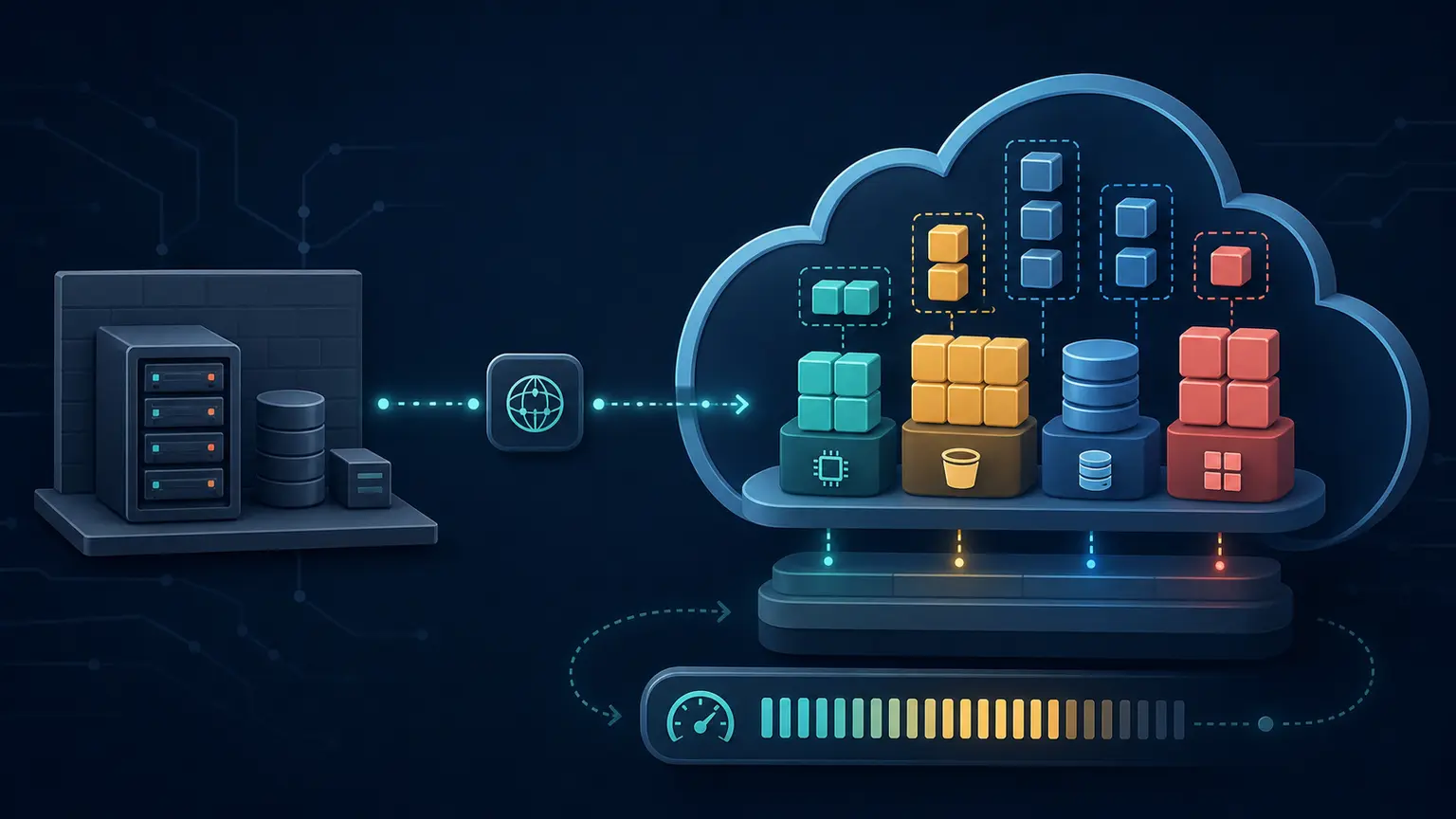
Why this lesson comes first
AWS is too large to learn as a list of services. A new learner can memorize definitions and still be unable to build, diagnose, or choose an architecture.
This program follows one uninterrupted path:
Foundation
   |
   v
Solutions Architect Associate
   |
   v
CloudOps Engineer Associate
   |
   v
Solutions Architect Professional
   |
   v
DevOps Engineer Professional
The lesson number never restarts. You begin at AWS 001 and finish at AWS 423. Certification checkpoints show progress inside the same program. They are not separate courses.
What you will be able to do
By the end of this lesson, you can:
- explain the purpose of each program phase;
- distinguish learning a service from proving that you can use it;
- identify the certification checkpoints without treating exam preparation as the only goal;
- explain why Console, command line, troubleshooting, cleanup, and architecture decisions appear together;
- create a local learning record for your evidence.
The complete program map
| Lessons | Phase | What you learn and prove |
|---|---|---|
| AWS 001 to AWS 006 | Program orientation | Safety, cost rules, evidence, naming, lesson types, and entry readiness |
| AWS 007 to AWS 023 | Cloud and IT foundation | Cloud models, networking, compute, storage, databases, availability, recovery, and architecture language |
| AWS 024 to AWS 040 | AWS account and tooling foundation | Account security, Billing, Console, CloudShell, optional local CLI, identity checks, Regions, output, and audit evidence |
| AWS 041 to AWS 052 | Identity and access foundation | IAM identities, policies, roles, temporary credentials, least privilege, and access troubleshooting |
| AWS 053 to AWS 081 | Core AWS build | VPC, EC2, EBS, snapshots, Elastic IP behavior, monitoring, break-fix, and cleanup |
| AWS 082 to AWS 203 | Solutions Architect Associate | Secure, resilient, high-performing, and cost-optimized architecture |
| AWS 204 to AWS 250 | CloudOps Engineer Associate | Monitoring, logging, remediation, reliability, deployment, security operations, and networking operations |
| AWS 251 to AWS 347 | Solutions Architect Professional | Organizations, governance, hybrid systems, migration, disaster recovery, complex trade-offs, and enterprise design |
| AWS 348 to AWS 423 | DevOps Engineer Professional | Source control, CI/CD, infrastructure as code, observability, resilience, incidents, and security automation |
What the certification checkpoints mean
The program covers these current AWS certification exam versions:
| Checkpoint | What it validates in this program | Final checkpoint |
|---|---|---|
| Foundation readiness | You can learn safely, explain core IT and cloud ideas, operate the account tools, and use IAM correctly | AWS 052 |
| AWS Certified Solutions Architect - Associate, SAA-C03 | You can design secure, resilient, high-performing, and cost-optimized AWS solutions | AWS 203 |
| AWS Certified CloudOps Engineer - Associate, SOA-C03 | You can deploy, manage, monitor, troubleshoot, secure, and operate AWS workloads | AWS 250 |
| AWS Certified Solutions Architect - Professional, SAP-C02 | You can design and improve complex solutions across organizational and technical boundaries | AWS 347 |
| AWS Certified DevOps Engineer - Professional, DOP-C02 | You can automate delivery, infrastructure, monitoring, incident response, and security controls | AWS 423 |
AWS can revise an exam guide. Before booking an exam, compare the exam code in this course with the current code on the official AWS Certification exam guide page.
What this course assumes about you
The primary learner knows how to use Linux but has no cloud-computing or AWS knowledge. You can open a terminal, work with files and directories, inspect a process or service, and read ordinary command output. The course does not assume that you understand cloud architecture, AWS service names, Regions, Availability Zones, APIs, IAM, VPC networking, managed databases, elasticity, high availability, disaster recovery, infrastructure as code, or AWS pricing.
Linux experience is a useful starting point, not permission for a lesson to skip an explanation. An AWS term must be defined before it is used. A Linux command used in a new way must still be explained, including where it runs, what it changes, what success looks like, and how to reverse it safely.
The foundation sequence supplies the networking, storage, database, security, reliability, cost, and application models required for architecture. Prior cloud experience can make the work faster, but it does not change the dependency order. No learner may skip account safety, identity, cost, security, troubleshooting, or cleanup gates.
How every technical topic is taught
A service lesson is not complete when you can repeat its definition. You must be able to move through this learning cycle:
Origin and problem
   |
   v
Understand
   |
   v
Inspect
   |
   v
Configure
   |
   v
Verify
   |
   v
Break and diagnose
   |
   v
Repair
   |
   v
Clean up
   |
   v
Choose or reject it in an architecture
Not every lesson creates an AWS resource. For example, a lesson about recovery objectives needs a business decision exercise before it needs a Console page. A lab that creates an EC2 instance needs exact Console and command-line procedures, expected output, troubleshooting, and cleanup.
How Console and commands are introduced
The primary learner profile is a Linux user with no cloud-computing or AWS background. Networking, storage models, data models, automation, security, reliability, cost, and cloud architecture are taught before later lessons depend on them.
Therefore:
- the early lessons explain the AWS account, Console, Region, identity, cost, and CloudShell before asking you to run AWS commands;
- Console procedures appear first in early build labs so that you can see the available controls;
- a matching command-line method follows after AWS 029 introduces CloudShell;
- local AWS CLI installation is optional and is taught separately;
- later lessons add infrastructure as code and SDK automation after you understand the underlying service.
- experienced cloud learners may demonstrate an already-held skill at a checkpoint, but the published sequence must remain complete for a first-time AWS learner.
If a command appears in a lesson, the lesson must explain:
- where to run it;
- which identity and Region it uses;
- what each important argument means;
- what success looks like;
- what common errors mean;
- whether it creates cost;
- how to reverse the change.
Service completeness rule
No AWS service is complete because one page defines its name. Across that service's existing lesson sequence, the learner must receive all applicable coverage below:
- the full service name, abbreviation, origin, and problem it solves;
- prerequisites and every new term before first use;
- components, resource hierarchy, scope, limits, states, and ownership;
- architecture, identity path, network path, request path, and data path;
- service types, storage classes, engines, deployment modes, tiers, or other selectable variants;
- relationships and integrations with earlier and later AWS services;
- Console, CLI, API, SDK, and infrastructure-as-code operation where each interface adds useful skill;
- a small guided build followed by a production-shaped cumulative implementation;
- successful behavior, intentionally denied behavior, dependency failure, diagnosis, repair, and retest;
- authentication, authorization, encryption, network protection, secrets, logging, and audit evidence;
- availability, durability, scaling, automation, deployment, backup, restore, rollback, and disaster-recovery behavior;
- performance dimensions, quotas, monitoring, alarms, maintenance, and operational ownership;
- every material pricing dimension, idle or retained-resource risk, and dependency-aware cleanup;
- comparison with the nearest alternatives, including requirements that make each option wrong;
- certification scenarios, practical tasks, and explained answers without copying protected exam questions.
“Complete” does not mean reproducing every AWS API parameter or every rare feature regardless of value. It means no concept required to understand, build, operate, troubleshoot, secure, automate, price, compare, or select the service at the targeted certification and architecture level may be silently omitted. Version-sensitive inventories must be checked against current AWS documentation during technical review.
Your first practical activity: create the learning record
This activity uses only your Linux terminal. It does not use AWS.
Step 1: confirm your current directory
Run:
pwdpwd means print working directory. It shows where the terminal is currently located. Do not continue if the result is a protected system directory such as /etc or /usr.
Expected result: a directory that belongs to your Linux user, commonly /home/<your-user>.
Step 2: create the course evidence directory
Run:
mkdir -p "$HOME/nitwings-aws/evidence/aws-001"Explanation:
mkdircreates a directory.-palso creates missing parent directories and does not fail if they already exist.$HOMEis your own Linux home directory.- The quotation marks protect the path if it contains spaces.
This command creates no AWS resource and has no AWS cost.
Step 3: create your program record
Run:
printf '%s\n' \
  'Program: NitWings AWS Foundation-to-Professional' \
  'Current lesson: AWS 001' \
  'Goal: Build, operate, troubleshoot, automate, and design on AWS' \
  > "$HOME/nitwings-aws/evidence/aws-001/program-record.txt"
printf writes the three lines. The > operator sends the text into the named file. It replaces that file if the file already exists.
Step 4: verify the evidence
Run:
sed -n '1,10p' "$HOME/nitwings-aws/evidence/aws-001/program-record.txt"sed -n '1,10p' displays lines 1 through 10 without editing the file.
Expected result:
Program: NitWings AWS Foundation-to-Professional
Current lesson: AWS 001
Goal: Build, operate, troubleshoot, automate, and design on AWS
If the file is missing, return to Step 2 and verify the directory name. Do not use sudo; this evidence belongs to your normal Linux user.
What counts as evidence
Good evidence proves a specific result without exposing secrets.
Examples:
- a redacted screenshot showing the expected Console state;
- command output showing identity, Region, resource state, or verification;
- a configuration file that contains no password, secret key, session token, or private key;
- a diagram with labelled boundaries and data flow;
- a short explanation of why the result occurred;
- cleanup proof showing that temporary resources are gone.
Never submit:
- passwords;
- access keys;
- session tokens;
- private keys;
- MFA codes or seed values;
- complete account IDs when they are not required;
- role credentials retrieved from instance metadata;
- unredacted billing or personal contact information.
Check your understanding
Answer these questions before continuing.
- Why does the course not start with an AWS CLI command?
- Does the lesson number restart after SAA-C03?
- What five kinds of proof appear in a complete technical checkpoint?
- Why can a concept lesson be practical without creating a resource?
- What must accompany a command that changes AWS?
Expected answers
- You first need account, identity, Region, cost, tool, and output context so that a command is understandable and safe.
- No. The public sequence continues from AWS 001 through AWS 423.
- Knowledge, hands-on evidence, troubleshooting, cleanup, and architecture reasoning.
- A decision, calculation, diagram, classification, or failure analysis can prove understanding without creating an artificial or costly deployment.
- Prerequisites, execution location, identity, Region, arguments, expected result, failure interpretation, cost impact, verification, and reversal or cleanup.
Completion gate
You pass AWS 001 when:
- your
program-record.txtfile exists and contains the three expected lines; - you can state the order of the five program stages;
- you understand that certification readiness is a checkpoint, not a replacement for practical competence;
- you agree not to run an unexplained command merely because it appears in a lesson.
No AWS cleanup is required.