
AWS 019: Object, block, and file storage fundamentals
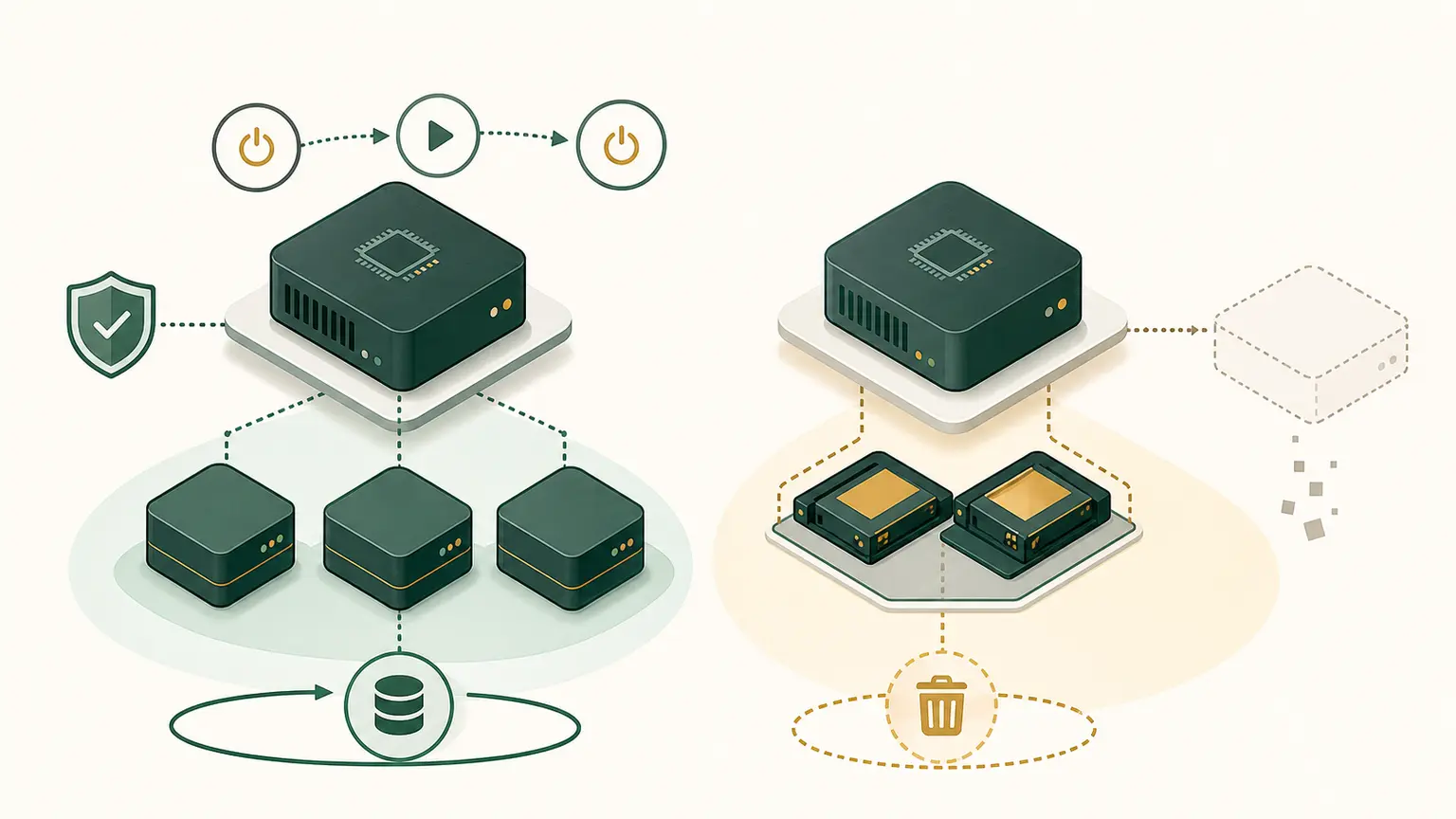
The problem
A course describes Amazon EBS as NAS, stores shared application files on one instance's local disk, and expects object storage to behave like a mounted POSIX file system.
Storage must be selected from access semantics, performance, sharing, durability, lifecycle, recovery, and cost.
Learning outcomes
You will be able to distinguish object, block, and file storage, interpret local block and filesystem evidence, select a model from access patterns, and explain where S3, EBS, and EFS fit.
Block storage
Block storage presents addressable blocks to a host. The host commonly adds a partition table, filesystem, or database storage layout.
block device -> filesystem -> directories and filesAmazon EBS is block storage for EC2. An attached EBS volume appears like a block device. It is not a NAS share. EBS volume placement and attachment rules apply, and snapshots are a separate backup mechanism.
Block storage fits:
- boot volumes;
- database files requiring block semantics;
- low-latency random I/O;
- filesystems controlled by one host or a supported clustered design.
File storage
File storage exposes files and directories through filesystem semantics:
- paths;
- directories;
- metadata;
- permissions;
- file locking;
- shared access rules.
Amazon EFS provides managed elastic file storage using NFS. Multiple supported compute clients can mount it. Network, identity, POSIX permissions, throughput, availability type, backup, and cost still need design.
File storage fits:
- shared content;
- home directories;
- applications expecting filesystem paths;
- concurrent access using supported semantics.
Object storage
Object storage stores an object as data plus metadata under a key in a bucket or namespace. It is normally accessed through APIs rather than raw blocks or ordinary filesystem calls.
Amazon S3 is object storage.
Object storage fits:
- media and static assets;
- backup objects;
- logs;
- data lakes;
- large-scale durable data accessed by key and API.
An object key can contain /, but that does not create a traditional directory hierarchy with POSIX behavior.
Performance language
Do not choose storage from capacity alone.
- Latency is time to complete an operation.
- IOPS counts input/output operations per second.
- Throughput measures data transferred per time.
- Block or request size changes the relationship between IOPS and throughput.
- Concurrency describes simultaneous work.
A transactional database can need consistent low-latency random I/O. A media workflow can need high sequential throughput. An object archive can prioritize durability and lifecycle cost over immediate access.
Published maximums are not the same as guaranteed application performance. Measure with the intended client, protocol, request size, queue depth, network path, and failure mode.
Lifecycle and deletion
Storage has states beyond "exists" and "deleted":
- active primary data;
- replica;
- snapshot or backup;
- archived tier;
- soft-deleted or versioned object;
- retained data under policy;
- pending deletion.
Cleanup must inspect every copy and retention rule. Conversely, deleting all copies to avoid cost can violate recovery and retention requirements. Record the data owner, purpose, classification, retention period, recovery objective, and approved deletion action.
For an EC2 lab, ask separately about the instance, root EBS volume, secondary volumes, snapshots, instance-store data, file-system mounts, and objects written to external services.
Comparison
| Requirement | Block | File | Object |
|---|---|---|---|
| Access unit | block | path/file | object/key |
| Client interface | device and filesystem/database | filesystem protocol | API |
| Shared access | limited or specialized | natural use case | many API clients |
| Modify small region | block write | file write | commonly replace or multipart/object operation |
| Common AWS example | EBS | EFS or FSx | S3 |
Local inspection
Read-only:
mkdir -p "$HOME/nitwings-aws/evidence/aws-019"
lsblk
df -h
mount | sed -n '1,20p'
lsblk shows block devices. df reports mounted filesystem use. mount shows mounted filesystem relationships. Output varies and containers may expose a simplified view.
Create and hash a normal file:
printf '%s\n' 'storage evidence' \
  > "$HOME/nitwings-aws/evidence/aws-019/data.txt"
sha256sum "$HOME/nitwings-aws/evidence/aws-019/data.txt"
The file is stored through your local filesystem on an underlying storage stack. This does not simulate S3, EBS, or EFS; it helps you identify layers.
Save:
{
  lsblk
  df -h
  mount | sed -n '1,20p'
  sha256sum "$HOME/nitwings-aws/evidence/aws-019/data.txt"
} > "$HOME/nitwings-aws/evidence/aws-019/storage-baseline.txt"
Decision exercise
Create storage-decisions.md and choose a primary model:
- EC2 boot volume.
- Shared Linux content mounted by many application instances.
- Billions of media assets retrieved by key.
- Database engine requiring low-latency block devices.
- Analytics files retained as immutable objects.
Expected direction: block, file, object, block, object.
For each include:
- access protocol;
- sharing;
- latency or throughput need;
- durability and availability;
- backup and restore;
- lifecycle and deletion;
- encryption and permissions;
- cost dimensions.
Durability, availability, and backup
Durability concerns retaining data correctly. Availability concerns access when required. Backup provides recovery points for failures such as deletion or corruption.
A durable primary copy can still be deleted by an authorized action. Replication can replicate corruption. Define versioning, immutable retention where required, backup, and tested restore.
Common misconceptions
- EBS is block storage, not NAS.
- A snapshot is not the running volume.
- An object key is not a POSIX path.
- A mounted filesystem does not automatically provide application-level consistency.
- Storage encryption does not replace access control.
- Deleting compute does not prove attached or independent storage is gone.
Completion gate
Pass when storage-baseline.txt and storage-decisions.md exist, all five choices are defended, and object, block, and file semantics are explained without calling EBS NAS.
No AWS resource was created.