
AWS 024: AWS account, root user and MFA
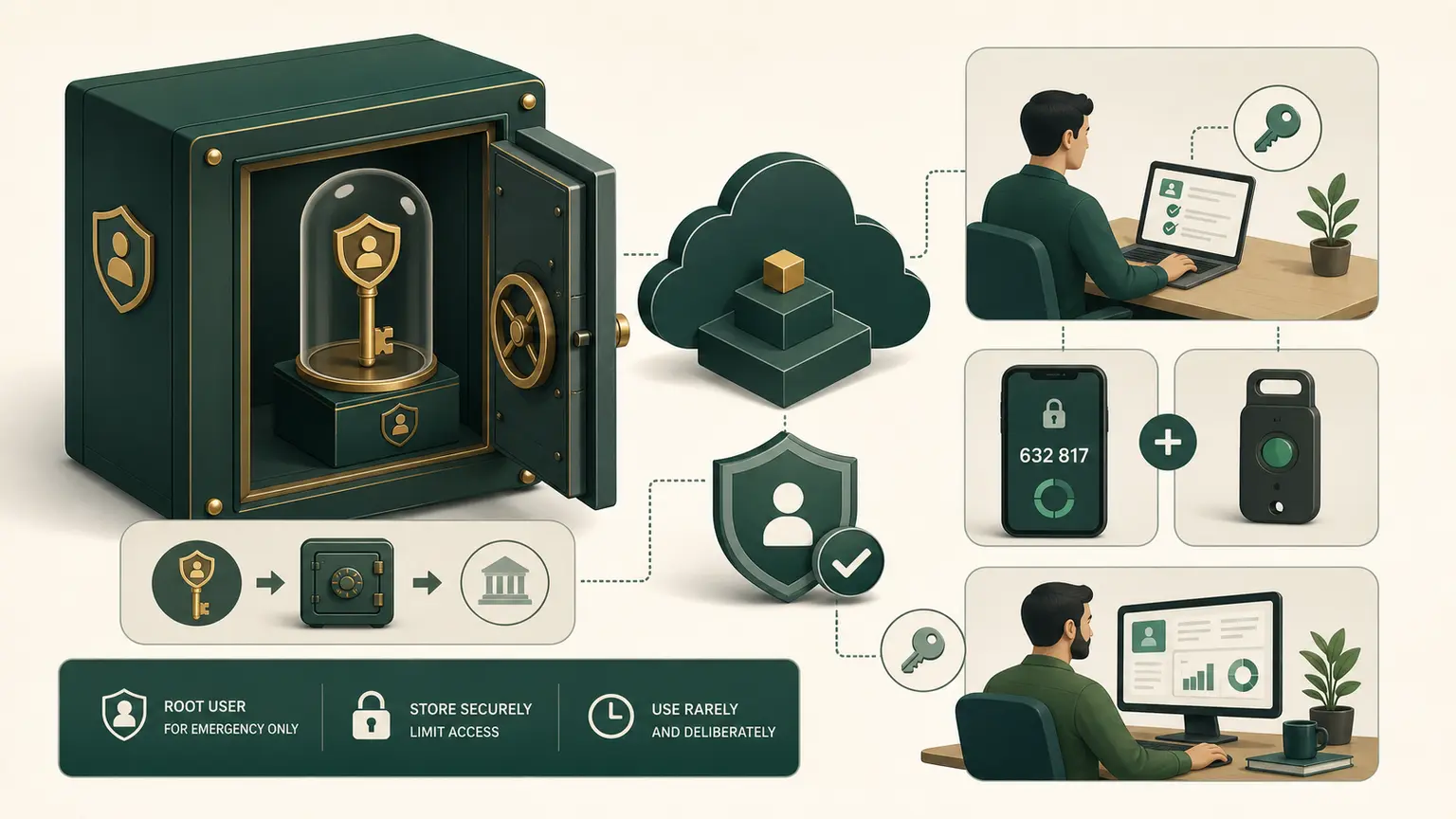
The problem
The AWS account root user has unrestricted authority, including tasks that cannot be delegated. If its email, password, recovery channels, or MFA are weak, every future lab inherits that risk.
Root is an account recovery and root-only identity. It is not the identity for daily learning.
Final outcome
You will protect the personal AWS account root user with multiple recovery-aware controls, confirm that no root access keys exist, establish a separate daily administrative sign-in, and record redacted evidence.
Understand the identities
AWS account
├── root user: account owner and root-only recovery tasks
└── daily identity: federated role or carefully managed IAM identity
The root user is created with the account. It cannot be restricted by an IAM policy in a standalone account in the same way as an IAM principal. Root credentials include the account email and password, registered MFA methods, and potentially root access keys. Root access keys should not be created.
For workforce environments, federation and IAM Identity Center are preferred. In a simple standalone learning account, the immediate safety goal is still the same: complete initial root-only setup, then stop using root for ordinary work.
Before signing in
Prepare:
- access to the root email inbox;
- a unique password stored in a reputable password manager;
- at least two supported MFA methods where practical;
- current account phone and postal contact information;
- a secure recovery record;
- a private evidence location.
Do not record the password, authenticator seed, QR code, one-time code, recovery code, full account ID, or access keys in course evidence.
Root user Console procedure
This is one of the few lessons that intentionally requires root sign-in.
- Open the AWS sign-in page and choose Root user.
- Enter the account email and complete sign-in.
- Choose the account menu, then Security credentials.
- In Multi-factor authentication (MFA), choose Assign MFA device.
- Give the device a nonsecret label such as
root-primary. - Choose a supported method. A FIDO security key or passkey provides phishing-resistant authentication. An authenticator application or hardware TOTP device is also supported.
- Complete registration. Never capture the QR code or shared seed.
- Register an additional MFA method where supported and available, so loss of one device does not immediately require account recovery.
- In Access keys, confirm that the root user has no access keys.
- Open the account page and find IAM user and role access to Billing information.
- Choose Edit, activate IAM access, and save. This switch permits delegated identities to use separately granted billing permissions. It does not grant those permissions by itself.
- Continue to the bootstrap identity procedure, then sign out completely.
AWS currently supports registering multiple MFA devices for the root user. Verify the current limit and supported methods in AWS documentation because these features can change.
Prove recovery without exposing it
Record only:
Root MFA: enabled
Independent backup MFA: enabled or documented exception
Root access keys: none
Root email access: tested
Account phone: reviewed
Password manager entry: reviewed
Daily root use: prohibited
Evidence date: YYYY-MM-DD
Do not perform a destructive recovery test. Instead, verify that the email inbox and registered phone are accessible and that the backup MFA method can be used according to your recovery policy.
Establish the daily identity
Do not remain signed in as root for the course.
Preferred order:
- an identity federated through an external identity provider and IAM Identity Center;
- an IAM Identity Center user for multi-account or future organization use;
- for this simple standalone learning account, a separately protected IAM bootstrap administrator used to establish the account baseline.
Do not create or join AWS Organizations merely to obtain IAM Identity Center during the Free account plan. Current AWS Free Tier documentation states that joining an organization or setting up Control Tower upgrades the account to Paid and expires Free Tier credits. That must be a deliberate later architecture decision.
For the single personal course account, create a temporary IAM bootstrap administrator:
- While signed in as root, open IAM.
- Choose User groups, then Create group.
- Name the group
course-bootstrap-admins. - Attach the AWS managed
AdministratorAccesspolicy. - Review and create the group.
- Choose Users, then Create user.
- Name the user
course-bootstrap-admin. - Enable AWS Management Console access for the IAM user. If the Console recommends Identity Center, read the recommendation, then use the IAM-user option for this documented standalone course exception.
- Use an automatically generated initial password and require a password change at first sign-in. Transfer it only through your private password manager.
- Add the user to
course-bootstrap-admins. - Review that no access key is being created.
- Create the user, save the IAM sign-in URL privately, and sign out of root.
- Sign in as
course-bootstrap-admin, change the initial password, and register MFA from Security credentials. - Sign out and sign in again to prove the MFA-protected path.
AdministratorAccess is intentionally broad and is not the final least-privilege design. It allows the learner to establish the controlled account and complete the IAM phase. AWS 041 onward will analyse policies and replace routine broad access with approved roles and permissions. Record this as a remediation item, not as a permanent best practice.
For now:
- use a different sign-in from root;
- enable MFA;
- do not create access keys merely because a Console form offers them;
- use the bootstrap administrator only for account and course setup;
- retain a path to recover access without daily root use.
If you cannot create a non-root daily identity safely, stop after protecting root and ask the instructor. Continuing every lesson as root is not an acceptable workaround.
Sign-out and verification
- Sign out of root.
- Close private or shared browser sessions.
- Sign in using the daily identity.
- Open the account menu and confirm the displayed identity is not Root user.
- Navigate to a read-only page such as the Billing home or IAM dashboard.
- Record a redacted screenshot showing the identity type, not the account number.
- Sign out and prove the daily identity also requires MFA.
Successful evidence proves root protection and separation. It does not prove that the daily identity follows least privilege. That is reviewed in the IAM phase.
Why multiple controls matter
MFA protects against password-only compromise. It does not protect a stolen active session, compromised email recovery, malicious browser extension, or unsafe access key. The root email account needs its own strong MFA. The phone number and email are recovery channels and must stay current.
Multiple root MFA methods improve recovery resilience, but storing all devices beside the password defeats separation. Design for both unauthorized access and loss of access.
Common failures
| Symptom | Likely cause | Safe response |
|---|---|---|
| MFA code rejected | clock drift, wrong account, or reused code | wait for a fresh code and confirm device |
| security key not detected | browser, USB/NFC, or policy issue | try documented supported path, keep session controlled |
| only MFA device lost | no recovery resilience | use AWS recovery procedure, never bypass with shared credentials |
| root access key exists | historical unsafe setup | identify use, replace with role-based access, deactivate then delete |
| learner remains root | no daily identity | stop and establish separate access |
| screenshot exposes account data | evidence not redacted | remove and replace the evidence |
Do not delete an existing root access key blindly. First determine whether an unknown workload depends on it. In a new learning account, an unexpected root key is a security incident to investigate.
Knowledge check
- Why is root unsuitable for daily work?
- Should a learner create root access keys for the CLI?
- What does MFA fail to protect by itself?
- Why register more than one MFA method?
- What evidence must never be captured?
Expected direction: root has unrestricted and root-only authority; no; session and recovery compromise remain possible; recovery resilience; passwords, seeds, codes, keys, and unredacted account data.
Completion gate
Pass when root has MFA, backup or exception handling is documented, root has no access keys, recovery channels were reviewed, the learner can sign in with a separate MFA-protected daily identity, and the evidence contains no secret or full account identifier.
No billable resources were created.