
AWS 028: AWS CloudShell: pre-authenticated CLI without local installation
The problem
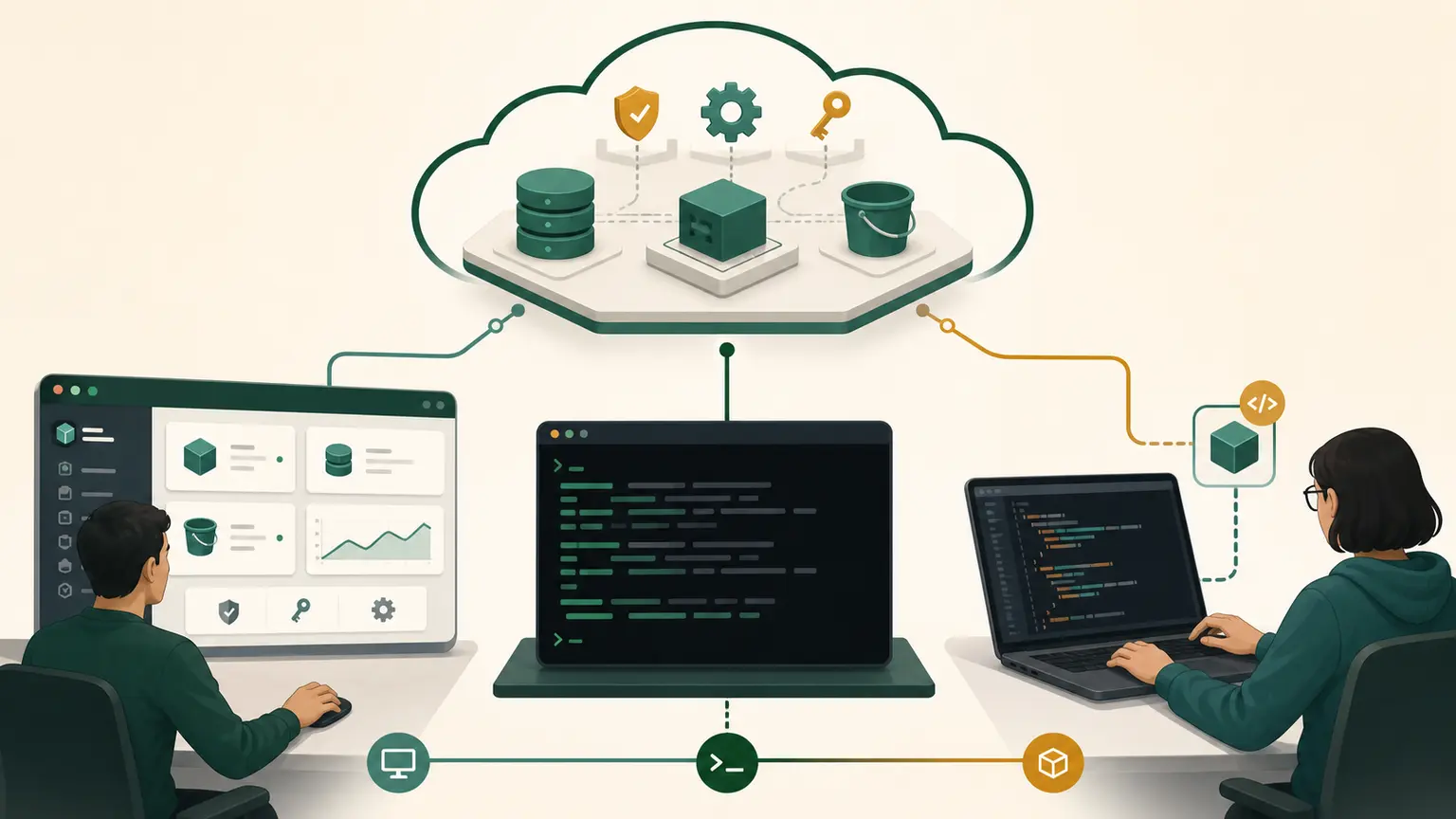
Earlier lessons intentionally avoided AWS CLI commands because the learner had not installed or authenticated the CLI. AWS CloudShell now provides a browser-based shell with AWS CLI v2 and credentials derived from the current Console session.
CloudShell removes local installation from this exercise. It does not remove IAM, Region, shell, network, or evidence responsibilities.
Final outcome
You will open CloudShell in the fixed course Region, prove caller identity and Region, run read-only AWS CLI queries, interpret each parameter and output, and close the session without creating resources or exposing identifiers.
Relationship
daily Console identity
        |
        v
AWS CloudShell session
        |
        v
preinstalled AWS CLI v2
        |
        v
signed AWS service API request
CloudShell uses the permissions of the signed-in identity. It is not an administrator shell unless that identity is an administrator.
Open CloudShell
- Sign in using the non-root daily identity.
- Set the Console to the fixed course Region.
- Choose the CloudShell icon in the navigation or search for CloudShell.
- If the selected Region does not support CloudShell, read the displayed fallback Region carefully. Do not assume shell Region and intended workload Region are identical.
- Wait for a prompt.
- Confirm that the shell is Bash or adapt the commands for the shown shell.
CloudShell's home-directory persistence is Region-specific for standard environments. VPC environments have different persistence behavior. This lesson uses the standard environment and does not create a CloudShell VPC environment.
Shell preflight
Run one block at a time:
pwd
whoami
aws --version
aws configure list
What these prove:
pwdshows the working directory.whoamiidentifies the Linux user inside the shell environment, not the AWS principal.aws --versionproves an AWS CLI executable is available and reports its version.aws configure listshows where profile, credentials, and Region settings are resolved. It masks sensitive values.
Do not run aws configure in standard CloudShell just to "make it work." The environment is already authenticated, and setting static credentials could create unsafe precedence.
Prove caller identity
aws sts get-caller-identity
printf 'exit=%s\n' "$?"
The response contains:
UserId, the unique identifier for the current principal or session;Account, the AWS account identifier;Arn, the IAM user, role session, or root ARN.
Exit code 0 plus a response proves the request succeeded. It does not prove broad permissions. Redact account and principal identifiers before sharing.
If the ARN indicates root, stop. Sign out and reopen CloudShell from the daily identity.
Fix the Region explicitly
Set a nonsecret course variable:
COURSE_REGION="ap-south-1"
export COURSE_REGION
printf 'course_region=%s\n' "$COURSE_REGION"
Then compare:
aws configure get region
aws configure list
For an individual query, make scope explicit:
aws ec2 describe-availability-zones \
  --region "$COURSE_REGION" \
  --filters Name=zone-type,Values=availability-zone \
  --query 'AvailabilityZones[].{Name:ZoneName,Id:ZoneId,State:State}' \
  --output table \
  --no-cli-pager
Parameter meanings:
--regionselects the API endpoint scope for this command.--filterslimits results to ordinary Availability Zones.--queryselects fields from the response.--output tableformats for humans.--no-cli-pagerreturns control directly to the prompt.
The command is read-only. Success shows zones visible to the account in that Region. It does not prove the account can launch every instance type in every zone.
Compare Console and CLI
In the Console, open EC2, then Settings or the Availability Zone view available from the EC2/VPC interface. Confirm that the Region and zone names align with the CLI result.
The Console and CLI are two clients of AWS APIs. Their display formatting differs, but account and scope should describe the same environment.
Create redacted evidence
mkdir -p "$HOME/nitwings-aws/evidence/aws-028"
aws sts get-caller-identity \
  --query '{PrincipalType:Arn}' \
  --output json \
  --no-cli-pager
Do not redirect the unredacted account identity to a file you plan to share. Create cloudshell-evidence.md manually with:
CloudShell Region:
Course workload Region:
AWS CLI version:
Principal type: role, user, or other non-root type
Identity command exit code:
Availability Zones observed:
Console comparison:
What the evidence does not prove:
Persistence and sensitive data
Standard CloudShell provides persistent storage in the home directory on a per-Region basis within documented limits. Files outside the persistent location can disappear. Persistent does not mean backup, archive, or secret storage.
Do not leave:
- downloaded account reports;
- credentials;
- SSH private keys;
- unredacted assessment screenshots;
- customer data;
- scripts you do not understand.
Remove unnecessary evidence before ending:
unset COURSE_REGION
history | tail
Do not clear history to hide course actions. Inspect it for accidental secrets. If a secret was entered, deletion from history is not sufficient. Revoke or rotate the exposed credential.
Troubleshooting
| Symptom | Likely cause | Check |
|---|---|---|
| CloudShell unavailable | unsupported or restricted Region | displayed fallback and supported Regions |
AccessDenied | current identity lacks API action | capture action and ARN, do not use root |
| unexpected Region | Console/CloudShell fallback or environment precedence | aws configure list and --region |
| pager appears | CLI pager enabled | --no-cli-pager |
| command hangs | pager, network, or long request | read screen before interrupting |
| file missing after Region change | Region-specific storage | return to original CloudShell Region |
Knowledge check
- Why was CLI use delayed until this lesson?
- Does CloudShell require local AWS CLI installation?
- Does
whoamiidentify the AWS principal? - What overrides a default Region for one CLI command?
- What does
get-caller-identitynot prove?
Expected answers: learners needed safe shell and account context first; no; no; --region; it does not prove broad authorization or correct resource scope.
Completion gate
Pass when the learner opens CloudShell as non-root, records CLI version, proves caller identity with redaction, uses an explicit Region, explains every option in the zone query, matches the scope in Console, and documents what the evidence does not prove.
No workload resources were created.