
AWS 286: AWS Data Transfer Terminal and offline transfer alternatives
Why this lesson matters
Moving 500 TB is not simply “bandwidth times time.” The real schedule includes source enumeration, packaging, encryption, local copy to portable devices, travel or shipping, facility setup, upload, object creation, verification, retry, final delta and secure erasure. A nominal 100 Gbit/s interface cannot compensate for slow disks, millions of tiny files, an underpowered upload host or a destination request bottleneck.
AWS Data Transfer Terminal (DTT) is a secure physical facility where eligible customers bring their own storage/upload equipment and use high-speed connectivity to AWS public service endpoints. It is not an AWS appliance delivered to a learner. Offline partner services have different custody and import models. Architects must compare full elapsed time, security, destination semantics, evidence and cost rather than headline throughput.
Outcomes
By the end, you can:
- distinguish online, temporary high-speed, terminal and partner offline transfer models;
- explain DTT eligibility, reservation, equipment, facility and endpoint responsibilities;
- calculate ideal and realistic timelines for 10, 100 and 500 TB;
- identify source/read, CPU, NIC, protocol, WAN and destination bottlenecks;
- design encrypted media transport and chain-of-custody controls;
- prepare S3 or another destination with IAM, KMS, quotas and data semantics;
- build end-to-end inventory, checksum, reconciliation and retry evidence;
- state the current Snow Family availability boundary correctly;
- compare cost, risk, deadline and final-delta treatment; and
- create a bulk-transfer decision record without purchasing services.
Current AWS service position
AWS Data Transfer Terminal is currently available only to Enterprise Support customers. Eligible customers reserve a time/location through the console, bring their own storage devices, upload system and peripherals, enter the secured facility during the reservation, connect to the provided network and transfer to AWS services through public endpoints.
AWS Snowball Edge is no longer available for new customers to order. Existing customers can continue supported use, but a new architecture must not assume Snow device ordering. AWS directs new customers toward DataSync for online transfer, DTT for secure physical high-speed transfer, or AWS Partner offline-transfer solutions. For edge compute, evaluate Outposts rather than treating it as an offline-import device.
These boundaries can change. Verify support plan, locations, destination service/Region, reservation availability, partner terms and current pricing before commitment.
Four transfer models
| Model | Data path | Good fit | Main risk |
|---|---|---|---|
| Existing online | source through internet/VPN/DX using DataSync/native tools | reliable bandwidth and repeatable incremental copies | migration competes with production; long elapsed time |
| Temporary high-speed online | short-term hosted Direct Connect plus DataSync | data center can obtain reliable high-rate circuit | provisioning lead time and source/destination throughput |
| Data Transfer Terminal | customer devices physically carried to an AWS secure upload facility | data already portable/locally collected and DTT is accessible/eligible | custody, travel, reservation and customer hardware readiness |
| Partner offline service | partner supplies devices/logistics/upload workflow | no suitable link/DTT or white-glove service required | third-party custody, contract, format and evidence boundaries |
Hybrid is normal: seed bulk data through one path, then transfer final changes online. The seed and delta must use compatible identity/inventory semantics.
Quantify before choosing
Ideal transfer time:
seconds = bytes / usable bytes per second
usable bits per second = link rate x measured utilization
Approximate ideal times at 70 percent utilization:
| Data | 1 Gbit/s | 10 Gbit/s | 100 Gbit/s |
|---|---|---|---|
| 10 TB | 31.7 hours | 3.17 hours | 19 minutes |
| 100 TB | 13.2 days | 31.7 hours | 3.17 hours |
| 500 TB | 66.1 days | 6.61 days | 15.9 hours |
These decimal-TB estimates exclude setup, file enumeration, encryption, local staging, retries and verification. Record whether capacity uses TB or TiB and whether “100 Gbit/s” is per interface, aggregate or sustained application throughput.
Find the end-to-end bottleneck
Sustained throughput cannot exceed the slowest stage:
source media -> local bus/RAID -> CPU/hash/encryption -> filesystem walk
-> upload software -> NIC/transceiver/cable -> facility network
-> AWS public endpoint -> service API/partition/request rate -> destination storage
Benchmark representative data. One 100 GiB file behaves differently from 50 million 2 KiB files. Capture read MB/s, IOPS, CPU, memory, network, parallel workers, retries, S3 request rate and destination throttles. Avoid a synthetic sequential benchmark that ignores metadata and object calls.
Compression helps only when data is compressible and CPU plus decompression workflow are available. Media/video and encrypted archives often do not compress further. Packaging tiny files into verified archives can improve throughput, but changes retrieval granularity, metadata and partial-retry behavior.
DTT reservation and people plan
Before reserving:
- confirm Enterprise Support eligibility and an acceptable facility;
- identify destination accounts, Regions, buckets/services and public endpoint path;
- estimate upload plus setup/verification time from measured equipment throughput;
- reserve a slot with contingency rather than the ideal byte-rate result;
- nominate authorized attendees and meet facility access requirements;
- prepare travel/transport, customs/insurance where relevant and custody handoffs;
- prepare an incident contact, AWS Support route and stop criteria; and
- retain reservation, access and transfer evidence without exposing facility security details.
The facility is re-secured after the customer leaves. Operational success must therefore include a plan for unfinished data, a failed device, expired reservation or inaccessible destination.
Customer equipment readiness
Customers bring storage devices, upload compute and needed peripherals. Current technical guidance calls for compatible high-speed fiber equipment, including a 100G QSFP28 LR4 transceiver/NIC path for optimal use, DHCP support, current NIC drivers, and suitable cables/connectors. Exact facility guidance supplied with the reservation is authoritative.
Build and test the identical stack before travel:
- redundant, labeled media and power supplies;
- upload host with enough PCIe lanes, CPU, RAM and local throughput;
- supported NIC optics/cables and spare components;
- DHCP, DNS and public endpoint reachability;
- current OS/drivers, upload software and scripted configuration;
- time synchronization and logs;
- least-privilege temporary AWS credentials or approved federation; and
- inventory/checksum manifests stored separately and encrypted.
Do not discover at the facility that the array reads at 2 Gbit/s or the transceiver is incompatible.
Destination preparation
DTT provides network access, not destination architecture. For S3 prepare:
- correct account/Region/bucket and naming/prefix ownership;
- bucket policy, Block Public Access and Object Ownership;
- default encryption and KMS key policy/grants if SSE-KMS;
- role/session duration and least-privilege multipart permissions;
- versioning/Object Lock/lifecycle only when their effects are understood;
- storage class and restore/access requirements;
- expected object count/size, multipart configuration and checksums;
- request/KMS quotas, CloudTrail data-event decision and cost monitoring; and
- a clean destination prefix that avoids overwrite ambiguity.
If using EFS or another public AWS endpoint, prove its access, protocol, Region and throughput model. A DTT connection does not create private routing into arbitrary VPC resources.
Identity and credential safety
Use a dedicated upload role assumed through an approved temporary credential flow. Minimize duration and permissions while allowing a reservation-length session/renewal process. Never transport long-lived administrator keys on portable media or write secrets into shell history and manifests.
Separate roles for uploader, verifier and deletion/cleanup when practical. Deny public ACL/policy changes. Restrict destination prefix and KMS key. Log role assumption and object writes. Plan credential loss/revocation while at the facility and avoid dependencies on a single person's MFA device.
Encrypt data before physical movement
Facility security does not replace client-side media protection. Encrypt devices or datasets before they leave the controlled source, using an approved algorithm and key-management process. Keep decryption keys separate from the media and custody record.
Document:
- data classification and whether physical removal is legally allowed;
- encryption method, key custodian, recovery copy and destruction date;
- device serial number, tamper seal and asset owner;
- every release/receipt with person, time, place and condition;
- secure transport/storage and loss-response procedure;
- facility arrival/departure and device reconciliation; and
- verified erasure or approved reuse after cloud acceptance.
Do not place the only manifest/checksum/key on the transported device.
Integrity and completeness evidence
Hashing one sample proves one sample. Build a signed/versioned manifest containing relative object key/path, size, modification/version context and strong checksum where practical. For huge datasets use partitioned manifests and aggregate roots so a retry does not require rehashing everything.
Evidence chain:
- freeze or snapshot the source dataset;
- enumerate expected items/bytes and exceptions;
- create hashes during a controlled source read;
- verify portable-copy completion before transport;
- upload with multipart checksums where supported;
- reconcile AWS inventory by key, size and checksum semantics;
- investigate missing, extra, duplicate and mismatched objects;
- perform application/file-format validation; and
- sign owner acceptance before erasure or source deletion.
An S3 ETag is not universally an MD5 hash, especially for multipart or encrypted objects. Use the chosen checksum API/metadata and preserve how it was computed.
Namespace and metadata conversion
Portable files are not automatically valid cloud objects. Decide:
- path separator and character encoding;
- case collisions and duplicate names;
- symlink/hard-link/sparse-file treatment;
- POSIX/SMB ownership, ACL and timestamps;
- empty directories, which S3 does not require as objects;
- files larger than single-upload limits and S3 multipart limits;
- object-key escaping and application references;
- archive packaging and retrieval process; and
- data classification tags, legal retention and storage class.
Run a representative conversion test and restore it through the target application before bulk movement.
Online final delta and cutover
Physical transfer is a point-in-time seed. If source data keeps changing during preparation/travel/upload, calculate the delta rate and choose a supported online synchronization mechanism. Maintain stable path-to-object mappings so the delta updates the right destination.
Cutover plan:
- finish bulk verification and target application tests;
- run repeated online deltas and measure convergence;
- announce source freeze and stop writers;
- capture a final source manifest/checkpoint;
- transfer/verify final delta;
- switch consumers to target and run acceptance;
- retain source/media for the approved rollback window; and
- erase/decommission only after final sign-off.
If the delta cannot converge within the outage, the initial transfer method alone does not meet the requirement.
Partner offline alternatives
AWS identifies Marketplace partner solutions, including examples such as Seagate and Tsecond, for new customers requiring offline transfer. This is not an endorsement of a specific design. Evaluate through procurement and security due diligence:
- service geography, capacity, lead time and destination support;
- device specifications, encryption and customer-held key options;
- pickup, shipping, tracking, tamper evidence and insurance;
- data format/import software and metadata compatibility;
- chain-of-custody and subcontractor boundaries;
- integrity/completion reports and retry responsibility;
- erasure standard and destruction certificate;
- incident notification, liability, compliance and audit rights; and
- full price including devices, logistics, upload, delay and egress/return.
Avoid inventing AWS-native guarantees for partner equipment. Contract and independent evidence define the boundary.
Snow Family boundary
New customers cannot order Snow Family devices. Existing Snowball Edge customers may continue under current support/availability terms. Therefore:
- do not teach “order a Snowball” as the default new-customer answer;
- recognize it in legacy estates and exam scenarios that explicitly establish eligibility;
- validate Region/country, job age, shipping and encryption limits for an existing workflow; and
- plan transition to current online, DTT, partner or Outposts patterns according to data-transfer versus edge-compute needs.
Monitoring and failure response
Build one timeline across custody scans, device health, source reads, upload host logs, network throughput, S3/API responses, object inventory, CloudTrail and verification.
| Failure | Evidence | Safe response |
|---|---|---|
| Device damaged/lost | custody record, seal, encryption and asset status | invoke incident plan; revoke keys/credentials; do not claim data exposure without analysis |
| Cannot obtain DHCP/DNS | host/NIC/link/DHCP evidence | use facility support; do not set unapproved network values |
| Link is fast but upload slow | disk/CPU/file count/API/KMS/retry metrics | identify bottleneck; tune workers/packaging safely |
| Access denied | role session, bucket/KMS policy, CloudTrail | correct exact policy; never switch to admin/public access |
| Multipart upload interrupted | upload IDs/parts/session expiry | resume or abort per tool; inventory incomplete multipart storage |
| Checksum mismatch | source/portable/target manifests | quarantine affected partition, recopy and investigate media/path |
| Reservation expires | progress and remaining-time forecast | stop cleanly, preserve state and schedule approved continuation |
| Unexpected extra objects | destination baseline/versioning/upload logs | isolate and identify writer; do not mass-delete blindly |
Cost and environmental schedule
Compare total project cost:
- network/circuit and DataSync/native transfer;
- DTT reservation, travel, staff, portable arrays, upload host, optics and insurance;
- partner device/service, shipping, customs, support and delay;
- S3 requests, KMS, storage, incomplete multipart, versions and logs;
- duplicate source/target retention and final delta; and
- verification, remediation and secure erasure labor.
Include lead time and carbon/physical-logistics considerations where organizational policy requires them. The fastest upload may have the longest procurement or travel schedule.
Hands-on workshop: 10, 100 and 500 TB
Create a decision workbook with:
- TB/TiB, item count, average/maximum file size, change rate and deadline;
- measured source read, hashing, NIC and destination rates;
- ideal and 50/70/85-percent throughput estimates;
- online, temporary DX/DataSync, DTT and partner timelines;
- eligibility/location/lead-time constraints;
- destination IAM/KMS/bucket and object-layout design;
- equipment and reservation checklist;
- encryption/key and chain-of-custody register;
- manifest/checksum/retry and exception design;
- final-delta/cutover/rollback runbook;
- full cost and risk comparison; and
- approved recommendation plus rejection reasons.
Inject failures: measured disks provide only 8 Gbit/s, five million names collide by case, a role expires mid-multipart upload, one encrypted device is lost, target checksums mismatch for one partition, and source changes exceed online delta throughput. Show the evidence, owner and revised decision.
Knowledge check
- Does DTT ship an appliance to the customer?
No. Eligible customers bring their own devices and upload system to a reserved physical facility.
- Can a new customer order Snowball Edge?
No. New customers should evaluate DataSync, DTT or partner alternatives.
- Why is 100 Gbit/s not the transfer rate?
Sustained end-to-end rate is limited by the slowest storage, CPU, enumeration, NIC, protocol or destination stage.
- Why encrypt already-secured transported media?
Physical custody can fail; encryption provides a separate confidentiality control with separately held keys.
- Does matching total byte count prove success?
No. It can hide missing/extra/reordered content and metadata/application failures.
- Why is a final delta necessary?
The physical seed becomes stale if source data changes during staging, travel and upload.
- What must happen before media erasure?
Complete reconciliation, application acceptance, rollback-window and retention approval.
Lesson acceptance
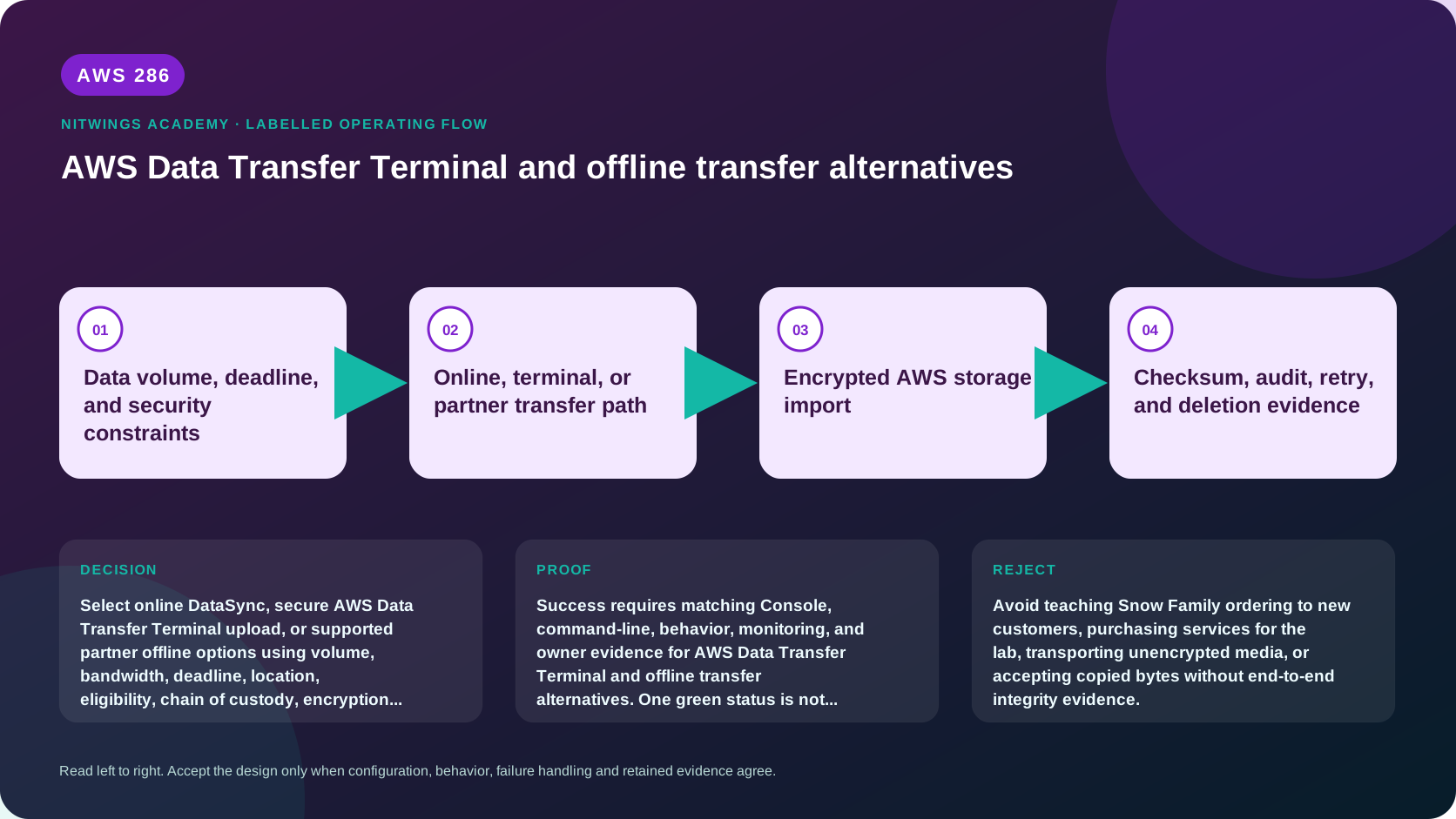
Pass only when the recommendation proves eligibility, real elapsed time, bottleneck, custody, encryption, destination access, namespace, integrity, final delta, cost and cleanup. Reject it if it recommends Snow ordering to a new customer, treats DTT as delivered hardware, transports unencrypted media, equates interface speed with throughput, relies only on byte count/ETag, omits target-write/source-delta handling, or erases media before acceptance.