
AWS 338: AWS Pricing Calculator, business case, TCO, and cost-risk assumptions
Why this lesson matters
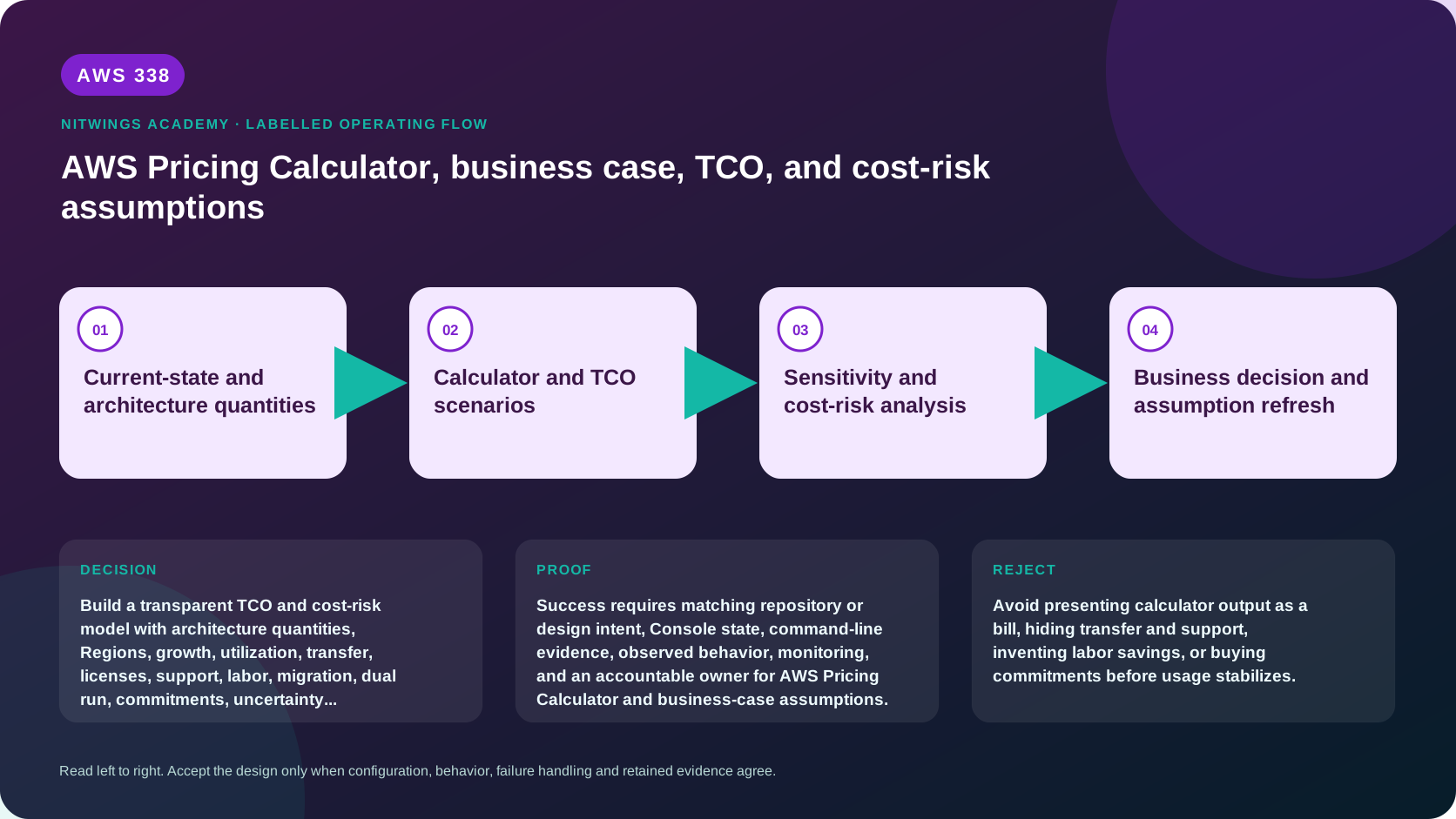
AWS Pricing Calculator estimates AWS fees from supplied quantities. It is not a bill, architecture validator, procurement approval, or complete business case. A trustworthy decision model connects workload demand to architecture quantities, AWS pricing, migration and dual-run costs, licenses, support, labor, risk, benefits, uncertainty, sensitivity, and accountable owners.
AWS now has two calculator experiences. The public calculator can be used without an account and generally models public rates. The in-console AWS Pricing Calculator can use historical usage and organization-specific discounts/commitments when permissions and preferences allow. It supports workload estimates and, for eligible management or standalone accounts, bill scenarios/estimates. Verify current pricing and calculator terms at decision time.
Learning outcomes
By the end, you can:
- build a driver-based architecture quantity model;
- distinguish public and in-console calculator capabilities;
- create conservative, expected, and high-growth estimates;
- include transfer, logs, security, backup, support, migration, and coexistence;
- compare on-premises TCO and cloud cost without false equivalence;
- model commitments only after eligible usage and risk are understood;
- calculate ranges, sensitivity, break-even, and unit economics;
- produce a versioned business case with assumptions and refresh triggers.
1. Define decision and boundary
State whether the model supports new workload selection, migration business case, budget, architecture comparison, or commitment planning. Define workloads, environments, accounts, Regions, years, currencies, taxes, inflation, discount rate, demand, support, labor, and exclusions.
| Boundary question | Example decision |
|---|---|
| Time horizon | Five years, monthly cash flow |
| Cost perspective | Company cash cost versus AWS invoice |
| Environments | Production, DR, staging, test, development |
| Included people | Infrastructure operations only, not product development |
| Baseline | Continue on-premises with refresh in year two |
| Alternatives | Rehost, replatform, managed/serverless target |
| Currency | USD model with stated exchange-rate scenario |
Do not compare a fully loaded on-premises TCO with only EC2 instance price.
2. Assumption register
Every material input needs ID, description, value/range, unit, source, observation date, owner, confidence, sensitivity, validation method, and refresh trigger.
Separate:
- facts measured from bills/telemetry/contracts;
- forecasts such as growth and seasonality;
- architecture decisions such as DR strategy;
- commercial assumptions such as discounts/exchange rates;
- exclusions such as taxes or product-development labor;
- benefits that are quantified, qualitative, or intentionally excluded.
Avoid hiding defaults in calculator fields. A default Reserved Instance selection or utilization percentage is not an approved business assumption.
3. Convert demand into quantities
Model user/business demand first:
orders/month
requests per order
peak requests/second and concurrency
compute seconds or instance-hours
database reads/writes/storage/IO/backups
objects, requests, lifecycle tiers, retrieval
messages, events, workflow transitions
log/metric/trace ingestion and retention
internet, inter-AZ, inter-Region, NAT, CDN transfer
Then map quantities to architecture. Include availability and recovery headroom, not average utilization alone. A two-AZ design may transfer data across AZs. A standby Region costs even when scaled down. Serverless cost can grow with retries and fan-out.
Reconcile quantity units. Do not add GB-month to request count or aggregate Cost Explorer UsageQuantity across unlike units.
4. Public Pricing Calculator workflow
For a public estimate:
- name version, purpose, owner, currency, and date;
- create groups by workload/component/environment or architecture option;
- select exact Region;
- enter compute OS/tenancy/instance, hours, utilization, quantity, and storage;
- configure database engine/deployment/storage/IO/backup;
- add object/file/archive requests, storage, lifecycle, and retrieval;
- add load balancing, NAT/endpoints, DNS, CDN, and data transfer;
- add serverless/API/message/workflow quantities;
- add logging, security, backup, keys, and support;
- inspect calculation details and export/share according to governance;
- copy every unsupported/external cost into the business-case model;
- peer-review architecture quantities against diagrams.
Descriptions should identify source and formula, not simply “EC2 server.”
5. In-console calculator boundary
The in-console calculator is in Billing and Cost Management and has API/CLI support. Workload estimates model planned incremental workload usage. Bill scenarios can model organization-wide usage and commitment changes; bill estimates are limited to management or standalone accounts. Access to historical usage and discounted rate types depends on permissions, Cost Explorer, and management-account preferences.
It can model before-discount and after-discount views, but output remains an estimate. Current documentation states workload estimates are free; bill estimates have a monthly free allowance and then per-estimate pricing. Verify current terms before running repeated bill estimates.
Do not request management-account billing access for a student exercise. Use the public calculator and supplied sanitized historical data.
6. Cost categories frequently missed
- data transfer out, inter-AZ, inter-Region, NAT Gateway processing, transit/inspection;
- load balancer capacity/processed data, public IPv4, endpoints, DNS, accelerator/CDN;
- EBS provisioned IOPS/throughput, snapshots, changed blocks, archive retrieval;
- database backup beyond allowance, replicas/global database, IO, proxy, extended support;
- CloudWatch logs, custom metrics, alarms, queries, traces, archive/export;
- CloudTrail data events, Config items/rules, GuardDuty/Security Hub/Inspector/Macie;
- KMS requests/keys, Secrets Manager secrets/API calls;
- backup storage, cross-Region/account copy, restore testing;
- queues, events, streams, workflow transitions, retries and DLQs;
- dev/test/DR, CI/CD, artifacts, temporary migration/staging resources;
- AWS Support, Marketplace, third-party appliances and licenses;
- people, training, managed service provider, audits, and decommissioning.
Each category needs an owner even if estimated as zero.
7. Current-state TCO
Build the alternative of staying. Include hardware purchase/depreciation or lease, data-center space, power/cooling, network circuits, backup/media, disaster-recovery site, software/support, virtualization, monitoring/security, facilities, staff/contractors, refresh, capacity buffer, downtime/risk, and decommission obligations.
Avoid false savings:
- sunk cost is not automatically avoidable cash;
- staff do not disappear when infrastructure changes;
- cloud still needs platform/security/FinOps/operations;
- data-center contracts may end later than migration;
- licenses may be portable, terminated, or duplicated;
- migration creates temporary dual run and project effort.
Classify each baseline cost as avoidable, retained, reduced, shifted, or one-time.
8. Migration and transformation cost
Include assessment, discovery, landing zone, network, tools/agents, replication/staging, transfer, test environments, schema/code change, data validation, security/compliance, training, partner/professional services, cutover, hypercare, dual run, rollback reserve, and decommissioning.
Model schedule slippage. One extra month of dual run can materially change break-even. Track when each source cost actually stops.
9. Commitments and purchase risk
Savings Plans and Reserved Instances can discount eligible steady usage in exchange for term/payment commitments. They do not right-size architecture and can become waste if demand, service, Region, family, tenancy, or strategy changes. Spot trades interruption risk for price. Capacity Reservations address capacity availability and are not automatically a discount mechanism.
Model:
- eligible normalized usage and utilization coverage;
- baseline versus uncertain growth;
- existing organization commitments and benefit sharing;
- migration ramp and architecture change;
- term, payment, cash, accounting, and exit risk;
- on-demand/Spot mix for variability;
- sensitivity when discount or utilization differs.
Buy only with finance authority after usage stabilizes and risk is accepted.
10. Scenarios and uncertainty
Create conservative, expected, and high-growth cases. Vary demand growth, peak/average ratio, architecture size, storage retention, transfer, log volume, migration duration, discount, commitment utilization, exchange rate, and labor.
Use ranges rather than fake precision. For each high-impact uncertain input, calculate effect on annual cost, break-even, and decision ranking. Tornado charts or ordered sensitivity tables make the dominant risks visible.
Stress a failure month: retries, log growth, DR activation, transfer, and duplicate capacity may raise cost while revenue falls.
11. Business case and benefits
Separate cost from value. Benefits can include avoided refresh, faster delivery, elasticity, improved recovery, reduced incident loss, market entry, compliance enablement, and retirement of unsupported technology. Quantify only when baseline, causal link, confidence, and owner exist.
Useful measures:
net benefit = quantified benefits - total costs
ROI = net benefit / total investment
payback = first period cumulative benefit exceeds cumulative investment
NPV = discounted future net cash flows
unit cost = total governed cost / successful business units
State discount rate, horizon, cash timing, and exclusions. Do not count the same labor or downtime benefit twice.
12. Unit economics and reconciliation
Choose denominator such as successful order, active learner, analyzed document, or shipped parcel. Include failed/retried work in numerator and define success consistently. Unit cost can improve while total cost rises because demand grows; report both.
After deployment, reconcile estimate to actual cost by quantity and rate variance:
- demand differed;
- architecture quantity differed;
- price/discount/commitment differed;
- unmodeled service/transfer appeared;
- migration/decommission schedule moved.
Update the model and decision triggers rather than declaring the calculator wrong.
13. Read-only evidence
aws pricing describe-services --region us-east-1 --max-results 20 --output table
aws bcm-pricing-calculator list-workload-estimates --region us-east-1 --output table
aws ce get-cost-and-usage \
  --time-period Start=YYYY-MM-01,End=YYYY-MM-01 \
  --granularity MONTHLY \
  --metrics UnblendedCost \
  --region us-east-1 \
  --output json
The Price List API is not a ready-made architecture estimate. The in-console calculator command may be denied and can expose sensitive billing assumptions. Use only approved billing access. Replace dates with a closed period.
14. Guided five-year business case
For the AWS336 order platform, produce:
- decision statement and model boundary;
- architecture quantity map;
- assumption/source/confidence register;
- on-premises TCO baseline;
- public calculator estimate export;
- expected AWS service breakdown;
- network/data-transfer model;
- logging/security/backup/support model;
- migration and dual-run cash flow;
- license and labor treatment;
- conservative/expected/high-growth cases;
- commitment and Spot strategy;
- sensitivity table;
- risk-adjusted five-year cash flow;
- ROI/payback/NPV with formulas;
- total and unit-cost forecast;
- break-even and decision triggers;
- executive recommendation, exclusions, owner, and refresh date.
15. Diagnostic traps
| Symptom | Likely problem |
|---|---|
| Estimate far below first bill | Missing transfer/logs/environments/support or wrong utilization |
| Commitment savings look extreme | Usage eligibility/coverage or existing benefits double-counted |
| Serverless estimate explodes | Retry/fan-out/duration or payload/request assumption |
| Business case always wins | Baseline inflated, benefits double-counted, retained costs omitted |
| Unit cost worsens | Failure/retry growth, low utilization, or denominator changed |
| Break-even moves monthly | Migration delay, retained contracts, exchange/demand variance |
Cost and cleanup
The public-calculator path creates no AWS resource. In-console bill estimates can have usage charges after the current free allowance, so this course does not require them. Delete sensitive exported estimates according to finance policy; retain sanitized decision evidence.
Knowledge check
- Is calculator output a bill? No; actual cost depends on usage, rates, discounts, taxes, and configuration.
- What differs in the in-console calculator? It can use historical usage, discounts, commitments, APIs, and bill scenarios under permissions.
- Why model dual run? Source and target costs overlap until acceptance and decommission.
- When should commitments be purchased? After eligible stable usage and risk are understood and approved.
- Why use sensitivity analysis? To show which uncertain assumptions can change cost or decision.
Lesson acceptance
Submit all 18 artifacts. Every quantity must trace to architecture/demand evidence; estimates must include commonly missed costs, migration/coexistence, and retained baseline; commitments and benefits must avoid double counting; and the decision must show ranges, sensitivity, unit economics, ownership, and refresh triggers.