Email Deliverability Incident Response: The First 60 Minutes

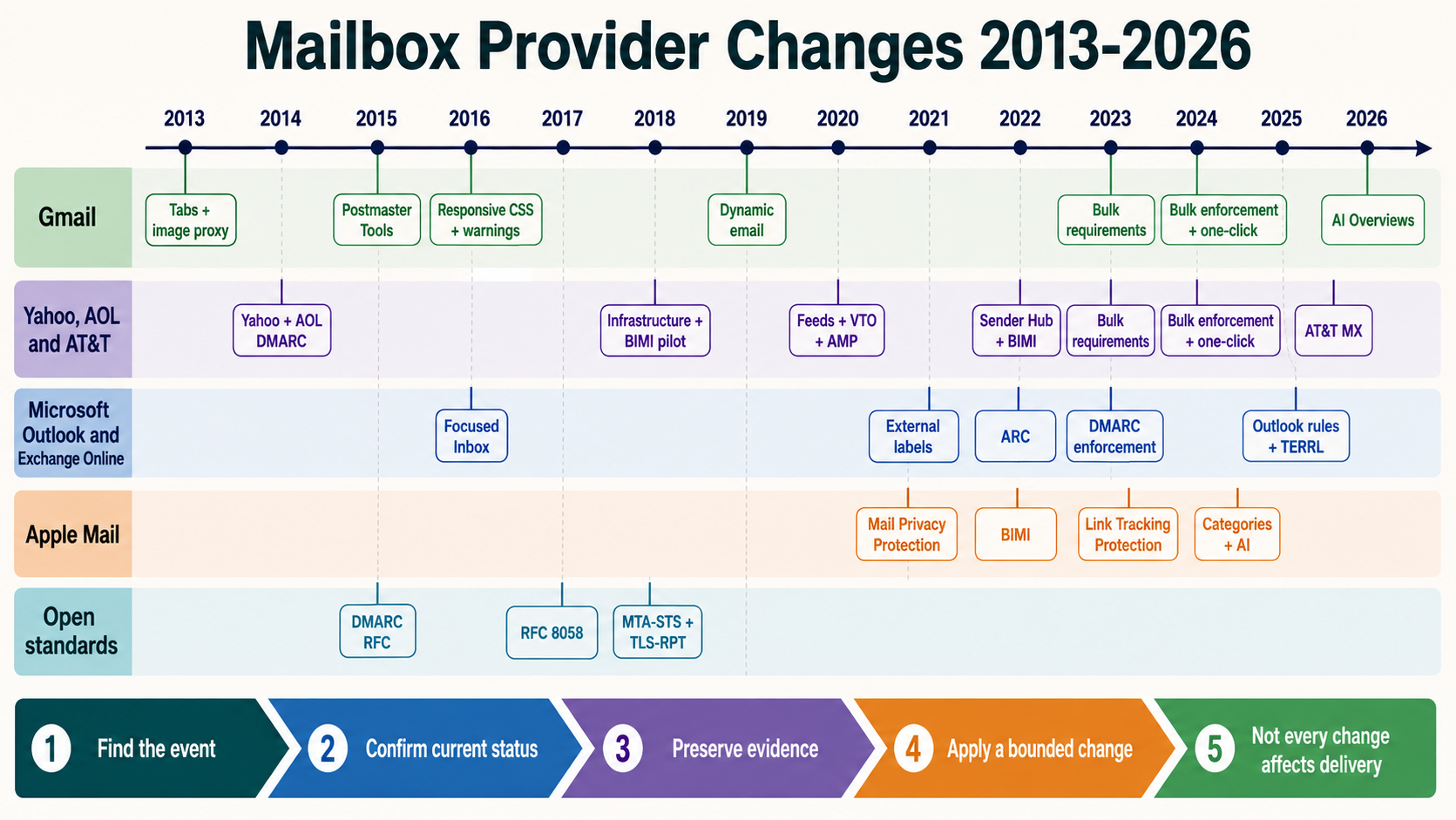
The first hour of a deliverability incident is easy to waste. One person edits DNS, another moves volume, a third changes the template, and the logs that could explain the original failure roll away. The aim of the first 60 minutes is simpler: stop creating new variables, preserve what happened, find the affected path, and make one change you can reverse.
Minute 0 to 10: stop the incident from changing shape
Pause non-essential deployments, DNS edits, routing changes, audience imports, template releases, and volume increases. Record when the symptom first appeared and the most recent known-good send. If mail must continue, protect essential transactional traffic and pause only the stream that is clearly affected.
Minute 10 to 25: map the blast radius
Split the data before debating the cause. Compare recipient provider, sending domain, DKIM selector, return-path, IP or pool, message class, campaign, tenant, and deployment region. Capture accepted, deferred, bounced, and queued volume for the same time window.
- Save a received message with complete headers from each affected provider.
- Save complete SMTP responses and the matching queue or delivery log lines.
- Record the actual envelope sender, visible From domain, DKIM signing domain, HELO name, and source IP.
- Preserve DNS answers, provider dashboard evidence, complaints, campaign details, and the change log before they move.
A Gmail-only placement drop does not follow the same path as timeouts to every MX. A single promotional pool should not pull a healthy password-reset stream into the incident unless the evidence connects them.
Minute 25 to 40: decide which layer owns the symptom
| What you see | Check first | Likely owner |
|---|---|---|
| SPF, DKIM, or DMARC changed | Received headers, selector, return-path, DNS, signing route | DNS, platform, or identity |
| One provider is deferring | Enhanced status code, stream, source IP, cadence, complaints | Deliverability or MTA operations |
| Every destination is slowing | Queue age, resolver, route, firewall, NAT, disk, CPU, connections | Infrastructure |
| Acceptance is stable but placement fell | Provider signals, audience, complaints, content class, recent volume | Deliverability and campaign owner |
Read provider responses literally and group them by code and normalized reason. Do not collapse a temporary rate limit, policy rejection, invalid recipient, and TLS failure into one “bounce rate.”
Minute 40 to 60: make one reversible change
Use the smallest intervention supported by the evidence. Pause or reduce one stream, restore the known-good route, correct the confirmed signing error, or suppress the demonstrated bad segment. Avoid changing the pool, domain, content, volume, and DNS at the same time.
Before the change, write down what should move if the diagnosis is right: DKIM verifies again, deferrals decline, queue age falls, the provider accepts a controlled sample, or placement returns in a representative test. Also write down when to stop or roll back.
Hand over a short record, not a confident story
At the hour mark, record the start time, affected traffic, evidence saved, confirmed cause or leading hypothesis, intervention, owner, next review time, and rollback condition. If the cause is not proven, say so. A precise uncertainty is more useful than an early root-cause claim the next shift has to undo.