
Linux Processes, Signals, Jobs and Scheduling
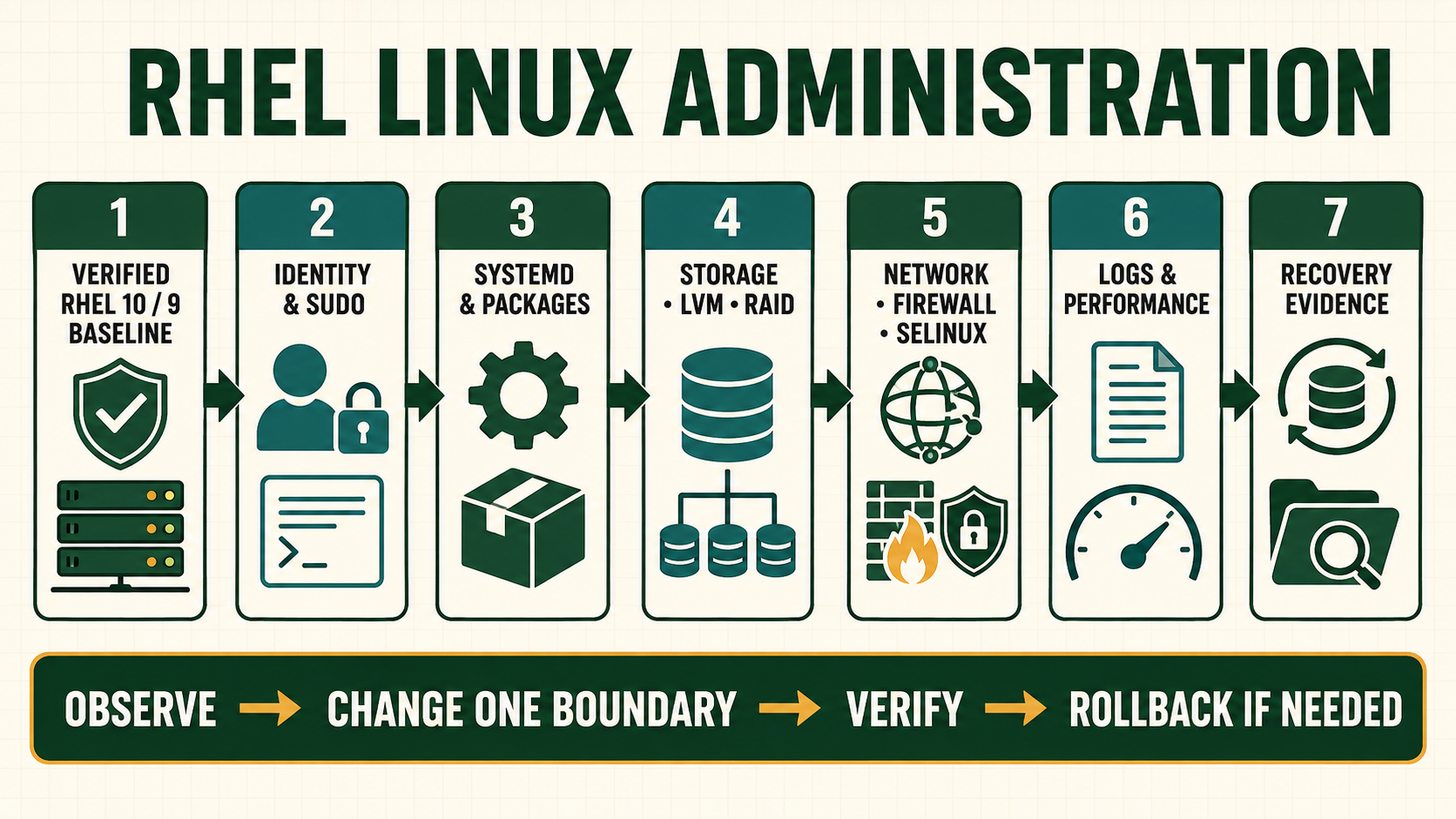
A process is a running execution context with identity, ancestry, open resources, namespaces, limits and state. A process name alone is not a safe target. Before sending a signal or changing priority, identify the exact PID, service unit, owner, workload purpose and dependency. Signals request behavior; they do not universally mean restart, reload or termination. The receiving program and its documented handlers determine the result.
Identify ownership before controlling execution
Shell jobs belong to an interactive shell and use job identifiers such as %1. System processes use PIDs and are often owned by systemd units. Containers and namespaces can present a different PID view. Use systemctl for a managed service because the unit expresses restart, timeout, cgroup and dependency policy that a raw kill bypasses.
A zombie has completed but its parent has not collected the exit status. Sending signals to the zombie cannot make it exit again. Inspect the parent and application behavior. An orphaned process is reparented; it is not automatically a zombie or an error.
Read a process as an owned execution tree
| Layer | Question to answer | Evidence |
|---|---|---|
| Identity | Which PID, user and executable are involved? | PID/start time, UID, executable and command line |
| Ancestry | Who created and should reap it? | PPID, process tree and service unit |
| Resources | What files, sockets and cgroup limits does it own? | /proc, lsof, ss and systemd status |
| State | Running, sleeping, stopped, zombie or blocked? | ps state and wait channel |
| Control | Which documented signal or unit action is valid? | Application manual, unit policy and observed result |
Control a process without guessing
- Capture identity and start time. A reused PID can otherwise target a different process.
- Map the owner. Connect the PID to its systemd unit, container, user session or approved batch job.
- Preserve the symptom. Capture logs, open files, sockets, stack or application state before changing execution.
- Choose the least disruptive request. Use an application command, unit reload or SIGTERM before SIGKILL when supported.
- Wait for the defined timeout. Watch child processes, queue drain and file consistency.
- Verify cleanup and service outcome. Confirm the expected PID, sockets, locks, jobs and downstream behavior.
Inspect ancestry, state and unit ownership
ps -eo pid,ppid,user,lstart,stat,ni,pcpu,pmem,wchan:24,comm,args --sort=-pcpu
pstree -aps
systemctl status example.service
systemctl show example.service -p MainPID -p ControlGroup -p Restart
cat /proc/1234/status
ls -l /proc/1234/fd
ss -lntup
renice 5 -p 1234
kill -TERM 1234
systemctl kill --kill-who=main --signal=TERM example.service
systemctl list-timers --all
crontab -l- Replace PID 1234 and the unit name only after resolving them from current evidence.
STAT=Zidentifies a zombie; inspect PPID and the parent rather than sending SIGKILL to the zombie.kill -TERMsends a signal and does not prove termination. Observe state, logs and application cleanup.- Prefer systemd timers for service-owned scheduling that needs dependency, missed-run, logging and unit-policy behavior.
Evidence and acceptance criteria
| Evidence | Healthy result | Failure meaning |
|---|---|---|
| PID identity | Start time, executable, owner and unit match the approved target | PID reuse or name collision could affect another workload |
| Graceful request | Application logs receipt and completes defined shutdown/reload | Signal unsupported, handler stuck or deadline too short |
| Resource release | Expected sockets, locks and descriptors close | Child or detached process still owns state |
| Schedule | Next/last run, unit result and journal are attributable | Timer, timezone, environment or permission failure |
| Service result | Positive request works and monitoring stabilizes | Process change did not repair application behavior |
Worked scenario: repeated SIGKILL causes a longer outage
A Java service stops answering health checks. An operator repeatedly uses SIGKILL because it is immediate. Each kill prevents graceful connection drain and leaves recovery work to the next start; dependent jobs retry and increase load. The actual symptom is a blocked storage call visible in process state and storage latency.
The corrected runbook captures thread and I/O evidence, stops new traffic, asks systemd for a controlled stop, waits for the approved deadline and escalates only if the process cannot exit. Storage ownership is repaired before a bounded restart. Acceptance includes queue drain and downstream latency, not just a new PID.
Practical how-to cases
Case 1: Trace a busy process
Start from resource evidence and follow one PID to its executable, files and service. Identify the owning user, parent, unit and cgroup before controlling a process.
ps -eo pid,ppid,user,stat,ni,pcpu,pmem,comm,args --sort=-pcpu | head
pstree -aps
systemctl status 1234 2>/dev/null || true
cat /proc/1234/status
ls -l /proc/1234/fd | head| Checkpoint | What to establish |
|---|---|
| Expected result | The responsible workload, parent and resource pattern are identified before action. |
| If it fails | A high CPU percentage alone does not prove harm; compare latency, pressure and the workload baseline. |
| Safe recovery | Undo the exact scheduler or unit change, allow graceful termination first, and confirm no orphan process or partial output remains. |
Case 2: Stop work gracefully
Send TERM, observe shutdown, and reserve KILL for a documented last resort. Identify the owning user, parent, unit and cgroup before controlling a process.
kill -TERM 1234
for n in 1 2 3 4 5; do ps -p 1234 -o pid,stat,cmd; sleep 1; done
journalctl _PID=1234 --since '-5 minutes' --no-pager| Checkpoint | What to establish |
|---|---|
| Expected result | The process handles TERM, releases resources and records a normal stop. |
| If it fails | A blocked uninterruptible process requires storage or kernel diagnosis; KILL cannot end D state. |
| Safe recovery | Undo the exact scheduler or unit change, allow graceful termination first, and confirm no orphan process or partial output remains. |
Case 3: Schedule a systemd timer
Create a oneshot service and timer with persistent catch-up rather than an unowned cron line. Identify the owning user, parent, unit and cgroup before controlling a process.
systemd-analyze calendar 'Mon..Fri 02:15'
systemctl cat report.service report.timer
systemctl enable --now report.timer
systemctl list-timers --all | grep report
systemctl start report.service
journalctl -u report.service -n 20| Checkpoint | What to establish |
|---|---|
| Expected result | The calendar is understood, the timer has a next run, and manual execution succeeds under the intended identity. |
| If it fails | A timer can trigger correctly while the service fails because of path, environment, permissions or SELinux. |
| Safe recovery | Undo the exact scheduler or unit change, allow graceful termination first, and confirm no orphan process or partial output remains. |
Case 4: Control shell jobs
Pause, resume and detach a lab command while distinguishing shell job IDs from PIDs. Identify the owning user, parent, unit and cgroup before controlling a process.
sleep 300 &
jobs -l
kill -STOP %1
jobs -l
kill -CONT %1
fg %1| Checkpoint | What to establish |
|---|---|
| Expected result | The job state changes are visible and foreground control returns to the shell. |
| If it fails | Jobs belong to one shell; another session needs the PID and cannot use that shell job number. |
| Safe recovery | Undo the exact scheduler or unit change, allow graceful termination first, and confirm no orphan process or partial output remains. |
Case 5: Compare at, cron and timers
Choose a one-time job, a simple recurring user job, and a service-owned timer deliberately. Identify the owning user, parent, unit and cgroup before controlling a process.
echo 'logger -t at-lab one-time' | at now + 2 minutes
atq
crontab -l
systemctl list-timers --all
journalctl -t at-lab --since '-10 minutes'| Checkpoint | What to establish |
|---|---|
| Expected result | The one-time job appears in atq and later creates one tagged event; recurring ownership remains explicit. |
| If it fails | atd or crond may be inactive, and minimal environments differ; verify service and journal rather than assuming execution. |
| Safe recovery | Undo the exact scheduler or unit change, allow graceful termination first, and confirm no orphan process or partial output remains. |
Independent practice tasks
- Diagnose a CPU-bound and an I/O-wait lab process.
- Convert one cron entry to a systemd timer with logs.
- Apply a nice adjustment and prove it does not impose a hard CPU limit.
- Recover a failed scheduled job caused by a missing environment variable.
For this lesson on Linux Processes and Scheduling, complete each task without copying the worked command sequence. Record the initial state, exact change, verification, negative test and recovery command. A task is unfinished if it works now but does not survive a reboot where persistence is required.
Troubleshooting by symptom
| Symptom | Inspect first | Defensible next action |
|---|---|---|
| Process ignores SIGTERM | Application handler, blocked state, permissions and unit timeout | Remove traffic, preserve diagnostics and use the approved escalation path |
| Zombie remains visible | PPID and parent wait behavior | Repair or restart the parent under service control; the zombie itself is already dead |
| Background job dies at logout | Controlling terminal, shell job and session ownership | Use a systemd service/transient unit for durable managed work |
| Timer did not run | Timer and service unit status, calendar, timezone and journal | Correct activation or service failure; test with a safe manual start |
| High CPU name matches many PIDs | Start time, unit/cgroup and workload role | Select the exact owned target rather than killall |
Unsafe operations and recovery boundaries
- Unsafe:
kill -9prevents application cleanup and should be a documented final escalation after evidence and graceful options. - Unsafe:
killallor name-based broad matching can terminate unrelated tenants or versions. Resolve exact PIDs and units. - Unsafe: running durable business jobs with
nohupalone omits service ownership, restart policy, limits and reliable evidence.
Rewritten knowledge checks
systemctl stop so unit timeout, dependencies and cgroup policy apply.Guided lab and acceptance test
- Start a harmless sleep process, record PID/start time/parent and move it between foreground and background.
- Send STOP, CONT and TERM while observing process state and exit status.
- Create a transient systemd unit with a memory limit and inspect its cgroup ownership.
- Create a timer that writes a UTC timestamp to a protected lab log and verify last/next run.
- Create a short-lived child whose parent delays waiting; observe states without attempting to kill a zombie.
- Remove the lab units and prove no process, timer or output path remains.