
RHEL systemd Services, Targets and Boot Troubleshooting
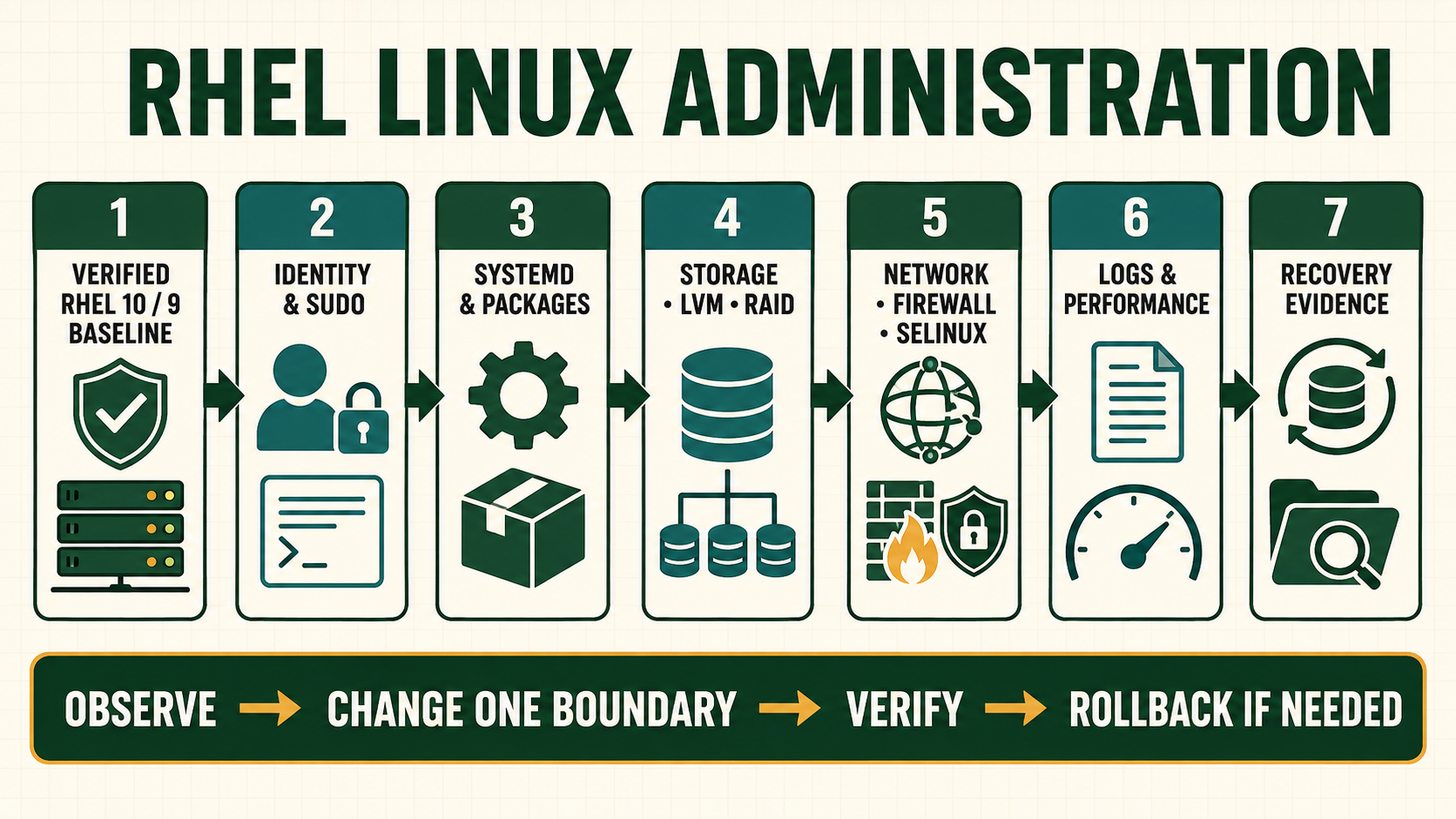
systemd starts and supervises units according to dependencies and policy. A target groups units; it is not the numbered runlevel mechanism used by much older systems. Effective behavior may come from vendor unit files, administrator overrides, generated units, presets and runtime state. Editing the vendor file hides provenance and can be overwritten by package updates, so current administration uses inspected drop-in overrides and verification.
Distinguish enablement, activation and health
enable creates dependency links for future activation; it does not necessarily start the unit. start requests activation now; it does not enable future boots. An active unit may still expose an unhealthy application. Socket, path, timer and dependency activation can also start a service without explicit enablement.
Ordering with After= does not imply a requirement. Use Wants= or Requires= for dependency relationships and choose failure semantics carefully. Services that truly require configured network connectivity may order after network-online.target, but indiscriminate use slows boot and does not replace application retry logic.
Trace effective systemd behavior
| Layer | Question to answer | Evidence |
|---|---|---|
| Unit source | Which vendor file and drop-ins apply? | systemctl cat and fragment/drop-in paths |
| Dependency | What is wanted, required and ordered? | list-dependencies, Wants/Requires/After |
| Execution | Which command, identity and environment run? | systemctl show and effective unit |
| Result | Why did activation finish in this state? | Result, ExecMainStatus and unit journal |
| Application | Did the intended service outcome work? | Socket, request, dependency and monitoring evidence |
Make a service change through a drop-in
- Capture the unit. Save
status,cat, keyshowproperties and recent journal. - Create the narrow override. Use
systemctl editand change only the reviewed property. - Verify syntax. Run
systemd-analyze verifyagainst the effective or candidate unit where appropriate. - Reload the manager.
daemon-reloadreads unit definitions; it does not automatically restart the service. - Activate within a window. Reload or restart according to application capability, with retained access and rollback.
- Test boot persistence. Verify enablement, dependency behavior and application acceptance after an approved reboot.
Inspect a unit and the current boot
systemctl status sshd.service
systemctl cat sshd.service
systemctl show sshd.service -p FragmentPath -p DropInPaths -p UnitFileState -p ActiveState -p SubState -p Result
systemctl list-dependencies --reverse sshd.service
systemctl list-unit-files --state=enabled
systemctl --failed
systemd-analyze time
systemd-analyze critical-chain
journalctl -u sshd.service -b --no-pager
journalctl -b -1 -p warning..alert --no-pager
systemctl get-default
systemctl rescue --no-block- Run
systemctl rescueonly from an approved console with impact understood; it isolates the system and can terminate services and sessions. critical-chainreports timing along one dependency path, not proof that the listed unit caused an application outage.- A manager
daemon-reloadis not an application reload. Use the service-specific supported action. - For boot failures, retain the boot ID and query the prior boot before logs rotate or volatile journals disappear.
Evidence and acceptance criteria
| Evidence | Healthy result | Failure meaning |
|---|---|---|
| Effective unit | Vendor fragment and reviewed drop-ins match change | Direct vendor edit, stale override or unexpected generator |
| Activation result | Active state and success result with expected main PID | Exec failure, timeout, dependency or restart loop |
| Dependency path | Required and ordered units reflect actual need | Cycle, missing requirement or unnecessary online wait |
| Boot journal | Complete boot evidence with credible timestamps | Volatile/missing journal or wrong boot selected |
| Application test | Expected local and remote behavior succeeds | Unit state is healthy but application path is not |
Worked scenario: service starts before its dependency is usable
An application unit declares only After=network.target and immediately exits because its remote dependency is unavailable. Adding repeated restarts hides the design issue and creates a startup storm. The network target means the network management stack has started, not that one remote application endpoint is ready.
The team gives the application bounded retry with jitter, orders it after the appropriate local network state only where necessary, adds a startup timeout and makes readiness observable. If failure of a local mount must prevent start, that relationship is expressed explicitly. Boot acceptance tests the dependency unavailable and later recovery paths.
Practical how-to cases
Case 1: Create a safe service override
Use a drop-in instead of editing the packaged unit. Keep console access and inspect the vendor unit plus all drop-ins before changing boot behavior.
sudo systemctl edit httpd.service
sudo systemd-analyze verify /etc/systemd/system/httpd.service.d/override.conf
systemctl cat httpd.service
sudo systemctl daemon-reload
sudo systemctl restart httpd.service| Checkpoint | What to establish |
|---|---|
| Expected result | The merged unit contains the intended override and the service reaches active state. |
| If it fails | A valid unit can still fail because its command, user, directory or dependency is wrong. |
| Safe recovery | Remove or correct the exact drop-in, run daemon-reload, reset the failed state when appropriate, and verify the next boot. |
Case 2: Diagnose a failed unit
Read result, exit status, dependency chain and journal in one timeline. Keep console access and inspect the vendor unit plus all drop-ins before changing boot behavior.
systemctl status example.service --no-pager
systemctl show example.service -p Result -p ExecMainStatus -p ActiveState -p SubState
systemctl list-dependencies example.service
journalctl -u example.service -b --no-pager| Checkpoint | What to establish |
|---|---|
| Expected result | The first causal failure is distinguished from later dependency failures. |
| If it fails | Repeated restart can trigger rate limiting and erase the original timing relationship. |
| Safe recovery | Remove or correct the exact drop-in, run daemon-reload, reset the failed state when appropriate, and verify the next boot. |
Case 3: Change the default target
Inspect target relationships before selecting a persistent boot target. Keep console access and inspect the vendor unit plus all drop-ins before changing boot behavior.
systemctl get-default
systemctl list-dependencies multi-user.target
systemctl isolate multi-user.target
sudo systemctl set-default multi-user.target
systemctl get-default| Checkpoint | What to establish |
|---|---|
| Expected result | The host target is confirmed before and after the persistent change. |
| If it fails | Isolating a target can stop the graphical session or services not required by that target. |
| Safe recovery | Remove or correct the exact drop-in, run daemon-reload, reset the failed state when appropriate, and verify the next boot. |
Case 4: Analyze a slow boot
Find the critical dependency chain rather than disabling the slowest-looking unit. Keep console access and inspect the vendor unit plus all drop-ins before changing boot behavior.
systemd-analyze time
systemd-analyze blame | head -20
systemd-analyze critical-chain
systemctl --failed
journalctl -b -p warning..alert --no-pager| Checkpoint | What to establish |
|---|---|
| Expected result | The dependency that delays reaching the target is identified with journal evidence. |
| If it fails | Blame duration includes waiting; disabling a required unit can trade slow boot for broken service. |
| Safe recovery | Remove or correct the exact drop-in, run daemon-reload, reset the failed state when appropriate, and verify the next boot. |
Case 5: Inspect and change a kernel argument
Use grubby to modify all installed kernel entries, then verify before reboot. Keep console access and inspect the vendor unit plus all drop-ins before changing boot behavior.
sudo grubby --info=ALL
sudo grubby --update-kernel=ALL --args='audit=1'
sudo grubby --info=ALL | grep args
cat /proc/cmdline| Checkpoint | What to establish |
|---|---|
| Expected result | Every intended boot entry contains audit=1; the running kernel changes only after a controlled reboot. |
| If it fails | Editing generated GRUB output directly can be overwritten and may leave entries inconsistent. |
| Safe recovery | Remove or correct the exact drop-in, run daemon-reload, reset the failed state when appropriate, and verify the next boot. |
Independent practice tasks
- Build and run a oneshot unit as a non-root user.
- Create an EnvironmentFile and prove a missing file failure.
- Recover a VM from an invalid default target using console access.
- Diagnose a service start-limit hit and correct the underlying failure.
For this lesson on RHEL systemd and Boot Troubleshooting, complete each task without copying the worked command sequence. Record the initial state, exact change, verification, negative test and recovery command. A task is unfinished if it works now but does not survive a reboot where persistence is required.
Troubleshooting by symptom
| Symptom | Inspect first | Defensible next action |
|---|---|---|
| Unit is enabled but inactive | Activation trigger, dependencies, conditions and last result | Start explicitly for testing and correct the intended boot dependency |
| Start-limit hit | Restart history and first underlying failure | Stop the loop, repair the first failure, then reset failure state deliberately |
| Override appears ignored | Drop-in filename/path and effective systemctl cat | Correct the drop-in and daemon-reload; do not edit the vendor copy |
| Boot waits for network | Critical chain, NetworkManager wait-online behavior and consumers | Fix the profile or remove an unjustified online dependency |
| Emergency mode | Failed mount/unit, console and journal | Repair exact configuration/device with backup; do not bypass required data silently |
Unsafe operations and recovery boundaries
- Unsafe: isolating rescue or emergency targets can terminate network and application services. Use console access and an impact-approved window.
- Unsafe: editing files under
/usr/lib/systemd/systemloses provenance and may be overwritten. Use a drop-in under/etc/systemd/system. - Unsafe: setting unlimited automatic restart can amplify a dependency outage, consume resources and erase the first useful error.
Rewritten knowledge checks
/etc/systemd/system, created and inspected through systemctl tools.journalctl -b -1 when the journal retains that boot.Guided lab and acceptance test
- Create a simple oneshot unit that writes a UTC timestamp to a lab path.
- Inspect its fragment, effective properties and dependencies before enablement.
- Add a drop-in defining a non-root user and a protected working directory.
- Introduce an invalid executable path, capture Result and journal evidence, then restore the drop-in.
- Create a timer for the unit and confirm next/last activation and output ownership.
- Disable and remove both units, daemon-reload and prove no dependency link remains.