
Linux Shell and Command-Line Foundations
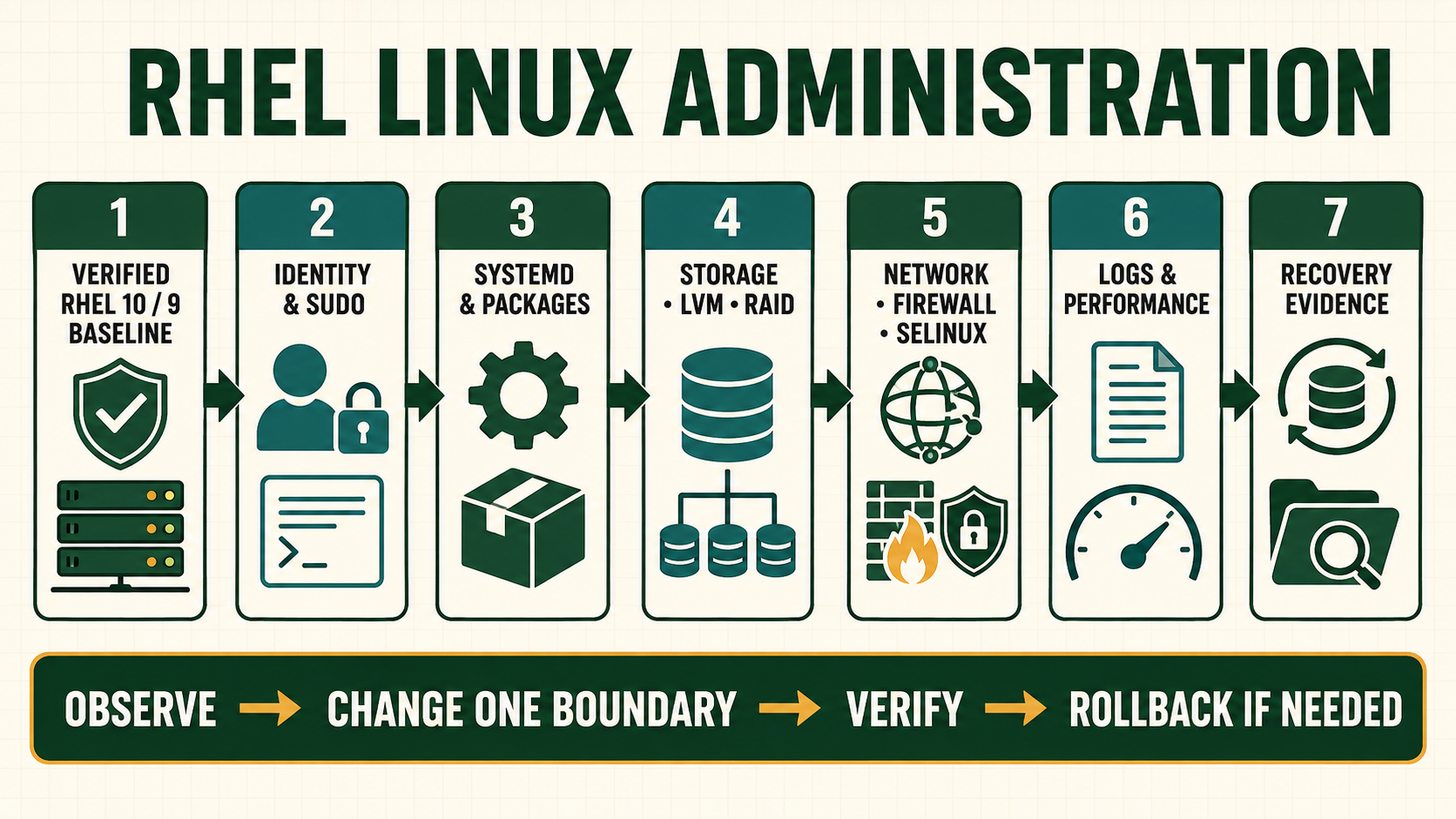
The shell is not merely a place to type commands. It parses quoting and expansions, connects file descriptors, launches programs and reports status. Many production mistakes happen before the intended command begins: an empty variable broadens a target, a wildcard matches more than expected, a pipeline hides an earlier failure, or output redirection truncates the evidence file that was meant to be protected.
Separate the shell from the command it launches
Bash reads the command line, performs expansions and redirections, then executes a builtin or resolves an external program through PATH. Quotes influence what Bash passes as arguments; they do not change how the called program interprets those arguments. Use printf "%q\n" and arrays when you need to inspect or preserve boundaries.
Interactive convenience is different from automation. Aliases, shell options, working directory, locale, umask and environment may vary. A production script declares its interpreter, validates inputs, uses explicit paths where ownership matters, checks exit status, creates protected temporary files and leaves useful evidence.
Build the working model
| Layer | Question to answer | Evidence |
|---|---|---|
| Parsing | What tokens and expansions will Bash produce? | Quoted command review and printf %q |
| Resolution | Builtin, function, alias or external binary? | type -a, command -V and package ownership |
| Data flow | Where do stdin, stdout and stderr go? | Explicit file descriptors and protected output path |
| Status | Which command decides success? | Exit code, PIPESTATUS and application evidence |
| Side effects | What can be created, replaced or disclosed? | Exact targets, permissions, dry run and cleanup |
Implementation sequence
- Read the operation literally. Identify shell operators, expansions, globs and redirections before considering the utility options.
- Resolve the command. Use local help and package ownership to know which implementation will run.
- Protect argument boundaries. Quote variables and use arrays when one logical argument may contain whitespace or wildcard characters.
- Separate normal output from errors. Send evidence to a protected path and keep stderr visible or deliberately captured.
- Check status and result. A zero status can still produce the wrong business result; verify the intended artifact or state.
- Make cleanup exact. Temporary paths must be created safely and removed only after their value and identity are confirmed.
Commands and expected evidence
type -a printf
command -V ss
rpm -qf "$(command -v ss)"
help printf
man 1 printf
info coreutils 'printf invocation'
printf '%q\n' "$PATH"
printf '%s\n' alpha beta > output.txt
printf '%s\n' warning >&2
set -o pipefail
printf '%s\n' alpha beta | grep beta
printf 'pipeline_status=%s\n' "$?"
tmp_dir=$(mktemp -d)
printf 'temporary=%s\n' "$tmp_dir"
type -aexposes aliases, functions, builtins and every PATH match. This matters when an interactive shell behaves differently from a service.- Command substitution removes trailing newlines. Do not use it to preserve arbitrary binary or record-oriented data.
set -o pipefailmakes a pipeline fail when an earlier stage fails, but the script must still handle the status and partial output.mktemp -dcreates an unpredictable directory safely. Set a restrictive umask and use a trap only after confirming the trap cannot expand an empty or broad target.
Evidence and acceptance criteria
| Evidence | Healthy result | Failure meaning |
|---|---|---|
| Command resolution | Expected binary and owning signed package | Alias, function, PATH drift or unowned executable |
| Arguments | Each logical value remains one intended argument | Quoting or expansion changed the target |
| Output channels | Evidence and errors land in approved protected destinations | Truncation, disclosure or lost diagnostics |
| Exit status | Failure propagates through functions and pipelines | Automation can report success after partial failure |
| Artifact | Expected file/state exists with correct owner and mode | Command success did not satisfy the actual task |
Worked scenario: an empty variable turns cleanup into an outage
A cleanup script constructs a release path from an unset environment variable and runs a recursive removal. The shell expands the empty value before the utility sees it, changing a specific release target into a broad parent path. Quoting alone cannot make an empty target correct.
The repaired procedure validates that the release ID matches an allowed pattern, resolves the candidate under an approved base directory, compares it with the active release, prints the exact target, and refuses root, the base directory or any path outside the release tree. A filesystem snapshot or retained immutable artifact provides recovery. The lesson is to validate meaning, not only syntax.
Practical how-to cases
Case 1: Preserve filenames as arguments
Create awkward filenames and process them without word splitting, option confusion or wildcard expansion.
work=$(mktemp -d)
printf '%s' data > "$work/name with spaces"
printf '%s' data > "$work/--help"
find "$work" -maxdepth 1 -type f -print0 | while IFS= read -r -d '' f; do printf '<%q>\n' "$f"; done| Checkpoint | What to establish |
|---|---|
| Expected result | Each path is printed once as one argument, including spaces and the leading dashes. |
| If it fails | Broken output or unexpected help text indicates unsafe splitting or option parsing. |
| Safe recovery | Operate inside the verified temporary directory and use -- for utilities that support end-of-options. |
Case 2: Handle pipeline failure
Demonstrate why a formatter at the end of a pipeline can hide failure from an earlier command.
set +o pipefail
false | tee /tmp/pipeline.out
printf 'without=%s\n' "$?"
set -o pipefail
false | tee /tmp/pipeline.out
printf 'with=%s stages=%s\n' "$?" "${PIPESTATUS[*]}"| Checkpoint | What to establish |
|---|---|
| Expected result | The first pipeline can report zero, while pipefail makes the producer failure visible. |
| If it fails | If automation still reports success, the status was overwritten by another command before it was stored. |
| Safe recovery | Capture status immediately and remove only the exact temporary output after inspection. |
Case 3: Use redirection deliberately
Keep normal output, diagnostics and a combined transcript separate.
{ printf 'record\n'; printf 'warning\n' >&2; } >out.txt 2>err.txt
{ printf 'record\n'; printf 'warning\n' >&2; } >all.txt 2>&1
printf 'out=%s err=%s all=%s\n' "$(wc -l <out.txt)" "$(wc -l <err.txt)" "$(wc -l <all.txt)"| Checkpoint | What to establish |
|---|---|
| Expected result | out.txt and err.txt each contain one line; all.txt contains both in execution order. |
| If it fails | An empty pre-existing file may have been truncated before a failing command ran. |
| Safe recovery | Write new evidence to a protected new file, verify it, then rotate the earlier file instead of overwriting it. |
Case 4: Write a defensive input check
Accept only a simple release identifier and refuse empty or malformed input before constructing a path.
release=${1-}
if [[ ! $release =~ ^[a-z0-9][a-z0-9._-]{0,31}$ ]]; then
  printf 'invalid release\n' >&2
  exit 64
fi
printf 'candidate=/srv/releases/%q\n' "$release"| Checkpoint | What to establish |
|---|---|
| Expected result | Valid identifiers produce one bounded candidate; empty, slashed and whitespace values exit 64. |
| If it fails | A constructed path containing traversal or an empty suffix means validation happened too late. |
| Safe recovery | Refuse the action. Do not attempt cleanup until the base path and resolved target are independently checked. |
Case 5: Search and archive a directory
Select records with a regular expression, create a bzip2-compressed archive, list it, and extract into an empty target.
grep -En '^(ERROR|WARN)[[:space:]]' app.log
tar -cjf logs.tar.bz2 logs/
tar -tjf logs.tar.bz2 | head
mkdir restored
tar -xjf logs.tar.bz2 -C restored
diff -qr logs restored/logs| Checkpoint | What to establish |
|---|---|
| Expected result | grep reports only intended records and the extracted tree compares equal to the source. |
| If it fails | An archive can contain absolute paths or parent traversal; list untrusted archives before extracting in an isolated directory. |
| Safe recovery | Delete only the isolated extraction after inspection and retain the original archive until its integrity and ownership are established. |
Independent practice tasks
- Write a script that accepts three filenames safely and reports missing files without stopping the remaining checks.
- Use grep with a basic and an extended regular expression, then explain which program interprets each metacharacter.
- Archive a directory with tar, list the archive and extract it into a new empty directory without overwriting the source.
- Find the package owner and manual page for five commands used elsewhere in this course.
For this lesson on Linux Shell and Command Line, complete each task without copying the worked command sequence. Record the initial state, exact change, verification, negative test and recovery command. A task is unfinished if it works now but does not survive a reboot where persistence is required.
Troubleshooting by symptom
| Symptom | Inspect first | Defensible next action |
|---|---|---|
| Command works interactively but not in a service | Interpreter, PATH, working directory, environment and permissions | Declare dependencies and service environment explicitly |
| Pipeline reports success despite an error | Status of each stage and whether pipefail is active | Preserve the first failure and avoid masking it with a final formatter |
| Filename beginning with a dash is treated as an option | Argument construction and utility support for -- | Use -- and an explicit path such as ./name |
| Output file is empty after a failed command | Order of redirection and command execution | Restore retained evidence; redirecting with > truncates before execution |
Unsafe operations and recovery boundaries
- Unsafe:
evalon constructed or untrusted text reparses data as shell syntax. Use arrays and explicit commands instead. - Unsafe: unquoted variables and globs in destructive commands can broaden the target. Validate non-empty canonical paths and refuse protected roots.
- Unsafe: piping a network download directly to a privileged shell removes artifact inspection, digest verification and rollback evidence.
Rewritten knowledge checks
type -a name or command -V name, then verify the external binary package where relevant.Guided lab and acceptance test
- Use
type -a,help,manand RPM ownership to document five common commands. - Create filenames containing spaces, wildcard characters and a leading dash in a temporary directory; list them without accidental expansion.
- Build a three-stage pipeline where the first command fails. Compare status with and without pipefail.
- Write a script that requires one validated argument, uses a protected temporary directory and emits normal output and errors separately.
- Test the script with an empty value, whitespace, a leading dash and an unexpected path.
- Remove only the lab temporary directory after printing and verifying its exact resolved path.