
RHEL firewalld and nftables Administration
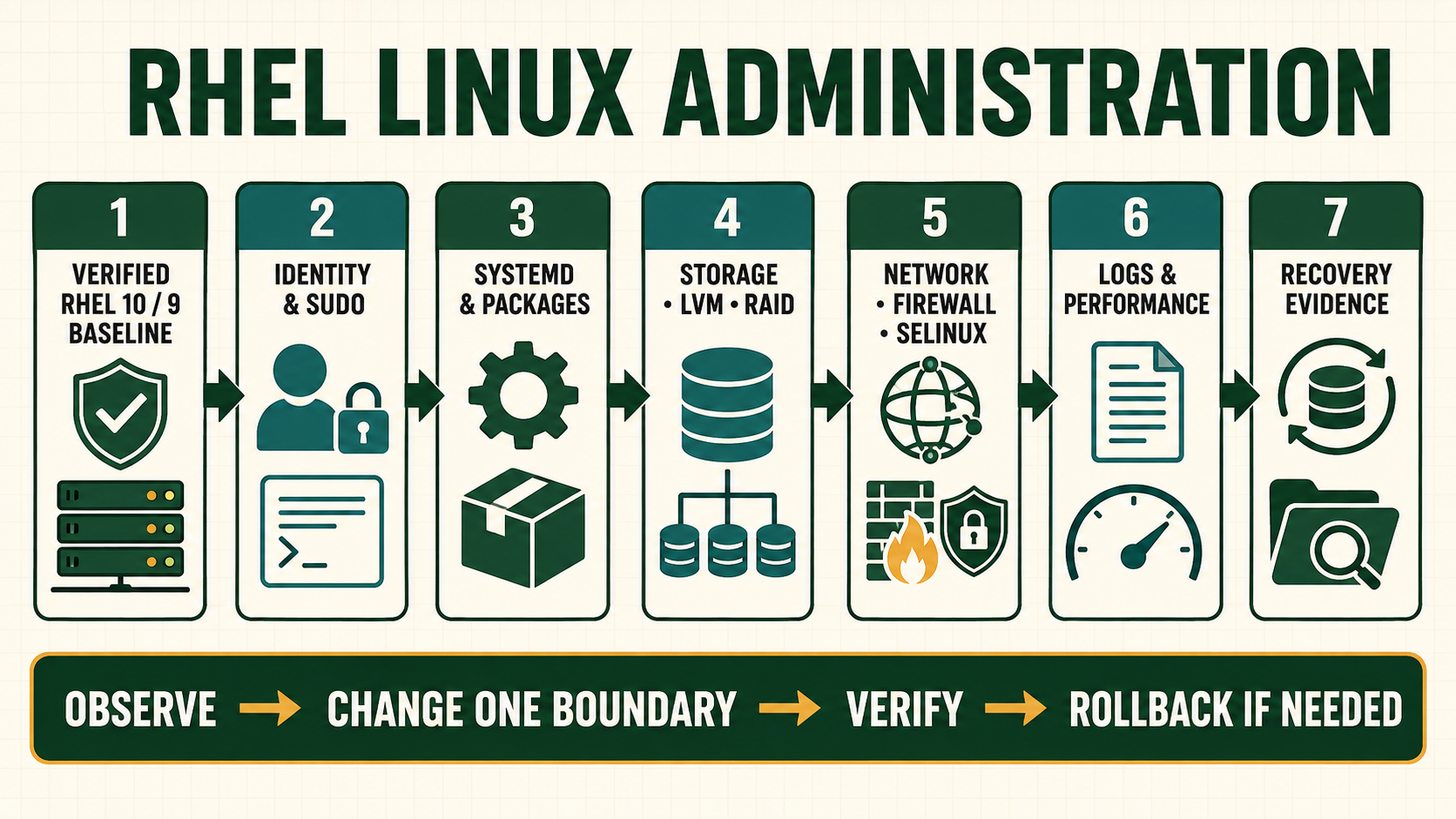
A firewall rule is one decision in a complete packet path. Current RHEL systems commonly use firewalld as the management layer and nftables as the packet-filtering backend. Editing nftables independently while firewalld owns the rules creates two control planes and unreliable persistence. Start by identifying the owner, active zone and interface/source assignment.
Choose one firewall control plane
firewalld zones express trust for interfaces or sources, services describe protocol/port groups and policies control traffic between zones. Runtime changes take effect now; permanent changes survive reload. A safe procedure can test runtime first, then write the reviewed permanent state and reload only after proving recovery access.
A port opened locally may remain unreachable because the application is not listening, binds another address, SELinux denies it, a cloud/security device blocks it or return routing fails. Never solve every timeout by widening the host firewall.
Map rule ownership and traffic direction
| Layer | Question to answer | Evidence |
|---|---|---|
| Owner | Which service generates the active nftables rules? | firewalld state and ruleset provenance |
| Ingress zone | Which interface/source classification applies? | active zones and source/interface binding |
| Service/policy | Which protocol and direction are allowed? | service definition, rich rule or policy |
| Application | Which address and port are actually listening? | ss and service configuration |
| External path | Which upstream and return policies apply? | client test, capture and network controls |
Open one service with bounded exposure
- Confirm application listener, intended source, protocol/port and owner.
- Capture active zones, complete firewalld configuration and recovery access.
- Prefer a named service definition or source-scoped rule over a broad port.
- Apply a runtime test and verify intended allow plus unintended deny.
- Add the same reviewed rule permanently and compare runtime/permanent state.
- Reload in the window, repeat tests and retain an exact removal command.
Inspect firewalld and nftables state
systemctl status firewalld
firewall-cmd --state
firewall-cmd --get-active-zones
firewall-cmd --get-default-zone
firewall-cmd --list-all-zones
firewall-cmd --list-all --permanent
firewall-cmd --get-services
firewall-cmd --info-service=ssh
nft list ruleset
ss -lntup
firewall-cmd --zone=internal --add-service=https
firewall-cmd --zone=internal --add-service=https --permanent
firewall-cmd --check-config- The add examples affect every source classified into the internal zone; verify that zone scope first.
nft list rulesetis evidence when firewalld owns policy, not permission to append unmanaged rules.- Runtime and permanent output must agree before a reload acceptance test.
- Use a custom service XML only through the supported firewalld location and validate it before reload.
Evidence and acceptance criteria
| Evidence | Healthy result | Failure meaning |
|---|---|---|
| Owner | firewalld is active and no competing manager exists | Rules can be overwritten or conflict |
| Zone assignment | Expected interface/source maps to intended trust zone | Rule applies too broadly or not at all |
| Rule state | Runtime and permanent reviewed configuration agree | Reload changes behavior unexpectedly |
| Listener | Exact process binds approved address/port | Firewall opening exposes nothing or wrong process |
| Tests | Approved client succeeds and disallowed client fails | Scope or upstream path differs from design |
Worked scenario: opening a port in the default zone exposes another network
An administrator adds a database port to the default zone because one application cannot connect. A second interface also uses that zone, exposing the database to a less trusted network. The original problem was a missing source classification.
The team removes the broad runtime rule, assigns the management/application interface or source to the correct zone, creates a narrowly scoped service policy and tests from allowed and denied networks. Permanent state is written only after the runtime behavior matches the design.
Practical how-to cases
Case 1: Open a service in one zone
Confirm interface zone, inspect the service definition and apply runtime first. Change the high-level firewalld owner unless the host has an explicitly reviewed direct nftables design.
firewall-cmd --get-active-zones
firewall-cmd --info-service=https
sudo firewall-cmd --zone=public --add-service=https
firewall-cmd --zone=public --list-all
sudo firewall-cmd --runtime-to-permanent
sudo firewall-cmd --check-config| Checkpoint | What to establish |
|---|---|
| Expected result | HTTPS is permitted only in the intended zone and survives reload after review. |
| If it fails | Opening a service does not create a listener; wrong zone selection produces false confidence. |
| Safe recovery | Remove the exact runtime and permanent rule, reload from known configuration, and verify SSH plus the intended deny path. |
Case 2: Restrict by source
Use a dedicated zone for one management subnet instead of a global rich rule. Change the high-level firewalld owner unless the host has an explicitly reviewed direct nftables design.
sudo firewall-cmd --permanent --new-zone=management
sudo firewall-cmd --permanent --zone=management --add-source=192.0.2.0/24
sudo firewall-cmd --permanent --zone=management --add-service=ssh
sudo firewall-cmd --reload
firewall-cmd --zone=management --list-all| Checkpoint | What to establish |
|---|---|
| Expected result | Only the approved source subnet maps to management and receives SSH policy. |
| If it fails | Overlapping source and interface bindings can make zone selection surprising; inspect active zones. |
| Safe recovery | Remove the exact runtime and permanent rule, reload from known configuration, and verify SSH plus the intended deny path. |
Case 3: Add port forwarding
Forward a lab port while checking routing and SELinux dependencies. Change the high-level firewalld owner unless the host has an explicitly reviewed direct nftables design.
sudo firewall-cmd --zone=public --add-forward-port=port=8080:proto=tcp:toport=80
sudo firewall-cmd --zone=public --list-forward-ports
sysctl net.ipv4.ip_forward
sudo nft list ruleset | less
curl -v http://SERVER_IP:8080/| Checkpoint | What to establish |
|---|---|
| Expected result | A client reaches the intended backend and the generated nftables rule is visible. |
| If it fails | Forwarding can fail at routing, backend listener, return path, firewall or SELinux. |
| Safe recovery | Remove the exact runtime and permanent rule, reload from known configuration, and verify SSH plus the intended deny path. |
Case 4: Prove a denial
Test from an unauthorized source and correlate packets, socket and firewall policy. Change the high-level firewalld owner unless the host has an explicitly reviewed direct nftables design.
ss -lntp
firewall-cmd --get-active-zones
sudo nft list ruleset
sudo tcpdump -ni any tcp port 22
journalctl -u firewalld -b --no-pager| Checkpoint | What to establish |
|---|---|
| Expected result | The listener remains healthy while policy denies only the unauthorized path. |
| If it fails | A timeout without packet evidence cannot establish that the host firewall made the decision. |
| Safe recovery | Remove the exact runtime and permanent rule, reload from known configuration, and verify SSH plus the intended deny path. |
Independent practice tasks
- Create a custom firewalld service for two lab ports.
- Build an inter-zone policy in a routed lab.
- Compare runtime-only and permanent changes across reload.
- Recover SSH after assigning the interface to the wrong zone.
For this lesson on RHEL Firewall Administration, complete each task without copying the worked command sequence. Record the initial state, exact change, verification, negative test and recovery command. A task is unfinished if it works now but does not survive a reboot where persistence is required.
Troubleshooting by symptom
| Symptom | Inspect first | Defensible next action |
|---|---|---|
| Rule added but connection refused | Listener address/port and service state | Correct application listener |
| Rule added but timeout remains | Active zone, source, nft counters, upstream and return path | Locate first drop |
| Works until reload | Permanent configuration missing or differs | Reconcile permanent state and validate |
| Unexpected network can connect | Zone/interface/source assignment and rich rules | Remove broad rule and correct classification |
| Manual nft rule disappears | Control-plane ownership and firewalld reload | Express policy through one approved manager |
Unsafe operations and recovery boundaries
- Unsafe:
nft flush rulesetor firewall replacement can remove SSH and workload protection instantly. Keep console and exact rollback. - Unsafe: opening a port to every source because a test fails expands exposure without diagnosing listener or path.
- Unsafe: maintaining simultaneous firewalld and unmanaged nftables policy creates drift and reload surprises.
Rewritten knowledge checks
Guided lab and acceptance test
- Record active zones and assign a disposable interface/source to a lab zone.
- Run a test HTTPS listener on a private lab address.
- Add HTTPS to the lab zone at runtime and test one allowed and one denied source.
- Inspect nftables effective rules and counters without editing them.
- Make the rule permanent, validate and reload, then repeat both tests.
- Remove the lab rule and zone assignment and confirm the listener is no longer reachable externally.