
RHEL SELinux Administration and Troubleshooting
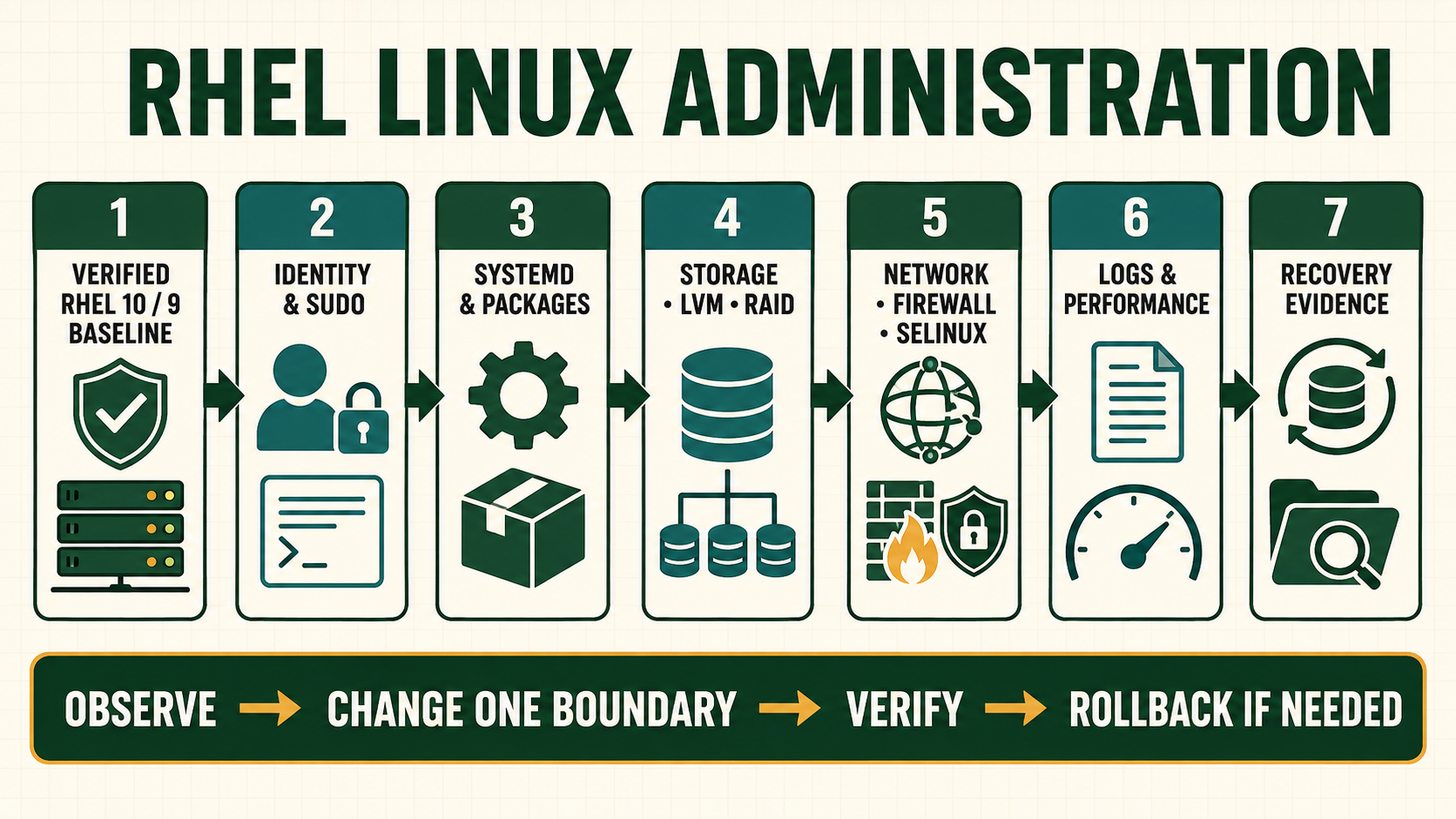
SELinux evaluates a mandatory policy decision in addition to ordinary Unix permissions. A denial is evidence that a subject type attempted an operation on an object type that policy did not allow. Disabling enforcement may hide that evidence while exposing the service. The correct response is to confirm the application path, read the AVC, decide whether the behavior is intended and choose a supported boolean, durable label or narrowly reviewed policy change.
Treat SELinux as a separate access-control decision
Discretionary owner/group/mode and ACL checks remain relevant, but passing them does not override SELinux. Labels normally contain user, role, type and level fields; service policy most often depends on types. A temporary chcon change can be lost during relabel. Use semanage fcontext for a durable local mapping and apply it with restorecon.
Booleans expose supported policy choices and can be persistent. Do not toggle a boolean because its name sounds relevant; inspect its description and scope, then test the specific application behavior and unintended access.
Read the complete SELinux decision
| Layer | Question to answer | Evidence |
|---|---|---|
| Subject | Which process type made the request? | PID, executable, unit and source context |
| Object | Which path/socket/port and target type? | Object context and real resolved target |
| Operation | Which class and permission were requested? | AVC fields and application action |
| Policy choice | Is behavior expected and supported? | Documentation, boolean, standard label or reviewed module |
| Verification | Does intended access work while unrelated access remains denied? | Positive/negative tests with enforcement active |
Diagnose an AVC without weakening the host
- Reproduce one authorized request and record UTC time, service and path.
- Confirm enforcing mode, process context and object context.
- Query the audit log for the matching AVC and read source type, target type, class and permission.
- Verify ordinary permissions, resolved paths, mounts and application configuration.
- Choose the documented standard location/label or supported boolean where it represents intended design.
- Create a durable local file-context mapping only for the exact custom path, apply and retest.
- Consider a custom policy module only after review proves the behavior is necessary and narrowly scoped.
Collect SELinux evidence and apply a durable label
getenforce
sestatus
ps -eZ | grep httpd
ls -ldZ /srv/example /srv/example/index.html
ausearch -m AVC,USER_AVC -ts recent
sealert -a /var/log/audit/audit.log 2>/dev/null
getsebool -a | grep httpd
semanage boolean -l | grep httpd
semanage fcontext -a -t httpd_sys_content_t '/srv/example(/.*)?'
restorecon -RFv /srv/example
matchpathcon /srv/example/index.html- The example label makes content readable to an HTTP service; it does not grant write access. Select the documented type for the real purpose.
- Generated policy suggestions are diagnostic input, not automatically safe policy. Review every allowed class and permission.
- Avoid broad recursive relabeling outside the exact approved path.
- Keep enforcement active during final positive and negative acceptance tests.
Evidence and acceptance criteria
| Evidence | Healthy result | Failure meaning |
|---|---|---|
| Mode | Enforcing with policy loaded | Permissive test may hide production denial |
| AVC correlation | Timestamp, subject, object, class and permission match request | Unrelated denial can lead to wrong correction |
| Path label | matchpathcon and actual context agree | Temporary or incorrect label |
| Policy decision | Boolean/label/module has documented narrow purpose | Overbroad access or wrong application behavior |
| Acceptance | Intended request succeeds and denied boundary remains | Correction weakened more than required |
Worked scenario: custom web root works only after disabling SELinux
An Apache virtual host moves content under /srv/customer. Unix permissions permit access, but the files carry a generic type and AVCs show the HTTP process denied read access. Disabling SELinux makes the page load but removes confinement for every service decision.
The administrator confirms the custom path is intended read-only web content, adds a durable httpd_sys_content_t mapping for that exact tree, runs restorecon and retests while enforcing. A separate upload directory receives a purpose-specific writable type only if the application design requires it.
Practical how-to cases
Case 1: Publish content from /srv
Define a persistent file-context rule and apply it rather than copying a transient label. Keep enforcing mode and identify subject type, object type, operation and policy decision from AVC evidence.
sudo mkdir -p /srv/site
sudo semanage fcontext -a -t httpd_sys_content_t '/srv/site(/.*)?'
sudo restorecon -RFv /srv/site
ls -ldZ /srv/site
matchpathcon /srv/site| Checkpoint | What to establish |
|---|---|
| Expected result | Actual and expected labels match and relabeling the filesystem preserves the rule. |
| If it fails | chcon alone can be overwritten by restorecon or a full relabel. |
| Safe recovery | Restore the saved configuration and default labels with restorecon; remove only the custom semanage rule or Boolean change introduced by the lab. |
Case 2: Allow a non-default port
Add a reviewed port label and align the application and firewall configuration. Keep enforcing mode and identify subject type, object type, operation and policy decision from AVC evidence.
sudo semanage port -l | grep http_port_t
sudo semanage port -a -t http_port_t -p tcp 8088
sudo semanage port -l | grep 8088
sudo httpd -t
sudo systemctl restart httpd| Checkpoint | What to establish |
|---|---|
| Expected result | The port maps to http_port_t and the service binds after its own configuration validates. |
| If it fails | Address in use and firewall denial are not SELinux denials; inspect the actual evidence. |
| Safe recovery | Restore the saved configuration and default labels with restorecon; remove only the custom semanage rule or Boolean change introduced by the lab. |
Case 3: Choose a Boolean deliberately
Read the Boolean description and enable only the capability the workload requires. Keep enforcing mode and identify subject type, object type, operation and policy decision from AVC evidence.
getsebool httpd_can_network_connect_db
semanage boolean -l | grep httpd_can_network_connect_db
sudo setsebool -P httpd_can_network_connect_db on
getsebool httpd_can_network_connect_db| Checkpoint | What to establish |
|---|---|
| Expected result | The persistent state matches a documented application requirement. |
| If it fails | Enabling a broad Boolean without knowing the permitted interactions expands access unnecessarily. |
| Safe recovery | Restore the saved configuration and default labels with restorecon; remove only the custom semanage rule or Boolean change introduced by the lab. |
Case 4: Analyze an AVC
Reproduce one denied lab request, correlate audit time and correct label or configuration cause. Keep enforcing mode and identify subject type, object type, operation and policy decision from AVC evidence.
sudo ausearch -m AVC,USER_AVC -ts recent -i
sudo sealert -a /var/log/audit/audit.log 2>/dev/null
ps -eZ | grep httpd
ls -lZ /srv/site
namei -om /srv/site/index.html| Checkpoint | What to establish |
|---|---|
| Expected result | The denial identifies a specific domain, type, class and permission and the correction matches application intent. |
| If it fails | audit2allow output is a hypothesis, not automatic proof that custom policy is appropriate. |
| Safe recovery | Restore the saved configuration and default labels with restorecon; remove only the custom semanage rule or Boolean change introduced by the lab. |
Independent practice tasks
- Fix mislabeled web content without disabling SELinux.
- Configure and remove a custom port type mapping.
- Compare permissive-domain debugging with global permissive mode.
- Explain an AVC where Unix permissions, not SELinux, fail first.
For this lesson on RHEL SELinux Troubleshooting, complete each task without copying the worked command sequence. Record the initial state, exact change, verification, negative test and recovery command. A task is unfinished if it works now but does not survive a reboot where persistence is required.
Troubleshooting by symptom
| Symptom | Inspect first | Defensible next action |
|---|---|---|
| No AVC but permission denied | DAC/ACL, application, mount and correct audit source/time | Diagnose other access layers |
| chcon fix disappears | Persistent file-context database and relabel | Define exact semanage fcontext rule |
| Boolean fixes too much | Boolean description and affected policy paths | Use standard label/design or narrower reviewed policy |
| Module suggestion allows many permissions | Raw AVC set and application behavior | Do not install automatically; reduce and review |
| Service works permissive only | Correlated AVC plus process/object context | Correct intended behavior and retest enforcing |
Unsafe operations and recovery boundaries
- Unsafe:
setenforce 0on production removes enforcement as a diagnostic shortcut and can expose unrelated services. - Unsafe: automatically installing
audit2allowoutput may authorize compromised or misconfigured behavior. - Unsafe: broad recursive relabeling can break multiple services; define and apply the exact path mapping.
Rewritten knowledge checks
semanage fcontext, then applied using restorecon.Guided lab and acceptance test
- Install/start a lab HTTP service and serve its default path.
- Create a custom read-only web root under
/srvwith correct Unix permissions. - Observe and correlate the SELinux denial without disabling enforcement.
- Add the exact durable file-context mapping and apply it.
- Prove the page works and that an unrelated path remains unavailable.
- Remove the custom mapping/content and restore the original service configuration.