
RHEL Logging with journald, rsyslog and logrotate
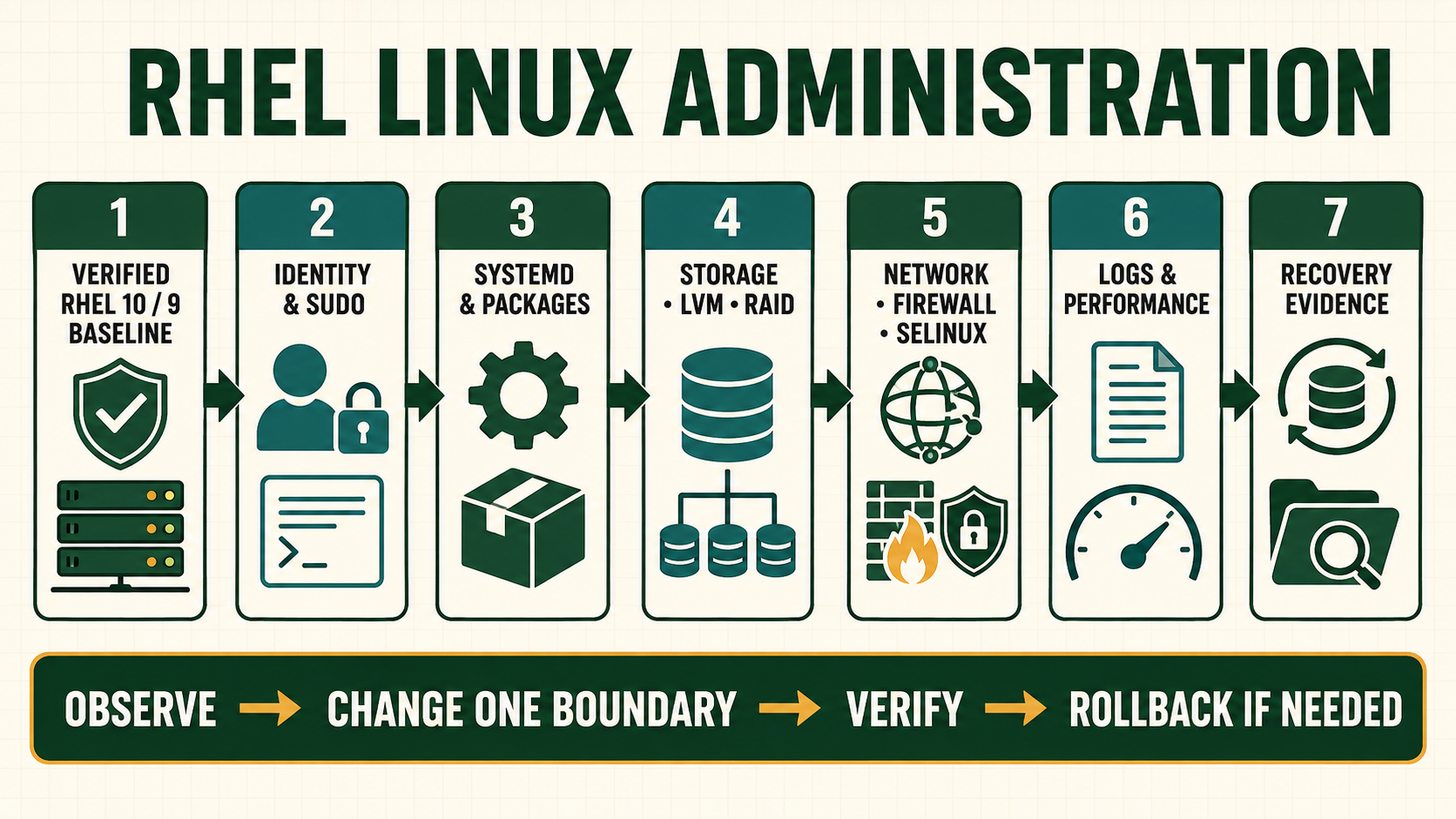
Logs are evidence only when their source, time, completeness, retention and access are understood. /var/log/messages is not a universal answer: systemd services write to the journal, applications may use files or structured remote telemetry, and rsyslog can route selected events. Rotation controls local files but does not guarantee durable central retention or successful ingestion.
Design the evidence path before an incident
Record which layer emits an event, how journald receives and stores it, whether rsyslog forwards or writes it, where central storage timestamps it and how long each copy remains. Preserve event time and ingestion time when delayed delivery matters. Synchronize clocks, but never assume all sources use the same timezone or precision.
Logs may contain addresses, identifiers, message content, tokens or secrets. Collection needs least privilege, transport protection, retention and deletion policy. Debug logging can expose more sensitive data and consume storage rapidly.
Follow an event from producer to retention
| Layer | Question to answer | Evidence |
|---|---|---|
| Producer | Which unit/process emitted what event? | Unit, PID, structured fields and application ID |
| Local journal | Was it accepted and persisted? | Boot ID, cursor, storage mode and disk use |
| Routing | Which rsyslog selector/action handles it? | Validated configuration and queue/action stats |
| Remote store | Was it received, indexed and protected? | Ingestion timestamp, source identity and access |
| Retention | Can required history be retrieved intact? | Rotation/archive policy and restore/search test |
Build and test a logging contract
- List critical services, event classes, owners, retention and alert use.
- Confirm UTC/time synchronization and record boot IDs.
- Set journal storage and limits appropriate to local recovery needs.
- Validate rsyslog syntax and configure protected forwarding with queueing where required.
- Configure logrotate only for application files not managed by another owner.
- Emit a unique harmless test event and trace it through local and remote destinations.
- Test rotation, service reopen behavior, storage pressure and remote outage recovery.
Query journals and validate logging components
timedatectl
chronyc tracking
journalctl --list-boots
journalctl -u sshd.service -b --since '-30 minutes' --no-pager
journalctl -p warning..alert -b --no-pager
journalctl --disk-usage
journalctl --verify
systemd-analyze cat-config systemd/journald.conf
rsyslogd -N1
logrotate --debug /etc/logrotate.conf
logger --tag nitwings-lab --priority user.notice 'logging path verification'
journalctl -t nitwings-lab --since '-5 minutes' --no-pager
journalctl --verifychecks journal-file consistency, not whether every expected producer emitted or forwarded events.- A successful rsyslog syntax check does not prove TLS trust, network delivery or remote indexing.
- Use a unique benign test marker and remove no evidence during an active incident.
- Do not force rotation against active application logs until reopen/copytruncate behavior and data-loss boundary are understood.
Evidence and acceptance criteria
| Evidence | Healthy result | Failure meaning |
|---|---|---|
| Time | Synchronized clock and explicit UTC correlation | Events can appear out of order or break TLS/authentication analysis |
| Local journal | Expected unit event, boot ID and cursor retained | Producer, rate limit, volatile storage or access issue |
| Forwarding | Queued action reaches authenticated remote endpoint | Network, TLS, queue or receiver failure |
| Rotation | Files rotate with correct owner/mode and application reopen | Disk growth or writes continue to unlinked file |
| Retrieval | Required historical event is searchable under access policy | Retention or indexing does not meet incident needs |
Worked scenario: disk fills although logs were rotated
A large application log is renamed and compressed, but the process keeps the old file descriptor open. The pathname looks small while the deleted inode still consumes space. Repeated deletion does not release it.
The operator proves the deleted-open descriptor with lsof +L1, confirms the application supports a documented reopen signal or controlled reload, and watches the descriptor move to the new file. Rotation is changed to use the application’s supported reopen behavior. Disk, journal and remote evidence remain intact.
Practical how-to cases
Case 1: Enable persistent journal storage
Create the supported storage directory and verify effective journald configuration. Preserve UTC time, original event order and access control because logs can contain credentials and customer data.
sudo mkdir -p /var/log/journal
sudo systemd-tmpfiles --create --prefix /var/log/journal
sudo systemctl restart systemd-journald
journalctl --flush
journalctl --list-boots
journalctl --disk-usage| Checkpoint | What to establish |
|---|---|
| Expected result | Boot history persists under /var/log/journal and storage use is measurable. |
| If it fails | Directory existence alone does not prove retention; inspect effective limits and boots after reboot. |
| Safe recovery | Restore the saved configuration, validate syntax before restart, and prove both local retention and remote delivery resume. |
Case 2: Query one incident window
Filter by unit, priority, boot and UTC time without exporting the entire journal. Preserve UTC time, original event order and access control because logs can contain credentials and customer data.
timedatectl
journalctl --list-boots
journalctl -u sshd -b --since '2026-09-04 10:00:00 UTC' --until '2026-09-04 10:15:00 UTC' -o short-iso-precise
journalctl _PID=1234 --no-pager| Checkpoint | What to establish |
|---|---|
| Expected result | The output covers only the correlated window and preserves precise timestamps and source fields. |
| If it fails | Wrong clock or timezone makes apparently matching events misleading. |
| Safe recovery | Restore the saved configuration, validate syntax before restart, and prove both local retention and remote delivery resume. |
Case 3: Forward a test event
Validate rsyslog, send one tagged record and confirm it locally and at the collector. Preserve UTC time, original event order and access control because logs can contain credentials and customer data.
sudo rsyslogd -N1
logger -p local0.notice -t nitwings-lab 'forwarding check'
journalctl -t nitwings-lab --since '-5 minutes'
sudo ss -ntup | grep 6514 || true
sudo journalctl -u rsyslog -n 30| Checkpoint | What to establish |
|---|---|
| Expected result | The uniquely tagged record appears locally and at the approved TLS collector. |
| If it fails | A running rsyslog process does not prove queue delivery, certificate trust or collector ingestion. |
| Safe recovery | Restore the saved configuration, validate syntax before restart, and prove both local retention and remote delivery resume. |
Case 4: Test log rotation
Debug policy first, force only a lab log, then prove the writer reopens or continues correctly. Preserve UTC time, original event order and access control because logs can contain credentials and customer data.
sudo logrotate --debug /etc/logrotate.conf
sudo logrotate --force /etc/logrotate.d/labapp
ls -l /var/log/labapp*
sudo lsof /var/log/labapp.log
journalctl -u labapp -n 20| Checkpoint | What to establish |
|---|---|
| Expected result | Archive naming, permissions and retention match policy and the application writes to the active file. |
| If it fails | copytruncate can lose records; rename requires a reopen signal or service behavior that supports it. |
| Safe recovery | Restore the saved configuration, validate syntax before restart, and prove both local retention and remote delivery resume. |
Independent practice tasks
- Set journal size and retention limits for a small lab disk.
- Route one facility to a dedicated file with secure permissions.
- Configure a TLS forwarding queue and simulate collector outage.
- Recover a service that keeps writing to a rotated deleted file.
For this lesson on RHEL Logging and Retention, complete each task without copying the worked command sequence. Record the initial state, exact change, verification, negative test and recovery command. A task is unfinished if it works now but does not survive a reboot where persistence is required.
Troubleshooting by symptom
| Symptom | Inspect first | Defensible next action |
|---|---|---|
| Prior boot missing | Journal storage mode, directory and retention | Enable planned persistence/forwarding before next incident |
| Local event absent remotely | rsyslog action/queue, TLS and receiver ingestion | Repair first failed hop and preserve queued events |
| Disk grows after rotation | Deleted-open files and application reopen behavior | Use supported reopen/reload, not random kill |
| Journal drops messages | Rate-limit notices, producer flood and storage limits | Correct flood and capacity while preserving critical classes |
| Timestamps disagree | Timezone, NTP state, event vs ingestion time | Normalize correlation without rewriting original evidence |
Unsafe operations and recovery boundaries
- Unsafe: deleting or vacuuming logs during an incident destroys evidence and may not free deleted-open space.
- Unsafe: enabling verbose debug globally can expose secrets and exhaust storage; scope and time-bound it.
- Unsafe: forwarding logs without authenticated encryption or access controls can disclose operational and customer data.
Rewritten knowledge checks
journalctl --list-boots and -b.rsyslogd -N1, followed by end-to-end delivery testing.Guided lab and acceptance test
- Record time state and boot ID, then query one unit by time and priority.
- Configure a lab rsyslog file action for a unique facility/tag and validate syntax.
- Emit a unique logger event and trace fields through journal and file.
- Create a logrotate rule for the lab file and run debug before a forced lab-only rotation.
- Simulate a held-open file and use
lsof +L1to explain space. - Remove the lab routing/rotation files, reload safely and verify ordinary logging continues.