
RHEL RPM, DNF, Repositories and Package Verification
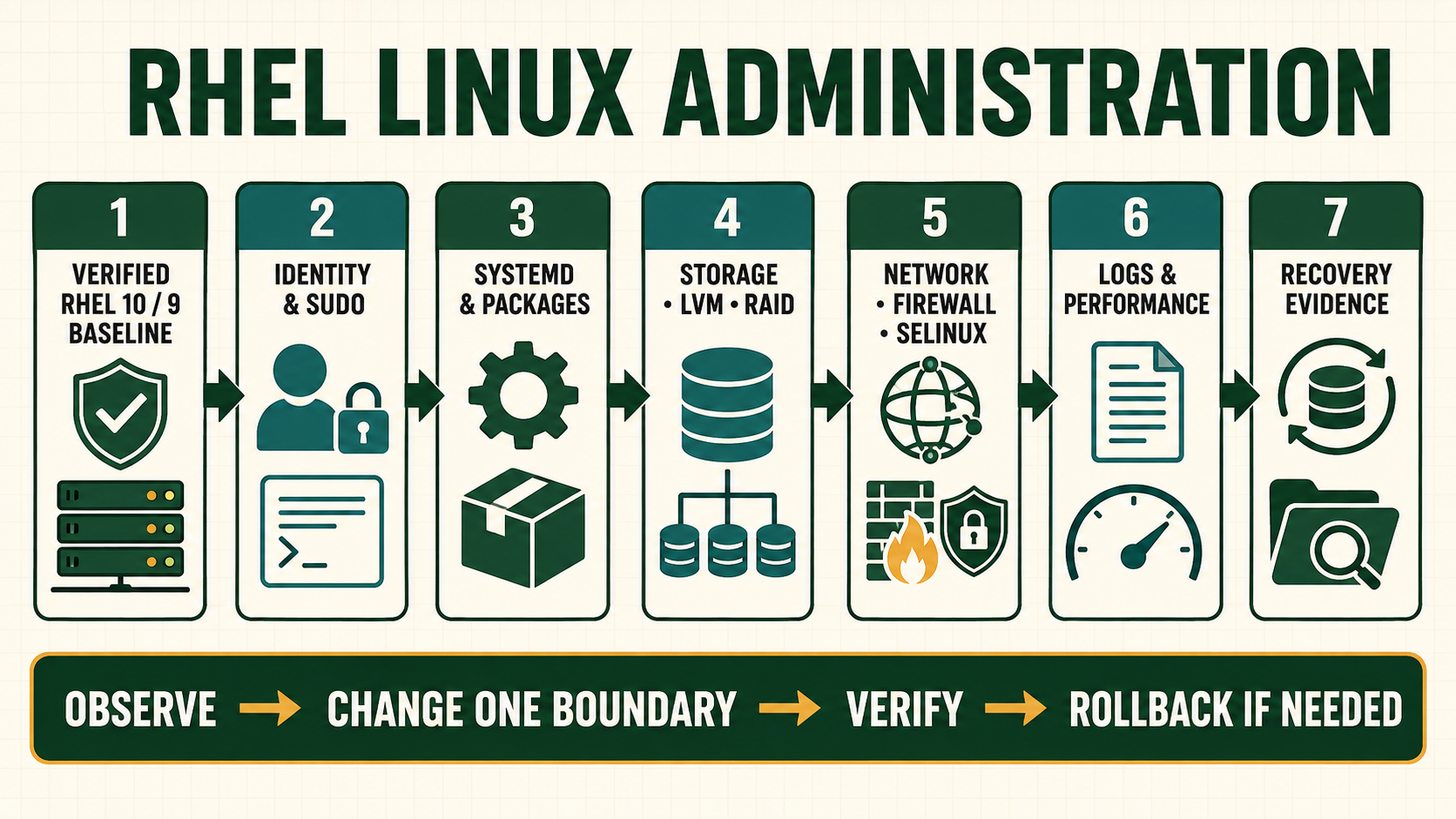
Package installation changes executable code, services, dependencies, configuration and support state. The question is not merely whether dnf install succeeds. An operator must know which repository supplied the package, which signing key authorized it, what dependency transaction occurred, whether configuration requires merging, which services need restart and how the application will be accepted or recovered.
Treat package provenance as part of system identity
RHEL content may come from Red Hat repositories plus explicitly approved vendor or internal repositories. Each additional source expands trust and dependency resolution. Repository files, subscription state, GPG keys and package signatures must match an owned decision. Disabling signature checks to install one RPM converts a convenience issue into a supply-chain risk.
RPM records installed file metadata and package scripts. Local configuration can legitimately differ, so verification output requires interpretation. DNF transaction history helps reconstruct change but undo cannot reverse external data migrations, removed configuration, generated state or every dependency decision. Use system/application backup and a tested recovery plan.
Follow software from repository to running service
| Layer | Question to answer | Evidence |
|---|---|---|
| Repository | Who owns and serves the metadata? | Enabled repo ID, base URL, TLS and approval |
| Signature | Which trusted key signs metadata/package? | Key fingerprint and RPM signature result |
| Transaction | What packages, scripts and dependencies change? | DNF plan and transaction history |
| Configuration | Which vendor defaults and local files coexist? | RPM config markers, diff and application syntax test |
| Runtime | Which processes use replaced files? | Restart requirement and application acceptance |
Plan and apply a package transaction
- Inventory enabled sources. Remove accidental testing or duplicate repositories from the resolver path.
- Inspect the candidate. Record name, epoch/version/release, architecture, repository and signing identity.
- Review the transaction. Read installs, upgrades, removals and weak dependencies before approval.
- Protect state. Back up application data and reviewed configuration; record a rollback trigger.
- Apply in the maintenance boundary. Retain console and application ownership; preserve complete DNF output and transaction ID.
- Reconcile and accept. Review configuration, restart only affected services as planned, test functionality and monitor.
Inspect repository, package and transaction evidence
dnf repolist --enabled
dnf repoinfo
dnf list --showduplicates example-package
dnf info example-package
dnf repoquery --requires --resolve example-package
dnf install --assumeno example-package
rpm -q --qf '%{NAME}-%{EPOCHNUM}:%{VERSION}-%{RELEASE}.%{ARCH} %{VENDOR}\n' example-package
rpm -qi example-package
rpm -ql example-package
rpm -qf /usr/bin/example
rpm -V example-package
dnf history list
dnf history info last
dnf check- Use a real reviewed package name.
--assumenoexposes the proposed transaction without applying it, but repository metadata can change later. rpm -Vcompares installed files with RPM metadata. Configuration differences need ownership review rather than blind replacement.- Record the full NEVRA, not only a human version string, when proving exact installed identity.
- After library or core updates, determine which services/processes require restart and whether the kernel requires an approved reboot.
Evidence and acceptance criteria
| Evidence | Healthy result | Failure meaning |
|---|---|---|
| Enabled repositories | Only approved unique sources participate | Testing, duplicate or compromised source can influence resolution |
| Candidate identity | Expected NEVRA, architecture, vendor and signature | Wrong stream, architecture or package impersonation |
| Transaction plan | No unexplained removals or dependency replacements | Conflict, modular stream or repository priority issue |
| Configuration reconciliation | Owned local settings preserved and syntax-valid | Package update may leave new/default or rpmnew/rpmsave state |
| Runtime acceptance | Affected applications use the intended files and pass tests | Installed package did not complete service change |
Worked scenario: adding a repository replaces a supported dependency
A team adds a third-party repository for one utility. The repository also publishes newer builds of shared libraries and wins dependency selection during a later update. Several supported services now use packages outside the expected vendor boundary, although the requested utility works.
The team captures NEVRA and repository origin, disables the unapproved source, plans a distro-sync against approved repositories in a recovery window and validates application data compatibility. Future vendor software is isolated through an approved repository with content filtering or a container where appropriate. Repository onboarding now includes a package-overlap report.
Practical how-to cases
Case 1: Configure a repository
Create a bounded repository file and verify metadata and package visibility. Use only approved signed repositories and preview dependency changes before accepting a transaction.
sudo dnf config-manager --add-repo https://repo.example.test/rhel10/example.repo
sudo dnf clean metadata
sudo dnf repolist --enabled
sudo dnf repoinfo example
dnf repoquery --repo example --available| Checkpoint | What to establish |
|---|---|
| Expected result | The expected repository ID, base URL and signed package set are visible. |
| If it fails | TLS, DNS, proxy, entitlement or GPG failure must be corrected at its owning layer. |
| Safe recovery | Use DNF history and the retained package/configuration backup to reverse the reviewed transaction; do not assume every downgrade is safe. |
Case 2: Inspect before install
Resolve dependencies, files, scripts and signature identity before changing the host. Use only approved signed repositories and preview dependency changes before accepting a transaction.
dnf info httpd
dnf repoquery --requires --resolve httpd
sudo dnf install --assumeno httpd
dnf download --destdir /tmp httpd
rpm -K /tmp/httpd-*.rpm| Checkpoint | What to establish |
|---|---|
| Expected result | The source, version, dependency set and signature are known before approval. |
| If it fails | An unsigned or unexpected-vendor RPM is a supply-chain stop condition. |
| Safe recovery | Use DNF history and the retained package/configuration backup to reverse the reviewed transaction; do not assume every downgrade is safe. |
Case 3: Verify an installed package
Distinguish packaged files, configuration drift and an unowned binary. Use only approved signed repositories and preview dependency changes before accepting a transaction.
rpm -qi httpd
rpm -ql httpd | head
rpm -V httpd
rpm -qf /usr/sbin/httpd
dnf history info last| Checkpoint | What to establish |
|---|---|
| Expected result | Ownership and intended changes are explainable; verification output is reviewed rather than erased. |
| If it fails | Configuration markers can be legitimate; compare with change records and rpmnew/rpmsave files. |
| Safe recovery | Use DNF history and the retained package/configuration backup to reverse the reviewed transaction; do not assume every downgrade is safe. |
Case 4: Use Flatpak as a separate scope
Inspect remote and application identity without treating Flatpak as an RPM repository. Use only approved signed repositories and preview dependency changes before accepting a transaction.
flatpak remotes --show-details
flatpak search org.gnome.Calculator
flatpak install --assumeno flathub org.gnome.Calculator
flatpak list --app| Checkpoint | What to establish |
|---|---|
| Expected result | Remote origin, application ID and proposed permissions are visible. |
| If it fails | System and per-user installations differ; an app ID is not an RPM package name. |
| Safe recovery | Use DNF history and the retained package/configuration backup to reverse the reviewed transaction; do not assume every downgrade is safe. |
Independent practice tasks
- Install and remove one signed lab package while retaining history.
- Find which package provides an absent command.
- Disable one lab repository and prove installed packages remain distinct from repository availability.
- Explain and safely handle one rpmnew configuration file.
For this lesson on RHEL RPM and DNF Package Management, complete each task without copying the worked command sequence. Record the initial state, exact change, verification, negative test and recovery command. A task is unfinished if it works now but does not survive a reboot where persistence is required.
Troubleshooting by symptom
| Symptom | Inspect first | Defensible next action |
|---|---|---|
| No match for package | Enabled repositories, release/architecture and correct package name | Use dnf provides or official docs; do not download a random RPM |
| Dependency conflict | Transaction plan, repository origin and modular/content streams | Resolve repository ownership and supported versions |
| Signature failure | Package source, key fingerprint, metadata and time | Stop; verify authoritative key and repository, never use --nogpgcheck |
| Service fails after update | Changed files, config markers, journal and data migration | Restore compatible configuration/data or follow supported rollback |
| DNF history undo fails | External changes and current dependency graph | Use the application/system recovery plan, not repeated forced transactions |
Unsafe operations and recovery boundaries
- Unsafe:
--nogpgcheckremoves package authenticity enforcement. Resolve the repository/key chain instead. - Unsafe: forcing RPM dependency replacement or removal can leave the database and filesystem inconsistent. Review the supported transaction.
- Unsafe: assuming
dnf history undoreverses application data, scripts and configuration can make recovery worse. Keep independent backups.
Rewritten knowledge checks
rpm -qf /path for an installed path.Guided lab and acceptance test
- List enabled repositories and record ownership and expected purpose for each.
- Select a harmless installed package and report NEVRA, vendor, repository history, files and signature information.
- Use
dnf repoqueryand an assume-no transaction to map dependencies. - Make a controlled lab configuration change and compare RPM verification output.
- Review the last DNF transaction and identify packages, script effects and services potentially affected.
- Restore the lab configuration through its owned process and verify the package and application state.