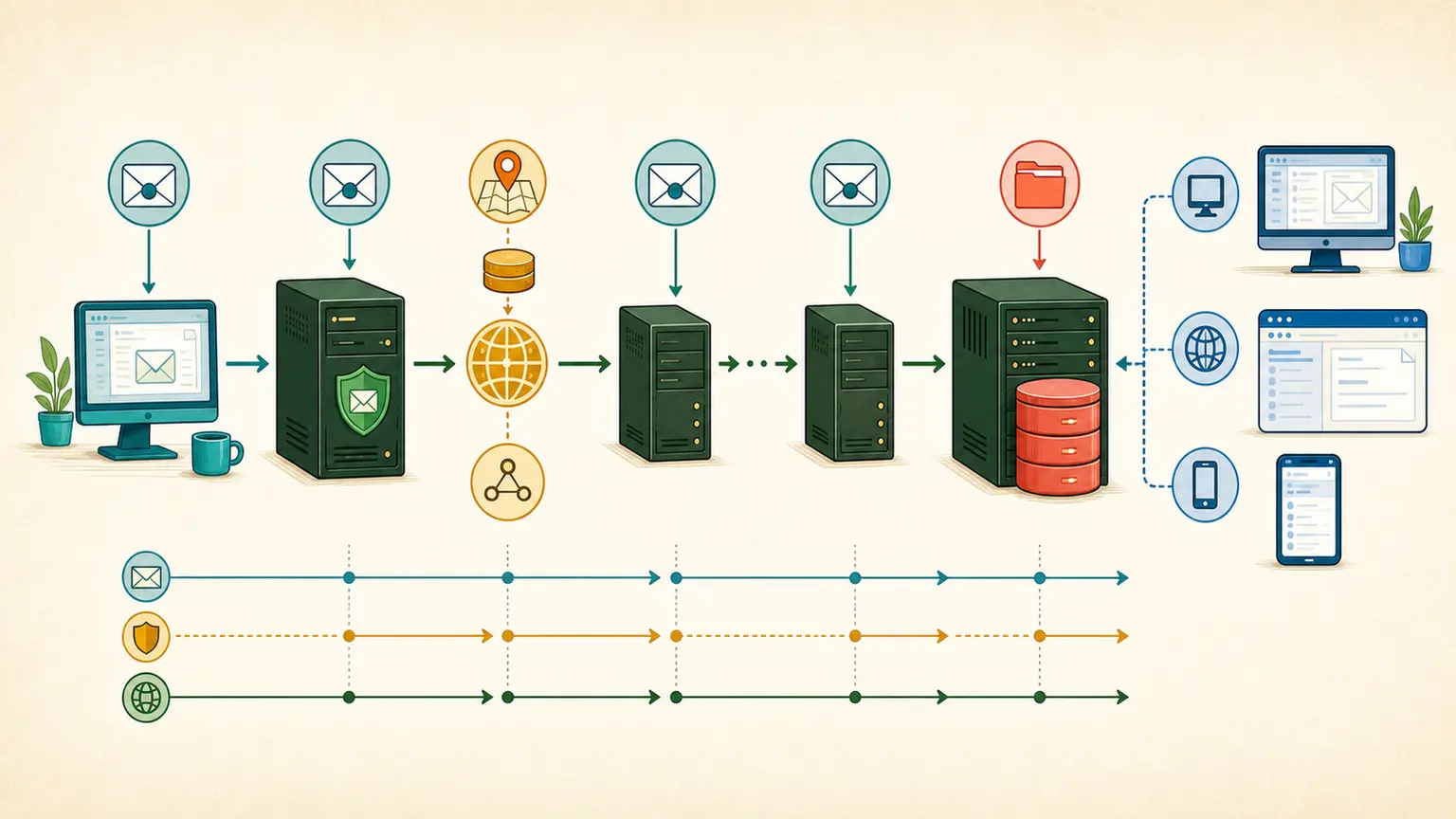
Postfix Queue Backlog: A Safe Diagnostic Runbook

A growing Postfix queue is evidence, not the root cause. The queue tells you which destinations are waiting, how long they have waited, and what the remote or local system said. If you delete it, flush it repeatedly, or raise concurrency before reading that evidence, you can turn a delay into lost mail or a larger provider block.
Take a snapshot before touching the queue
Record the time, active and deferred counts, oldest-message age, arrival rate, and delivery rate. Save a sample of complete queue records and the matching mail-log window. A queue of 100,000 messages that is draining steadily is a different incident from a queue of 10,000 whose oldest age rises every minute.
postqueue -p
postqueue -j | head -n 100
qshape deferred
postqueue -j depends on the installed Postfix version, and qshape may be packaged separately. Use the commands available on the host and preserve the output with timestamps.
Read errors as groups, not anecdotes
Group deferred mail by recipient domain, transport, enhanced status code, and normalized response. Then compare the size and age of those groups.
- If one provider dominates, inspect its throttling, reputation, routing, and policy responses before changing global settings.
- If unrelated providers time out together, look at the local resolver, firewall, NAT, connection tracking, routes, and host resources.
- If mail stalls before the SMTP client stage, inspect content filters, policy services, milters, local transports, and disk-backed handoffs.
- If invalid recipients dominate, stop the source of bad addresses instead of tuning the MTA to process them faster.
Keep the full response text. The same 4xx class can represent provider rate control, a DNS problem, greylisting, TLS failure, or a local resource limit.
Check the host and route before tuning Postfix
Review disk capacity, inode use, I/O latency, memory pressure, CPU steal, file descriptors, resolver response, network errors, and whether logs are still writable. Resolve the affected MX records through the same path the MTA uses. Confirm the actual source IP, HELO name, rDNS, transport map, relayhost, and policy route after recent deployments or failover.
A configuration change inside Postfix cannot repair a full filesystem, a stalled resolver, or an unexpected source route.
More concurrency can deepen a remote block
Destination concurrency helps only when the remote system is ready to accept more connections and the local host has capacity. If the provider is already returning rate limits, increasing processes or forcing the queue can create a synchronized retry burst.
Separate the stream or tenant causing persistent failure from delayed good mail. Use hold, transport, or application controls that preserve an audit trail. Do not delete messages based only on age or queue size; removal needs a defined business and data-retention decision.
Recover in a measured way
Start with a small retry through the same route that failed. Watch provider response mix, queue age, delivery latency, connection errors, and host resources. Increase gradually only while the oldest age falls and the dominant failure group keeps shrinking.
The incident note should retain the first symptom, affected destinations, response groups, host and DNS checks, recent traffic or configuration change, intervention, validation, and prevention work. Add alerts for oldest-message age and destination-specific deferrals. Total queue size alone usually warns too late.